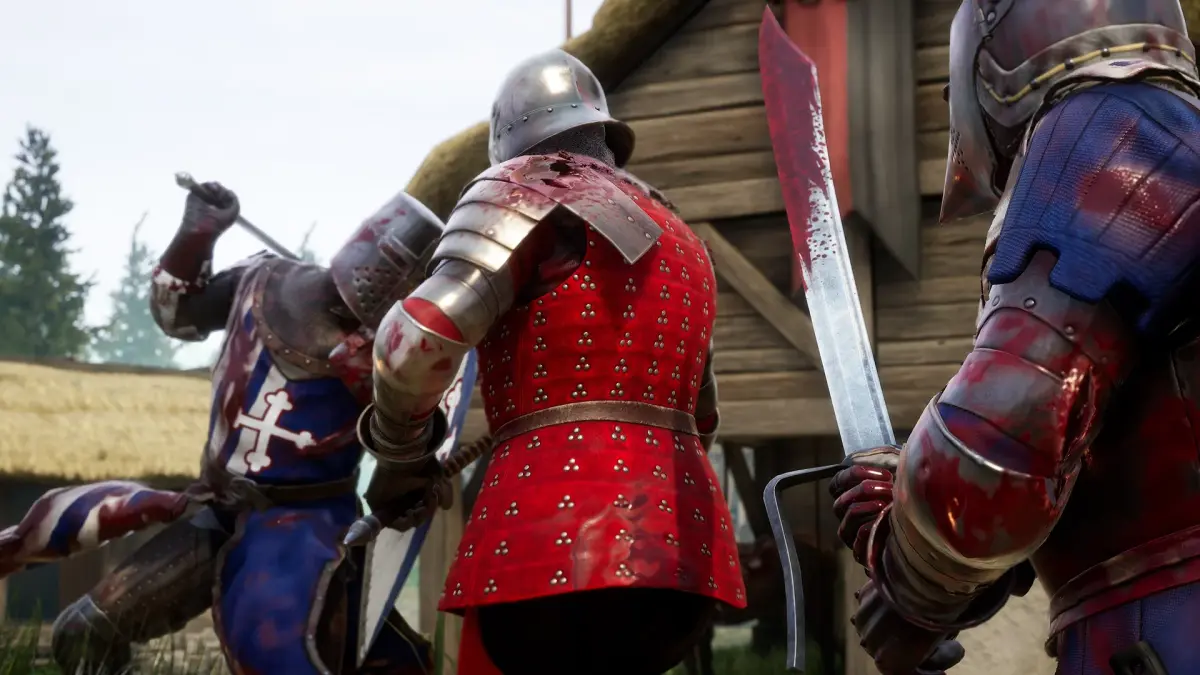
Learn how to support and join custom maps in Mordhau. Experience fresh battlegrounds created by the community and expand your gameplay horizons.
Custom Map Support in Mordhau
Mordhau's engine allows for extensive community-driven content, including custom maps. Discover how players create and share these unique battlegrounds, and learn how to join servers that host these fan-made creations for a fresh and diverse gameplay experience.
The world of Mordhau is constantly expanding thanks to the creativity of its community. Custom map support is a significant feature, enabling players to des and implement their own battlefields. These maps can range from intricate recreations of historical locations to entirely fantastical environments, offering new tactical challenges and visual spectacles.
The Power of Custom Maps:
- Diverse Environments: Custom maps introduce a vast array of settings that go beyond the official game's offerings. You might find yourself fighting in ancient ruins, bustling medieval cities, or even alien landscapes.
- Unique Gameplay: Map creators can implement unique objectives, environmental hazards, and interactive elements that alter the standard gameplay loop. This leads to innovative and engaging combat scenarios.
- Community Engagement: The creation and sharing of custom maps foster a strong sense of community. You can collaborate on dess, provide feedback, and celebrate the ingenuity of their peers.
- Extended Replayability: Custom maps significantly increase the game's replayability, offering endless new arenas to test your skills and discover new strategies.
How to Find and Play on Custom Maps:
Playing on custom maps is typically done through community-hosted servers. Here's how to find them:
- Server Browser Filters: Use the server browser in Mordhau and look for servers that specifically advertise custom maps in their name or description. Terms like 'Custom Maps,' 'Map Rotation,' or specific map names are good indicators.
- Community Hubs: Many Mordhau communities, particularly on platforms like Discord, have dedicated channels where players share information about servers running custom maps. Joining these communities can provide direct links and recommendations.
- Modding Websites: Websites dedicated to game modding often feature lists of custom maps and servers that host them.
- Joining a Server: Once you find a server running custom maps, simply join it. The game will usually download the necessary map files automatically. If not, the server might provide instructions on how to manually download and install them.
Creating Your Own Custom Maps:
For the more technically inclined, Mordhau offers tools and resources for creating your own custom maps. This typically involves using a level editor and understanding the game's asset pipeline. While this is a more advanced undertaking, it offers the ultimate creative freedom.
- Mordhau Modding Tools: The game's developers often provide SDKs (Software Development Kits) or tools that allow users to create custom content.
- Community Tutorials: The modding community is a great resource for learning how to create maps. Look for tutorials and guides shared by experienced map makers.
- Patience and Practice: Map creation is a complex process that requires patience, creativity, and a willingness to learn.
Custom maps are a vital part of Mordhau's longevity and appeal. They showcase the passion of You base and provide an ever-evolving landscape for combat. Don't hesitate to explore these fan-made creations for a truly unique Mordhau experience.
100% Human-Written. AI Fact-Checked. Community Verified. Learn how AntMag verifies content