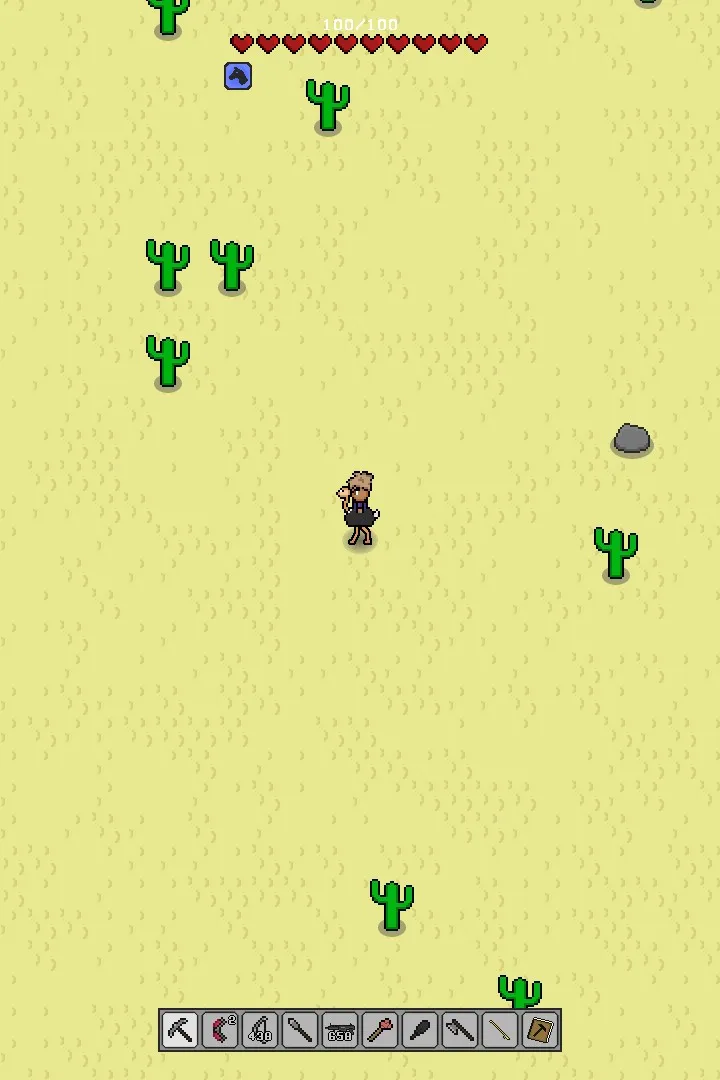
Learn the essential controls and user interface elements of Necesse. This guide covers movement, combat, crafting, and UI navigation to help you master the game.
This guide provides an overview of the controls and user interface (UI) for Necesse, helping players navigate and interact with the game world effectively. Understanding these elements is crucial for progression, combat, crafting, and settlement management.
| Action | Key/Button |
|---|---|
| Move Up | W / Up Arrow |
| Move Down | S / Down Arrow |
| Move Left | A / Left Arrow |
| Move Right | D / Right Arrow |
| Jump | Spacebar |
| Interact / Use Item | Left Mouse Button / E |
| Attack | Left Mouse Button |
| Open Inventory | I |
| Open Crafting Menu | C |
| Open Building Menu | B |
| Open Map | M |
| Open Journal / Quests | J |
| Open Settings | Esc |
| Quick Slot 1-4 | 1, 2, 3, 4 |
| Drop Item | G |
| Toggle Sprint | Shift |
100% Human-Written. AI Fact-Checked. Community Verified. Learn how AntMag verifies content