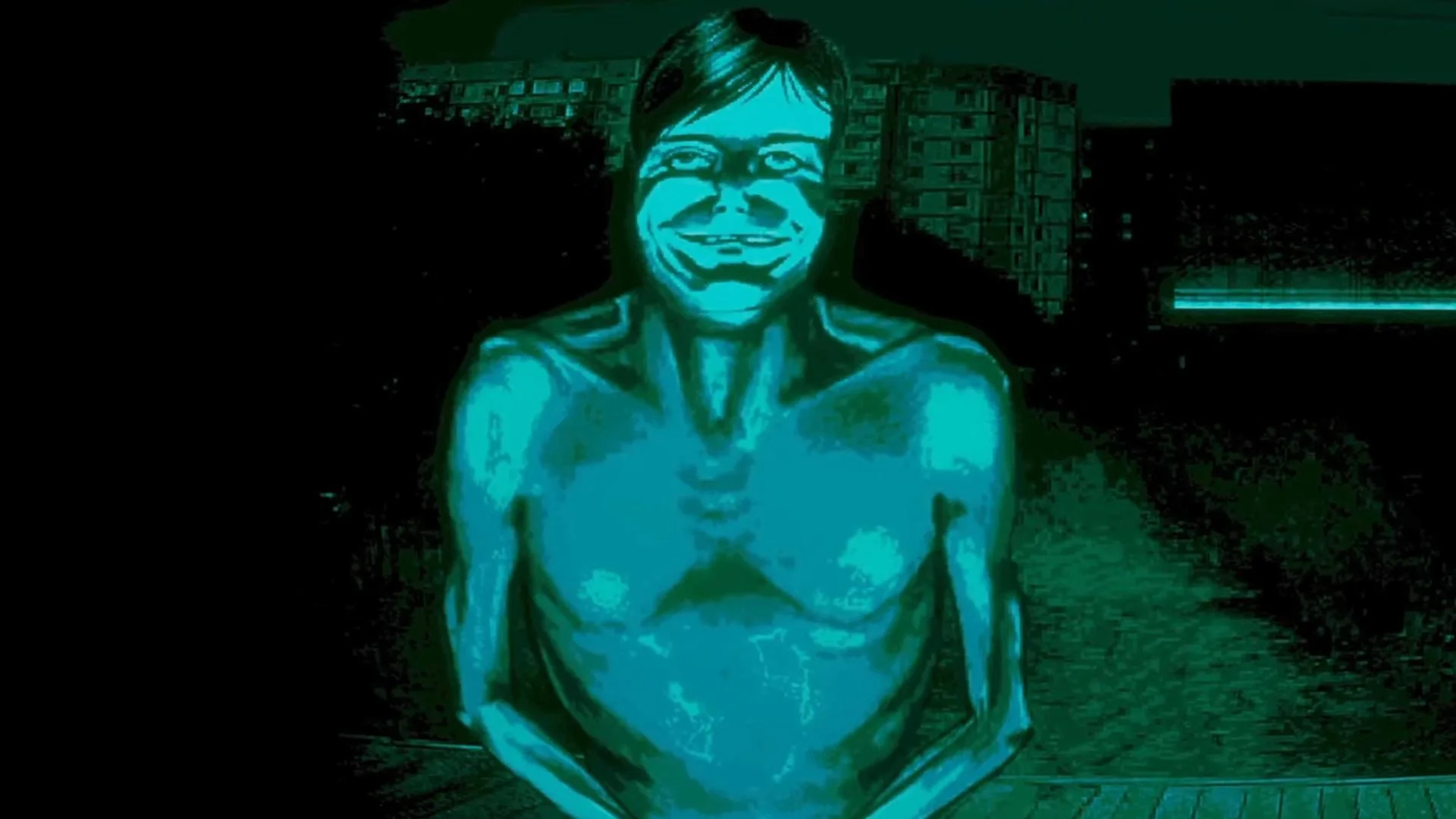
Navigate No I'm not a Human's UI: Directive Tracker, Suspicion Meter, Quick Slots, Mini-Map, and Data Log explained.
Your UI is your primary source of information and interaction. Here's a breakdown of key elements:
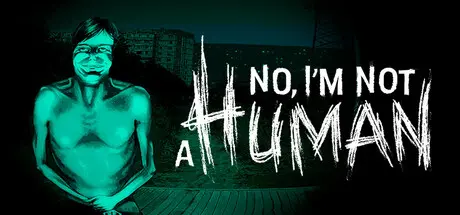
- Top Left: Directive Tracker - Displays your current primary objective and any active sub-objectives.
- Top Right: Suspicion Meter - This crucial gauge indicates how much attention you're drawing. High suspicion can lead to investigations or even termination. Keep it low!
- Bottom Left: Quick Slot Bar - For frequently used items or 'Social Protocols' (emotes, specific dialogue options).
- Bottom Right: Mini-Map/Local Area Scan - Shows your immediate surroundings, points of interest, and detected human activity.
- Center Screen (Contextual): Interaction Prompts - Appears when you can interact with an object or person.
- Data Log (Tab): This comprehensive menu contains your Inventory (collected items), Skill Tree (upgrades and abilities), Quest Log (all active and completed directives), and Codex (information on human society, individuals, and lore). Regularly consult your Data Log for updates and strategic planning. Understanding each element is vital for efficient operation and maintaining your cover.
100% Human-Written. AI Fact-Checked. Community Verified. Learn how AntMag verifies content