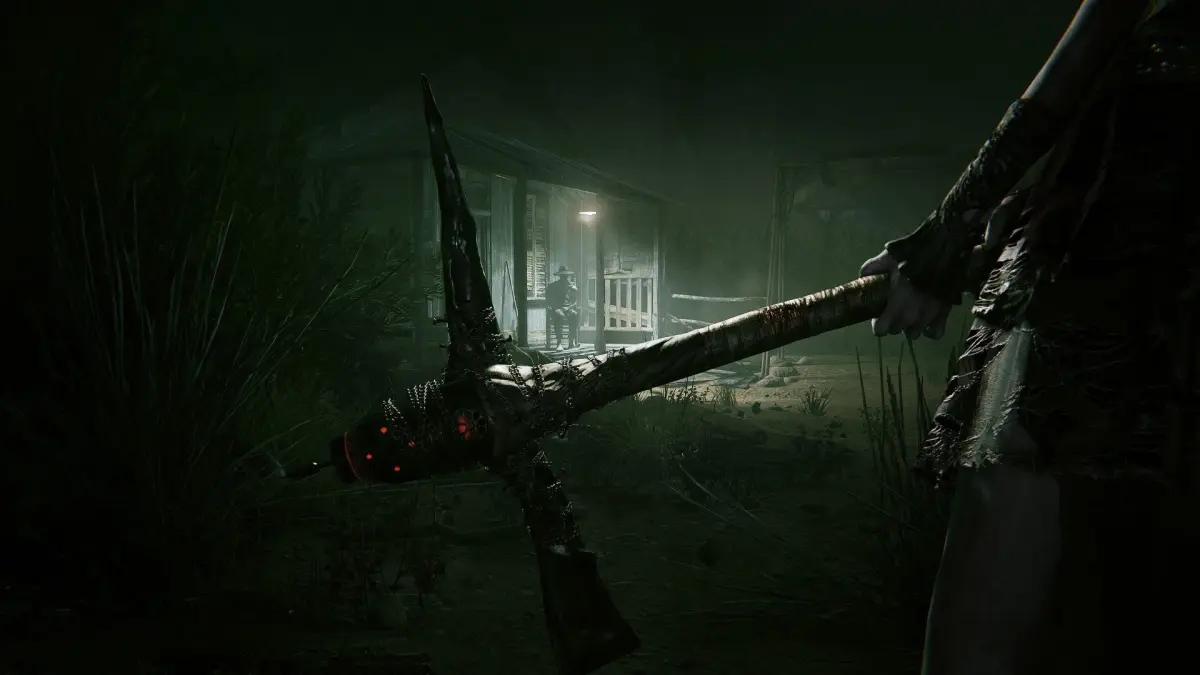
Outlast 2 Part 19 walkthrough covering The Ascension and The Library sections, including finding the Pulse recording.
Walkthrough:
- Head into the school area. You can go right immediately or left for a battery.
- Proceed to the back, following the path to the light. Open a door on your right to find a battery on a table.
- Exit the room and continue to the large double doors. Turn around and go back the way you came.
- Enter the door where you started to reach the reception area.
- You can duck under the counter to your right to find a bandage to the immediate left.
- Head straight (left of the counter) into a computer lab area.
- Check the conference room on the right if you wish.
- Find and interact with one of the computers that is turned ON (in the middle row).
- After the interaction, exit the computer and turn around.
- Locate another turned-on computer near where the previous one was. Interact with it to see more typing/chatting and read the webpage if desired.
- Exit the computer and be sure to RECORD the computer lab as it lights up for the Pulse recording.
- The door to your right is now open. Go through it and head left (the right path is a dead end).
- You will enter an area of the hallway above the pool. Stop and observe who comes through the door below. Watch the footsteps and listen to the audio if turned on.
- Continue down the hallways as they turn left and enter the next door.
- In the next area, a room on the right leads to a classroom with a hangman message on a desk.
- Further on to the left is the
100% Human-Written. AI Fact-Checked. Community Verified. Learn how AntMag verifies content