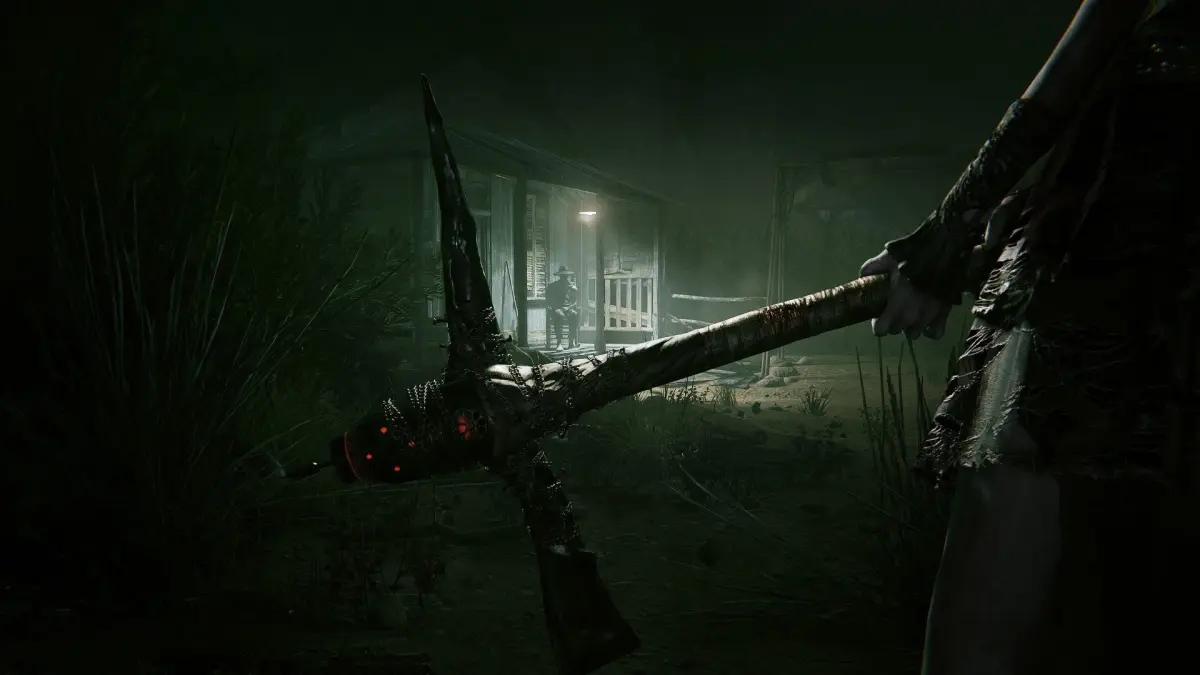
Master Part 3 of Outlast 2! Learn essential controls, tips for managing batteries and bandages, and how to use your camcorder's microphone to detect enemies. Get ready to run, hide, and survive.
Alright, so you've made it to Part 3 of our Outlast 2 journey. This section is going to cover some crucial controls and general tips that'll keep you alive. Think of this as your basic training before we dive back into the real horror.
First off, let's get you familiar with the controls. You'll be using your camcorder a lot, so knowing how to operate it is key. The Square Button is your main 'Action' button, used for interacting with things. Need to reload your batteries or patch yourself up? That's the Triangle Button. For jumping or grabbing onto ledges, you'll be hitting the X Button. And when you need to get low, whether it's to hide or crawl through tight spaces, use the O Button.
Your camcorder itself has a few tricks. The Touch Pad lets you review recordings or check your current battery and bandage count. When things get really dark, you'll want to use R1 to bring up the camcorder and then R3 to activate Night-Vision. Leaning is super important for peeking around corners without exposing yourself – use L2 to lean left and R2 to lean right. And if you need to make a quick getaway, holding down L3 will make you sprint.
- Batteries and Bandages: These are your lifelines, and sometimes they can be a bit random in where they spawn. The game seems to adjust their appearance based on how many you currently have. Keep an eye out near flashlights or in first-aid kits, as that's where they usually pop up. Don't stress too much if you don't find exactly what the guide mentions; just know they're often in those general areas.
- Keep the Camcorder Ready: Seriously, keep that camcorder out as much as possible, especially if you're not sticking to the guide religiously. You'll find lots of 'recordings' (notes) scattered around that give you more insight into the story and the world. Missing these can mean missing crucial context.
- Hiding and Running: Some areas will throw you into a situation where you're trapped with a psycho and have to find a way out. Your best bet is to identify a safe hiding spot first, then explore from there. Remember, you can outrun most enemies. If you're ever in doubt, just run! But be smart about it – don't try to hide when an enemy is literally watching you.
- Use the Microphone: Your camcorder's microphone can be a lifesaver for detecting enemies. It's great for checking around corners, in cornfields, or just generally getting a sense of what's nearby. Just a heads-up, though: in places with a lot of ambient noise, like the mines, it might not be as effective.
Chapter 1: Genesis - The Nightmare
Alright, story time. You're Blake Langerman, an investigative journalist, and your wife Lynn is right there with you. You're in rural Arizona, trying to uncover the truth behind a disturbing murder. You're not fighters, folks. Your only options are to run, hide, or die. So, your main goal is to record everything you see.
To get started, just choose 'New Game'. This walkthrough was written on 'Normal' difficulty, so keep that in mind if you're playing on a harder setting.
Important Note: This guide was created to help you find all the collectibles in the game. Pay attention!
100% Human-Written. AI Fact-Checked. Community Verified. Learn how AntMag verifies content