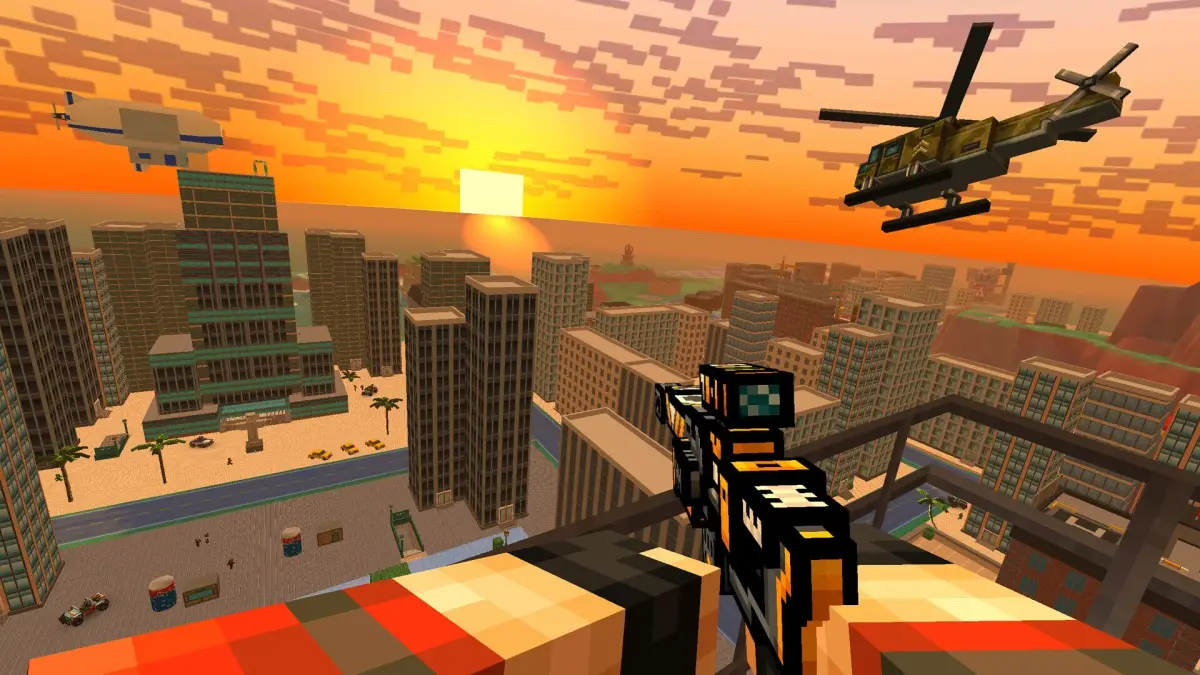
Learn the essential controls for Pixel Gun 3D: PC Edition. Master movement, aiming, shooting, and weapon switching to dominate every match. Your ultimate guide to PC controls.
This guide details the controls for Pixel Gun 3D: PC Edition. Understanding these controls is crucial for effective gameplay and mastering combat.
| Action | Button |
|---|---|
| Movement (Forward/Backward/Left/Right) | W/S/A/D |
| Jump | Spacebar |
| Crouch | Ctrl |
| Aim | Right Mouse Button |
| Fire | Left Mouse Button |
| Reload | R |
| Switch Primary Weapon | 1 |
| Switch Secondary Weapon | 2 |
| Switch Melee Weapon | 3 |
| Switch Grenade | 4 |
| Use Health Pack | H |
| Throw Grenade | G |
| Interact/Pick Up Item | E |
| Open Map | M |
| Scoreboard | Tab |
| Chat | T |
| Voice Chat | V |
| Pause Menu | Esc |
100% Human-Written. AI Fact-Checked. Community Verified. Learn how AntMag verifies content