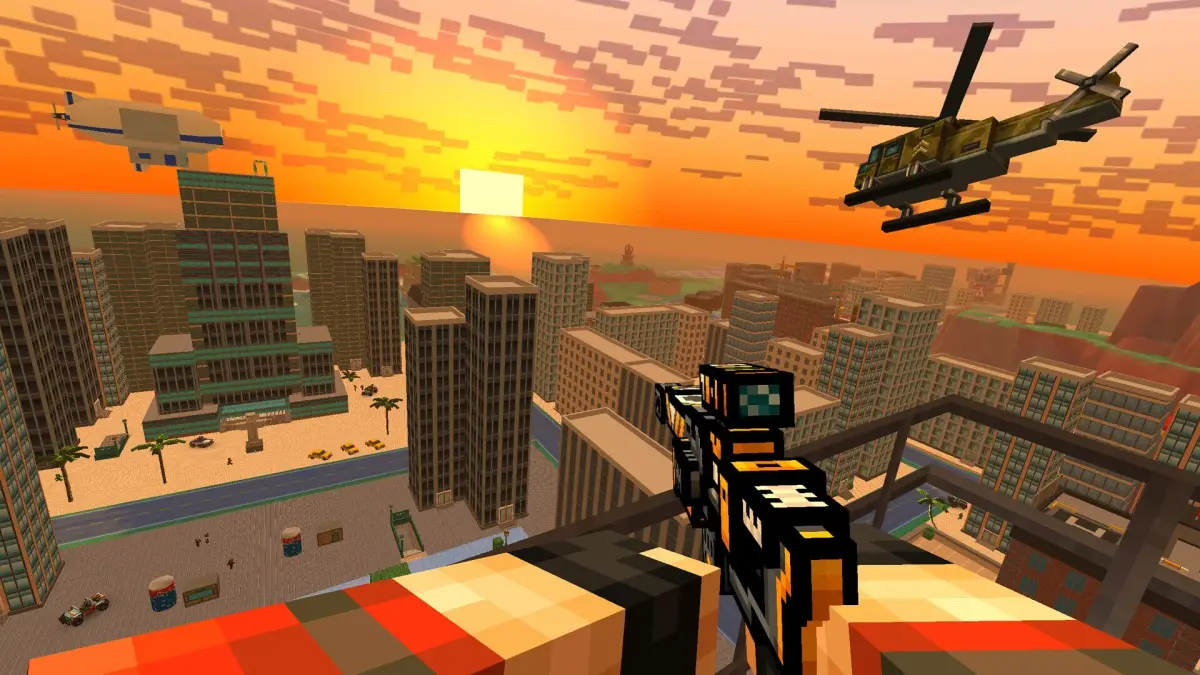
Master the Pixel Gun 3D PC Edition Shooting Range. Practice aim, test weapons, and improve skills for better in-game performance.
Sharpen your aim and hone your skills in the 'Shooting Range,' a dedicated practice area in Pixel Gun 3D: PC Edition. This invaluable mini-game allows you to test weapons, practice accuracy, and improve your reflexes without the pressure of a live match.
The Shooting Range is a controlled environment designed for practice. It typically features various targets, including stationary dummies, moving targets, and sometimes even simulated enemy scenarios. You can access the Shooting Range from the main menu or through specific game hubs. It's an excellent tool for both new players looking to get a feel for the game's mechanics and experienced players aiming to refine their combat proficiency.
Within the Shooting Range, you can expect to find:
- Target Practice Areas: These range from simple static targets at varying distances to moving targets that simulate enemy movement. Some areas might have timed challenges to test your speed and accuracy.
- Weapon Testing Stations: You can typically try out any weapon you own in the Shooting Range. This allows you to assess recoil, fire rate, accuracy, and damage without expending in-game currency or risking your performance in a match.
- Simulated Scenarios: More advanced Shooting Ranges might offer scenarios that mimic actual combat situations, such as defending a point against waves of targets or engaging targets that pop out from cover.
- Scoreboards: Many Shooting Range challenges come with leaderboards, allowing you to compare your scores with friends or other players and track your improvement over time.
Strategies for Using the Shooting Range Effectively:
- Warm-up Routine: Before diving into competitive matches, spend a few minutes in the Shooting Range to get your aim dialed in. This can significantly improve your performance from the start of a match.
- Test New Weapons: Whenever you acquire a new weapon, take it to the Shooting Range first. Understand its recoil pattern, optimal engagement range, and how it feels to fire before using it in a real game.
- Practice Specific Skills: If you struggle with a particular aspect of combat, like flick shots or tracking moving targets, focus your practice on the relevant targets in the range.
- Experiment with Sensitivity Settings: The Shooting Range is the perfect place to fine-tune your mouse sensitivity and other aiming-related settings to find what works best for you.
- Challenge Yourself: Don't just shoot aimlessly. Set personal goals, like achieving a perfect score on a timed challenge or hitting a certain percentage of headshots on moving targets.
- Understand Weapon Effectiveness: Use the range to confirm which weapons are best suited for different ranges and combat scenarios. For example, you can see how quickly a shotgun loses effectiveness beyond close range.
The Shooting Range is more than just a mini-game; it's an essential training ground for any player looking to improve their skills in Pixel Gun 3D: PC Edition. Consistent practice here will translate directly into better performance and more victories on the battlefield.
| Feature | Purpose | Benefit |
|---|---|---|
| Static Targets | Basic accuracy practice | Improves aim stability |
| Moving Targets | Tracking and leading targets | Enhances reaction time |
| Weapon Testing | Evaluating weapon performance | Informed weapon choices |
| Timed Challenges | Speed and efficiency practice | Improves combat tempo |
100% Human-Written. AI Fact-Checked. Community Verified. Learn how AntMag verifies content