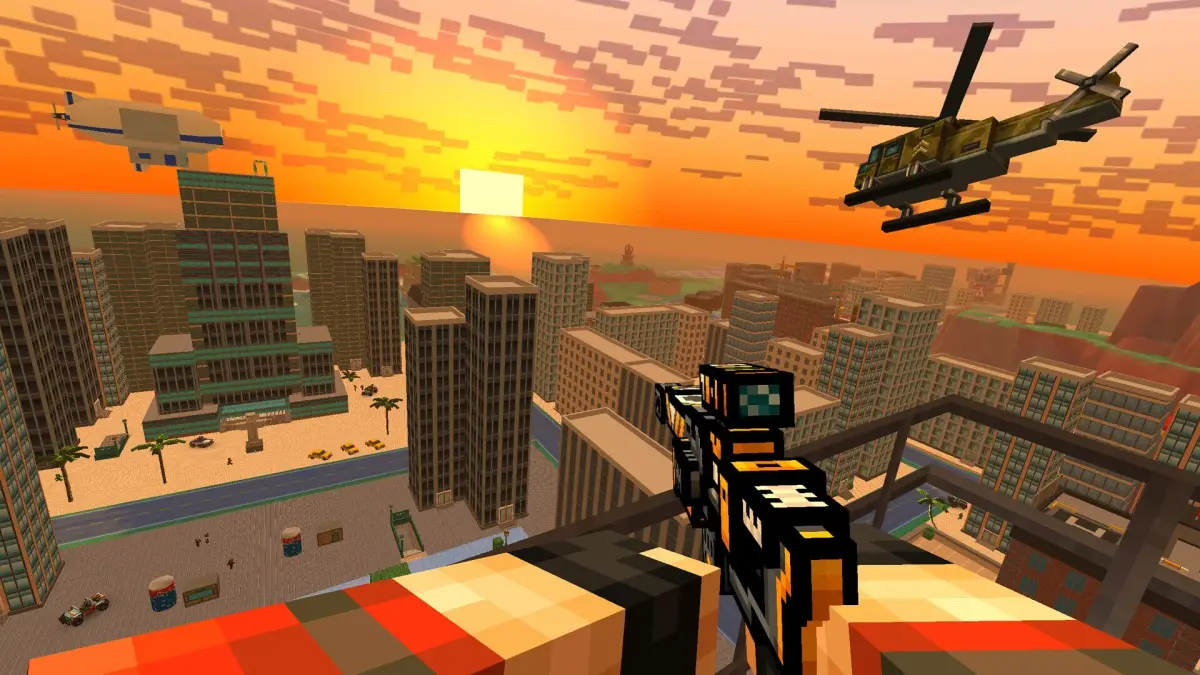
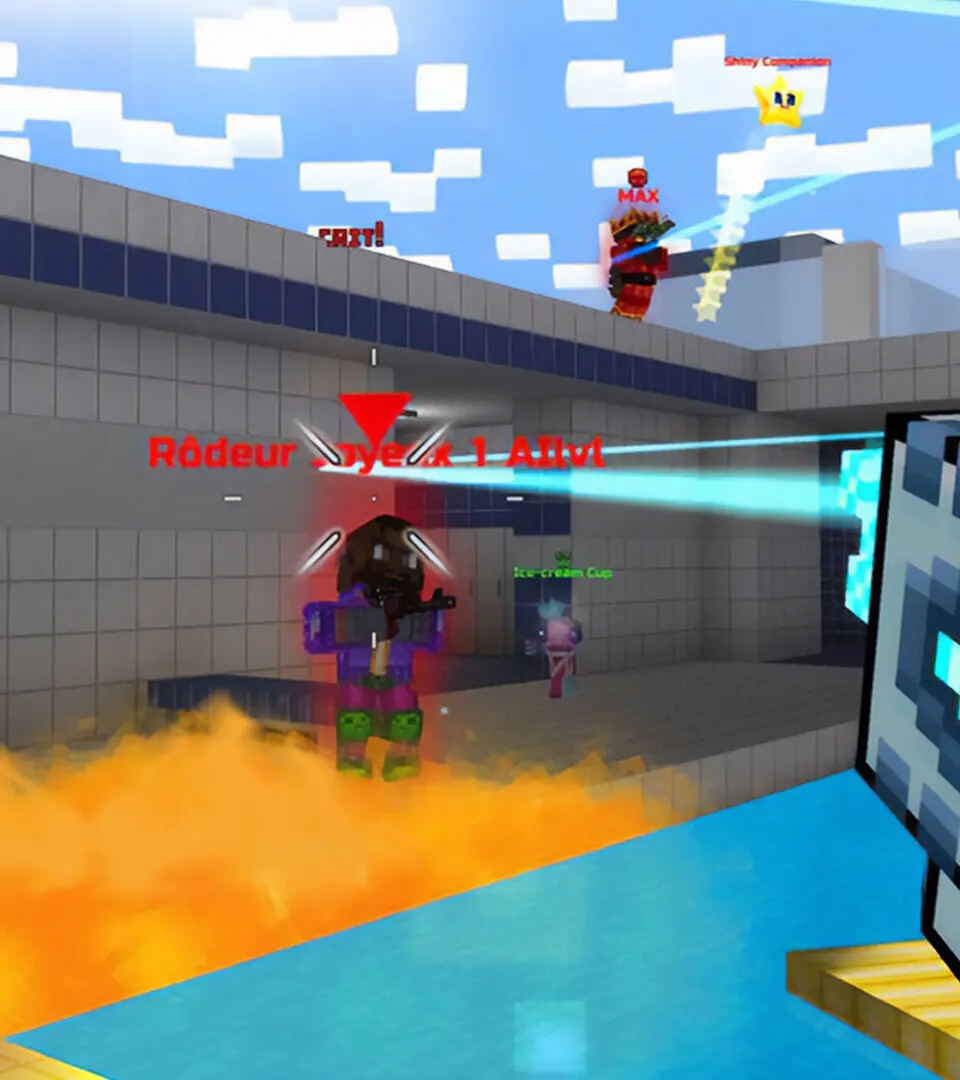
Navigate the pixelated battlefields of Pixel Gun 3D: PC Edition with our comprehensive guide to controls, UI elements, and gameplay mechanics. Master movement, aiming, and combat.
Pixel Gun 3D: PC Edition features a dynamic user interface designed for fast-paced combat. Understanding its layout and controls is key to mastering the game.
| Action | Keybind |
|---|---|
| Movement | WASD keys |
| Jump | Spacebar |
| Crouch | Ctrl |
| Aim | Right Mouse Button |
| Fire | Left Mouse Button |
| Reload | R |
| Weapon Swap | 1-5 keys, Mouse Wheel |
| Use Gadget | Q |
| Melee Attack | V |
| Interact | E |
The Heads-Up Display (HUD) provides crucial information during gameplay:
- Health Bar: Located at the top left, shows your current health.
- Ammo Count: Displays remaining ammunition for your equipped weapon.
- Minimap: Top right corner, shows the layout of the map and player positions.
- Objective Indicator: Displays current mission objectives or game mode goals.
- Kill Feed: Shows recent player eliminations.
Customization options allow players to adjust sensitivity, keybinds, and visual settings to suit their playstyle.
100% Human-Written. AI Fact-Checked. Community Verified. Learn how AntMag verifies content