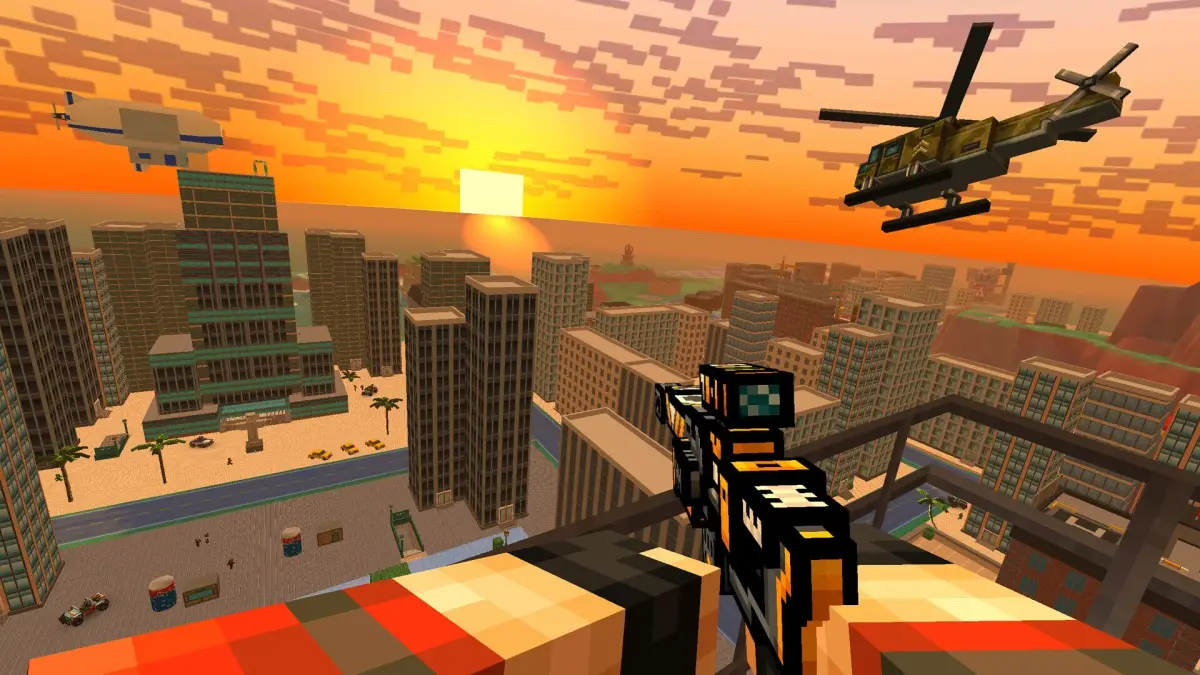
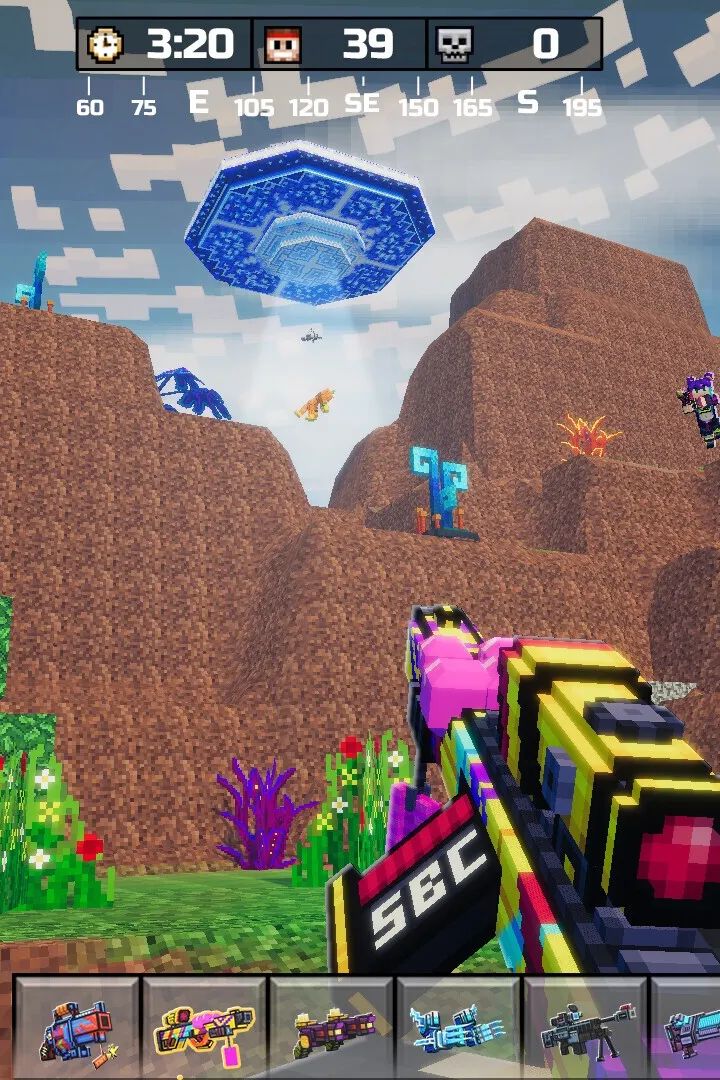
Start your Pixel Gun 3D PC journey. Learn controls, character customization, basic combat, and game modes for a strong start.
Welcome to the chaotic and colorful world of Pixel Gun 3D: PC Edition! This guide will walk you through your initial moments, from setting up your character to understanding the basic controls and game modes. Get ready to jump into the action with confidence and start your journey as a pixelated warrior.
Stepping into Pixel Gun 3D for the first time can be an exhilarating experience, filled with vibrant visuals and a plethora of gameplay options. The PC Edition offers a refined experience, bringing the beloved mobile shooter to a new platform with enhanced controls and graphics. Your first priority should be to familiarize yourself with the game's interface and core mechanics. Upon launching the game, you'll likely be prompted to create or customize your character. This is your chance to express your individuality in the pixelated battlefield. Choose from several skins, hats, and accessories to make your avatar stand out.
Here's a step-by-step guide to get you started:
- Character Customization: Spend some time in the character editor. While many items are locked behind progression or in-game currency, you'll have access to a decent starting selection.
- Tutorial & Controls: Most games offer a brief tutorial. Pay close attention to the control scheme. On PC, you'll typically use WASD for movement, the mouse for aiming and shooting, Spacebar for jumping, and Ctrl or C for crouching. Other keys will be assigned to weapon switching, abilities, and interacting with the environment.
- First Game Mode: You'll likely start with access to simpler game modes, such as Team Deathmatch or Free-for-All. These are excellent for learning the ropes without the pressure of complex objectives.
- Understanding the HUD: Familiarize yourself with the Heads-Up Display. This includes your health bar, ammunition count, mini-map, and any active buffs or debuffs.
- Basic Combat: Focus on aiming for the head for critical hits. Learn to use cover effectively and practice strafing (moving side-to-side while shooting) to make yourself a harder target.
- Weapon Familiarity: Your starting weapons will be basic. Experiment with them to understand their range, fire rate, and damage output. Don't be afraid to try different weapons as you unlock them.
- In-Game Currency: Pixel Gun 3D features various in-game currencies (e.g., Coins, Gems). You'll earn these by playing matches, completing challenges, and through daily rewards. Use them wisely to purchase new weapons, armor, or cosmetic items.
As you progress, you'll unlock new game modes, weapons, and customization options. Don't be discouraged by early losses; every player starts somewhere. Focus on learning from each match, understanding enemy tactics, and improving your aim and movement. The PC Edition's intuitive controls and engaging gameplay loop are designed to be accessible yet offer deep strategic possibilities as you gain experience.
Remember to check the in-game shop regularly for daily deals and new arrivals. The game is constantly updated with new content, so there's always something fresh to discover. Enjoy your adventure in the vibrant world of Pixel Gun 3D!
100% Human-Written. AI Fact-Checked. Community Verified. Learn how AntMag verifies content