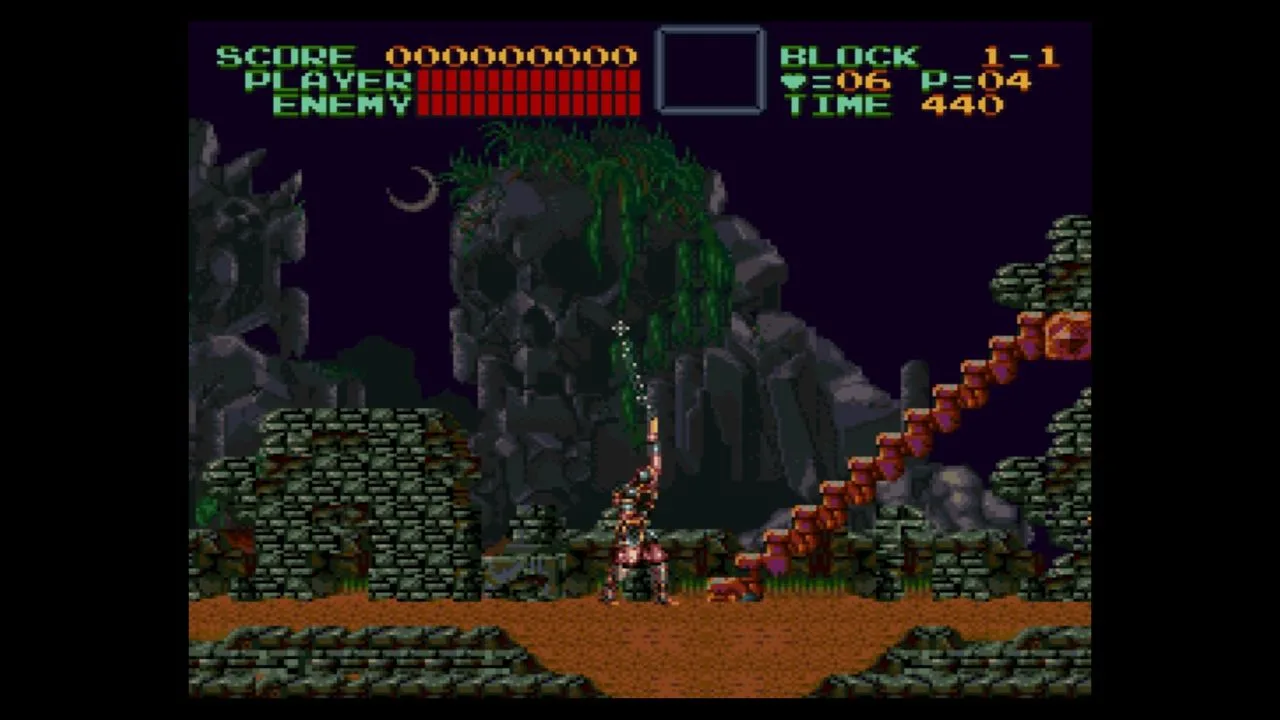
Learn the controls and basic gameplay mechanics for Super Castlevania IV, including button functions and item descriptions.
Walkthrough
- 1Control Pad: Use to move Simon and aim the whip in eight directions.
- 2Start Button: Press to make selections on the screen or pause the game.
- 3Select Button: Not used.
- 4A Button: Not used.
- 5B Button: Press to jump.
- 6Y Button: Press to crack the whip.
- 7X Button: Not used.
- 8Right Shoulder Button: Press to use special items.
- 9Left Shoulder Button: Not used.
Tips:
- You begin Super Castlevania IV with three lives. Losing all health or running out of time on a stage costs a life. Upon receiving a game over, you are given a password that allows you to resume from the stage where you died.
- Special orbs allow you to swing over large gaps. Hit these orbs with your whip and use the directional buttons to control Simon's movement.
- Holding the B button after cracking the whip makes it limp, allowing you to wave it around with the Control Pad for reduced damage but continuous contact.
- While in the air, press down on the Control Pad and press B to perform a downward whip attack.
- Sub-weapons are available: Watch (stops most enemies, costs 5 hearts), Dagger (destroys objects, costs 1 heart), Axe (slow but powerful arc, costs 1 heart), Holy Water (burns enemies in path, costs 1 heart), and Cross (powerful weapon that travels across the screen and returns, costs 1 heart).
- Items include: Small Heart (1 shot per weapon), Large Heart (5 shots per weapon), Rosary (destroys all enemies on screen), Invisibility Potion (grants temporary invincibility), Morning Star (increases whip power in two stages), Money Bag (awards points), Double Shot (allows throwing weapon use twice consecutively), Triple Shot (allows throwing weapon use three times consecutively), Small Pork Chop (restores 5 health bars), Large Pork Chop (restores 10 health bars), Magic Crystal (earned from bosses, grants time bonus and restores health), and 1 UP (adds a bonus life).
- The default button assignments for JUMP, WHIP, and ITEM can be customized in the Option menu at the start of the game.
- The source manual refers to the Holy Water and Cross as
100% Human-Written. AI Fact-Checked. Community Verified. Learn how AntMag verifies content