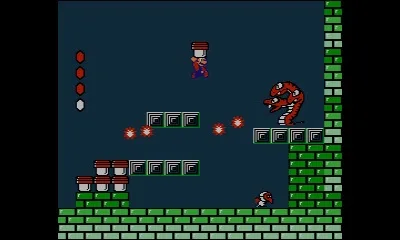
Learn how to save your progress in Super Mario Bros. 2. Save points appear after completing Towers and Castles for the first time, and when opening new map paths.
Learn how to save your progress in Super Mario Bros. 2. Save points appear after completing Towers and Castles for the first time, and when opening new map paths.
Completing Towers and Castles (first time only)
Paying Star Coins to open a new path on the map
Walkthrough
1
You will be given the option to save your game when you complete Towers and Castles for the first time.
2
You can also save your game after paying Star Coins to open up a new path on the map.
3
To perform a Quick Save, pause on the map screen and select the Quick Save option. This allows you to save and quit instantly.
Tips
The Quick Save option is temporary. Once you reload the file, that temporary save is gone.
You will need to save through normal means (completing Towers/Castles or opening map paths) to keep your data permanently.