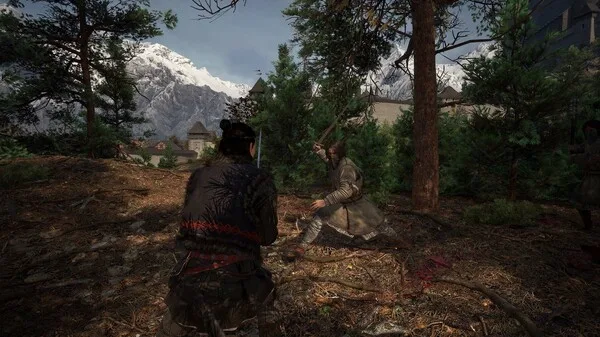

Learn to navigate and understand every element of The Blood of Dawnwalker's Heads-Up Display (HUD) with our comprehensive guide, ensuring you never miss crucial information during gameplay.
The Heads-Up Display (HUD) in The Blood of Dawnwalker provides vital information at a glance, crucial for survival and progression. Understanding each element will significantly enhance your gameplay experience.
Key HUD Elements:
- Health Bar: Displays your current health. Depletion leads to death.
- Stamina Bar: Governs actions like sprinting, dodging, and attacking. Regenerates over time.
- Blood Meter: Unique to your vampire nature, this meter fills by consuming blood and can be used for special abilities.
- Minimap: Shows your immediate surroundings, including objectives, enemies, and points of interest.
- Quest Tracker: Displays your current active quest and its objectives.
- Status Effects: Icons indicating active buffs or debuffs affecting your character.
- Item/Ability Hotbar: Quick access to selected items and abilities for immediate use.
Mastering the HUD allows for better resource management, tactical decision-making, and a more immersive experience in the dark world of The Blood of Dawnwalker.
100% Human-Written. AI Fact-Checked. Community Verified. Learn how AntMag verifies content