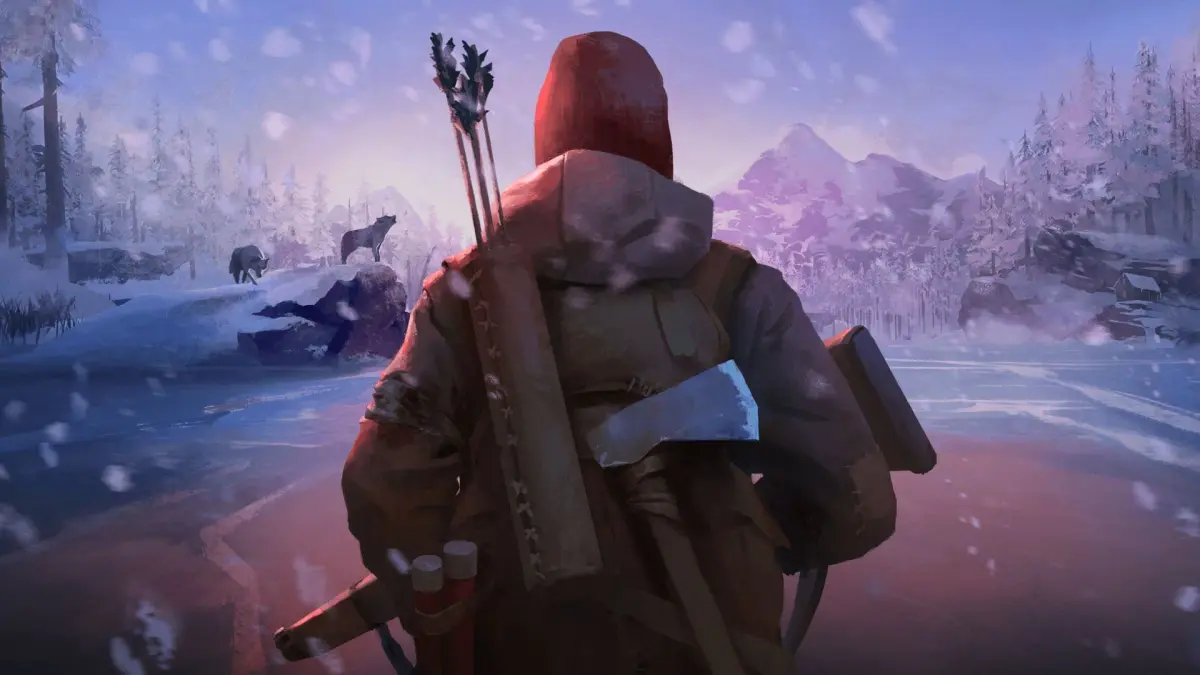
Learn how to use the Z button to aim your weapons in The Long Dark. A quick guide for beginners on mastering your aim and taking down threats.
Z Button: Aiming Your Weapons
Alright, so you've been exploring the quiet apocalypse of The Long Dark, and you've probably realized that sometimes, you need to defend yourself. When that wolf or bear decides you look like a tasty snack, or when you need to take down a deer for some much-needed food, you'll want to have your weapon ready. That's where the 'Z' button comes in!
Think of 'Z' as your 'ready' button for aiming. When you've got a weapon equipped – whether it's a rifle, a revolver, or even a bow – pressing 'Z' will bring it up and let you line up your shot. It's pretty straightforward, but it's a crucial step before you actually pull the trigger.
Why Aim?
You might be tempted to just fire wildly, but trust me, in The Long Dark, every bullet counts. Aiming with 'Z' lets you:
- Improve Accuracy: You'll get a much steadier aim, making it easier to hit vital spots.
- Conserve Ammo: Missing a shot means wasting precious ammo. Aiming helps you make each shot count.
- Take Down Threats Efficiently: A well-aimed shot can stop a threat quickly, preventing you from taking damage or worse.
When to Use It
Pretty much anytime you have a ranged weapon out and you see something you need to shoot. This includes:
- Targeting wolves or bears that are approaching you.
- Trying to hunt for food (deer, rabbits, etc.).
- Using a flare gun to scare off predators or signal for help (though aiming a flare gun is a bit different, the principle is the same - get it pointed where you want it!).
Heads Up!
Don't forget that while you're aiming, you're often a sitting duck. Animals can still charge you, and you're more vulnerable. Try to find a safe spot or be ready to switch targets or retreat if things get hairy. Practice makes perfect, so get comfortable with that 'Z' button – it's going to be your best friend when the going gets tough!
100% Human-Written. AI Fact-Checked. Community Verified. Learn how AntMag verifies content