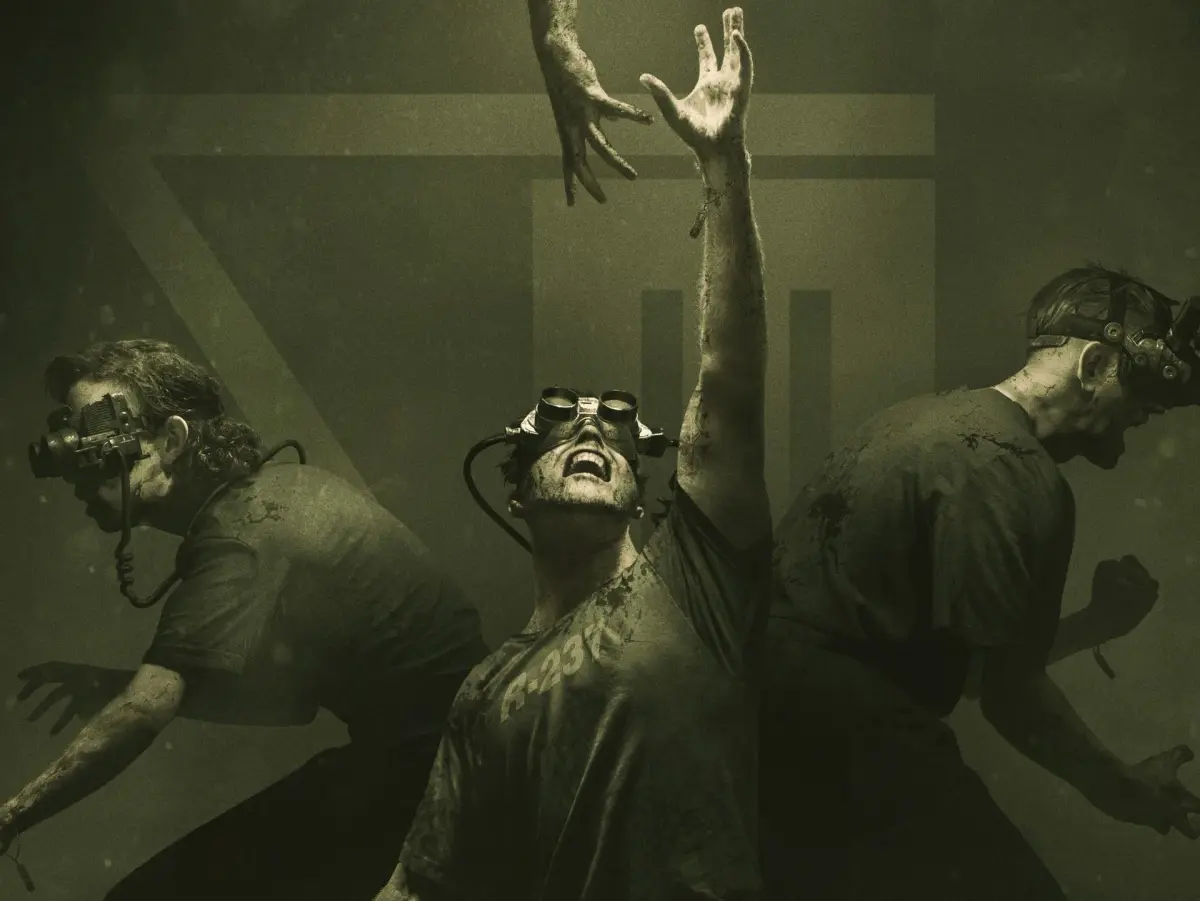
Master The Outlast Trials Part 2 with our comprehensive guide to controls. Learn movement, camera, item usage, and more to survive the trials.
Hey there! So you've made it to Part 2 of our Outlast Trials guide. This section is all about getting you comfortable with the controls, which are super important for staying alive in this game. Let's break down exactly what each button does so you can navigate the horrors ahead like a pro.
Controls:
First off, let's get you moving. The Left Analog Stick is your primary way to move around. Think of it like walking or running through the environments.
To look around and control your camera, you'll be using the Right Analog Stick. This is crucial for spotting enemies, finding objectives, or just taking in the terrifying scenery.
The Directional Buttons have a few handy functions:
- Up/Down: These let you zoom in and out with your camcorder. Essential for scouting ahead or getting a closer look at something without getting too close yourself.
- Left: This brings up your Evidence Menu. Keep an eye on this to track your progress and review what you've found.
- Right: This opens up your Note Menu. Notes can provide valuable lore and hints, so don't ignore them!
Now for the action buttons:
- Square Button: This is your general 'Action' button. You'll use it for interacting with objects, opening doors, picking up items, and other context-sensitive actions.
- Triangle Button: This is specifically for reloading your Batteries. Your camcorder's night vision drains batteries fast, so keeping them topped up is vital.
- X Button: Use this to Jump. Sometimes a well-timed jump can help you avoid hazards or reach new areas.
- O Button: This is your Crouch button. Essential for sneaking past enemies or hiding in tight spots.
When you need to move faster or get away, here's what you'll use:
- L1: Hold this down to Run. You'll need to sprint to escape danger or cover ground quickly.
- L2: Lean Left. This lets you peek around corners or obstacles without exposing yourself completely.
- R1: Use Camcorder. This is your main tool for seeing in the dark and documenting the horrors.
- R2: Lean Right. Similar to L2, but for peeking around obstacles on the right side.
And for your camcorder's special abilities:
- L3 (Clicking the Left Analog Stick): Activate Night-Vision on your camcorder. This is your lifeline in dark areas, but remember it eats batteries!
Finally, the menu and sharing options:
- OPTIONS Button: This brings up the Pause Menu, where you can save your game, adjust settings, or quit.
- SHARE Button: Use this to Record or Share Gameplay. Show off your survival skills (or your hilarious deaths)!
Getting a handle on all these controls will make a huge difference. Practice moving, looking, and using your items efficiently. Good luck out there!
100% Human-Written. AI Fact-Checked. Community Verified. Learn how AntMag verifies content