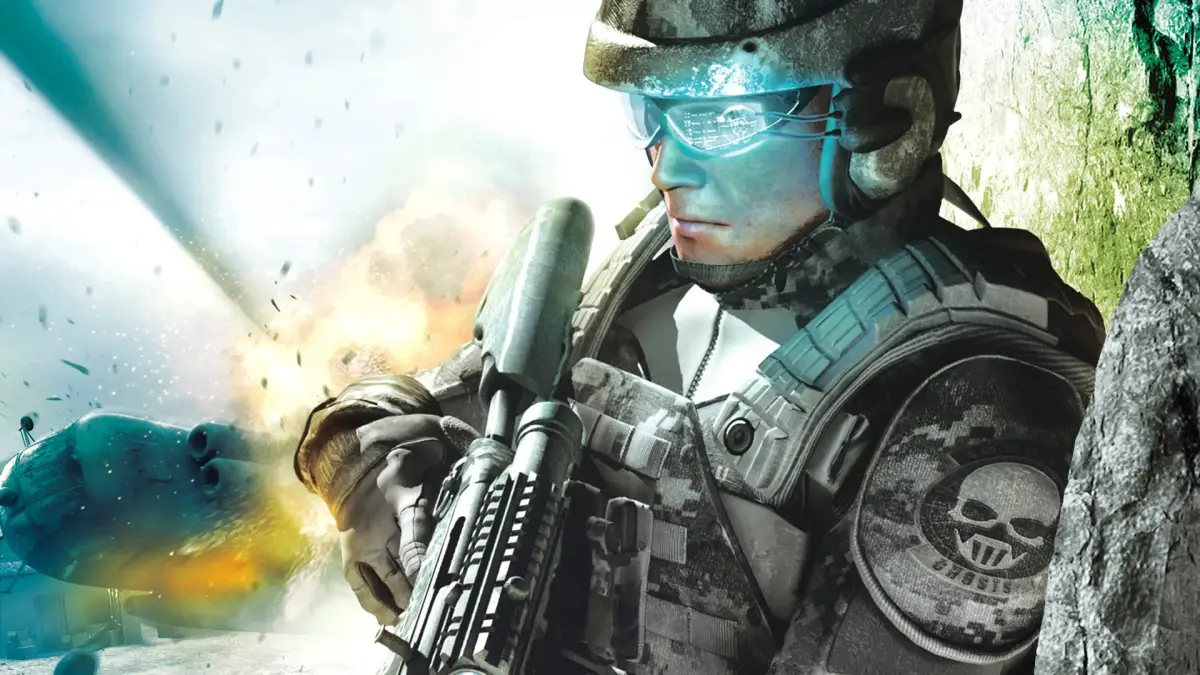
Learn the PS3 controls for Tom Clancy's Ghost Recon Advanced Warfighter 2. Master button functions, team commands, and combat options to dominate the battlefield.
Alright, let's get you squared away with the PS3 controls for Tom Clancy's Ghost Recon Advanced Warfighter 2. Knowing these buttons inside and out is key to surviving out there. Think of this as your quick-reference cheat sheet so you don't get caught fumbling when the action heats up.
First off, hit the START button to pause the game. This is your lifeline – it's where you'll find the options menu, including a detailed control breakdown. Don't skip this! You need to know your Rules of Engagement (ROE), Rate of Fire (ROF), and how to command your squad. The section above this in the guide covers it for 360, but the PS3 layout is what we're focusing on here.
Here's the rundown for your DualShock 3 controller:
- SELECT: This button is crucial for checking your objectives and adjusting your ROE on the fly. Keep an eye on it!
- RIGHT STICK: Use this for zooming in on targets. Essential for picking off enemies from a distance.
- LEFT STICK: This is your crouch button. Staying low makes you a harder target and can help you sneak around.
- SQUARE: Your reload button. Hold it down to bring up a special options menu, like going silent. Handy for stealthy approaches.
- TRIANGLE: Switches your primary and secondary weapons. Hold it down to cycle through your grenades.
- X BUTTON: This is your command button for interacting with the environment, like climbing, and more importantly, issuing commands to your team.
- CIRCLE: Toss those grenades! Know when to use frag or flashbangs.
- D-PAD: Your go-to for detailed team commands. You'll be telling your squad where to go and what to do a lot.
- R1: Fire your weapon. Simple, but vital.
- L1: Take cover. This is your best friend when you're taking heavy fire.
- L2: Sprint! Use this to quickly move between cover or close the distance on enemies.
- R2: Switches your vision modes – thermal and night vision. Absolutely critical for spotting enemies in low visibility conditions.
Beyond just the buttons, remember these starter tips:
- Options Matter: Not every room has just one way in. Look for alternate approaches like skylights for rappelling, windows for shooting through, or different breach options (flash, frag, breach) for doors. Get creative!
- Let Your Teammates Go First: You've got two squadmates, and they're often better suited to checking out the unknown. Send them ahead, especially if you're unsure what's around the corner. Even if you think it's clear, let them scout.
- Cover is King: Seriously, use cover. Stay behind it as much as possible, pop out to shoot, and then get back to safety. If you're under fire, find cover immediately. The new sprint button makes repositioning much easier.
- Level Up with ACES: The ACES system is like an RPG leveling system. As you progress, you'll gain new abilities and items. Focus on the type of combat you prefer – if you're good at long-range, your Marksman rank will climb. Assault and Close Quarters take more effort but offer their own rewards. Getting higher ranks unlocks new gear, so tailor your unlocks to your playstyle.
- Mix and Match Your Loadout: Experiment with the guns and attachments you unlock. You can slap scopes on almost any weapon. You can also change your armor, but be mindful of how protection affects your mobility. Find that balance that works for you.
When you're ready to jump into the action, start a single-player campaign on normal difficulty after creating your character. Have fun out there, operative!
100% Human-Written. AI Fact-Checked. Community Verified. Learn how AntMag verifies content