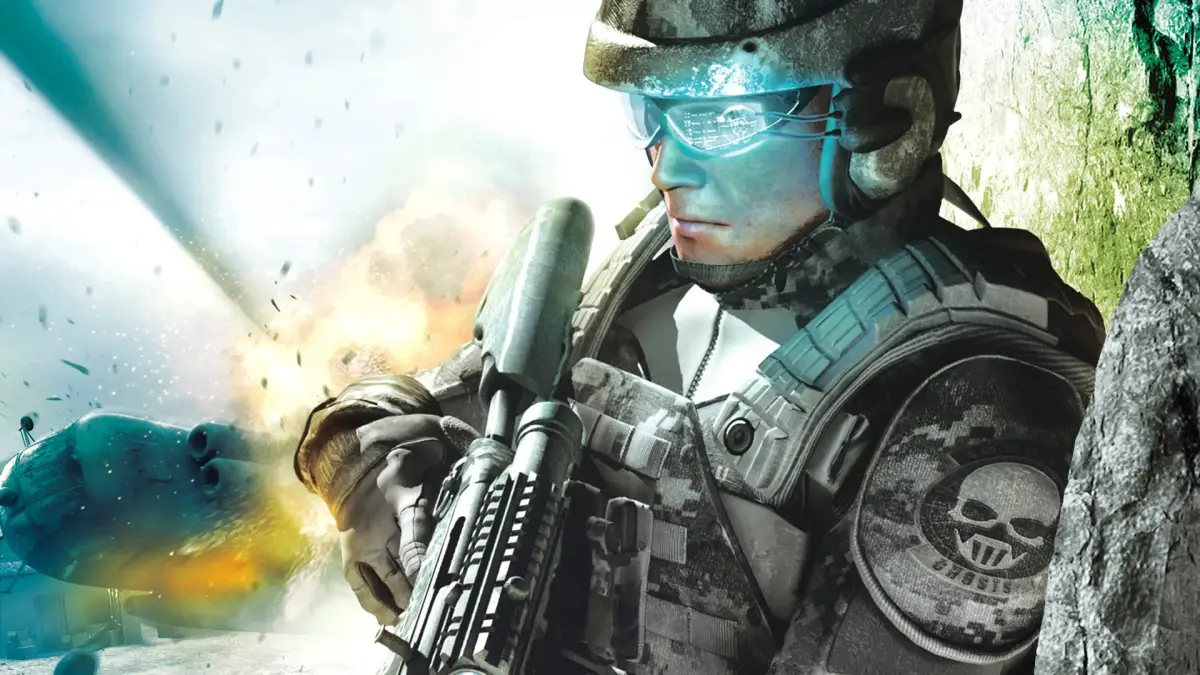
Tom Clancy's Ghost Recon Advanced Warfighter 2 Xbox 360 controls: Learn how to use team commands, change weapons, take cover, and access the minimap.
Walkthrough
- 1A Button: Use for team moves.
- 2X Button: Reload your weapon. Hold for weapon options like Rate of Fire (ROF) and silencer, and to activate the laser sight.
- 3B Button: Throw a grenade.
- 4Y Button: Change your primary weapon. Hold to switch to your pistol or to change your grenade type.
- 5RB Button: Change your vision mode. Hold to access the menu.
- 6LB Button: Tag terrorists. Hold to sprint.
- 7RT Button: Fire your weapon.
- 8LT Button: Take cover (press the cover button to crouch behind walls or objects).
- 9RS Button: Look around. Click to zoom in.
- 10LS Button: Move your character. Click to crouch. Click while on a rope to turn upside down.
- 11DPAD: Issue team orders.
- 12START Button: Access the pause menu.
- 13BACK Button: Change Rules of Engagement (ROE). Hold to display the mini map (minimap (the small circular map in the bottom-left corner of your screen)).
Tips
- Holding the X button allows you to fine-tune your weapon's performance and add tactical advantages like a silencer or laser sight.
- Use the LB button to sprint when you need to quickly reposition or flank enemies.
- The BACK button is essential for tactical awareness; holding it reveals the minimap (minimap), showing enemy positions and objectives.
- Mastering the DPAD for team orders is crucial for coordinating attacks and defensive maneuvers.
- Remember to use LT to take cover (cover) when under heavy fire to minimize damage.
100% Human-Written. AI Fact-Checked. Community Verified. Learn how AntMag verifies content