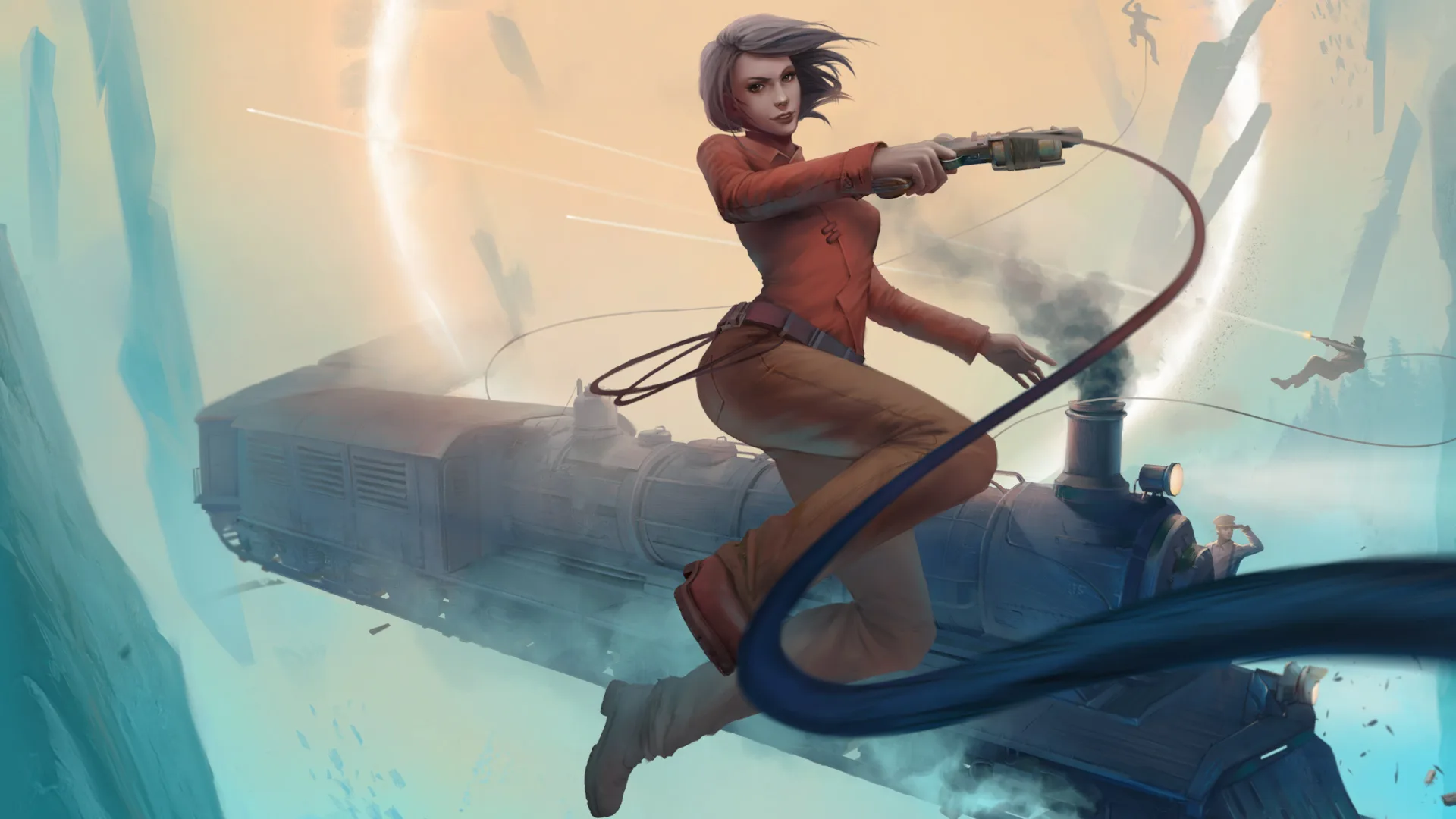
Navigate the Voidtrain interface with ease. Learn about essential controls, UI elements, and how to manage your train and inventory effectively. Your ultimate Voidtrain controls guide.
This guide provides an overview of the controls and user interface elements within Voidtrain. Understanding these is crucial for efficient gameplay and progression through the game's various quests and challenges.
| Action | Key/Button |
|---|---|
| Move Forward | W |
| Move Backward | S |
| Move Left | A |
| Move Right | D |
| Jump | Spacebar |
| Crouch | Ctrl |
| Interact | E |
| Use Item | Left Mouse Button |
| Aim | Right Mouse Button |
| Reload | R |
| Inventory | Tab |
| Crafting Menu | C |
| Research Menu | R |
| Map | M |
| Journal/Quests | J |
| Train Controls (Throttle) | Mouse Wheel Up/Down |
| Train Controls (Brake) | Left Shift |
| Train Controls (Steering) | A/D or Left/Right Arrow Keys |
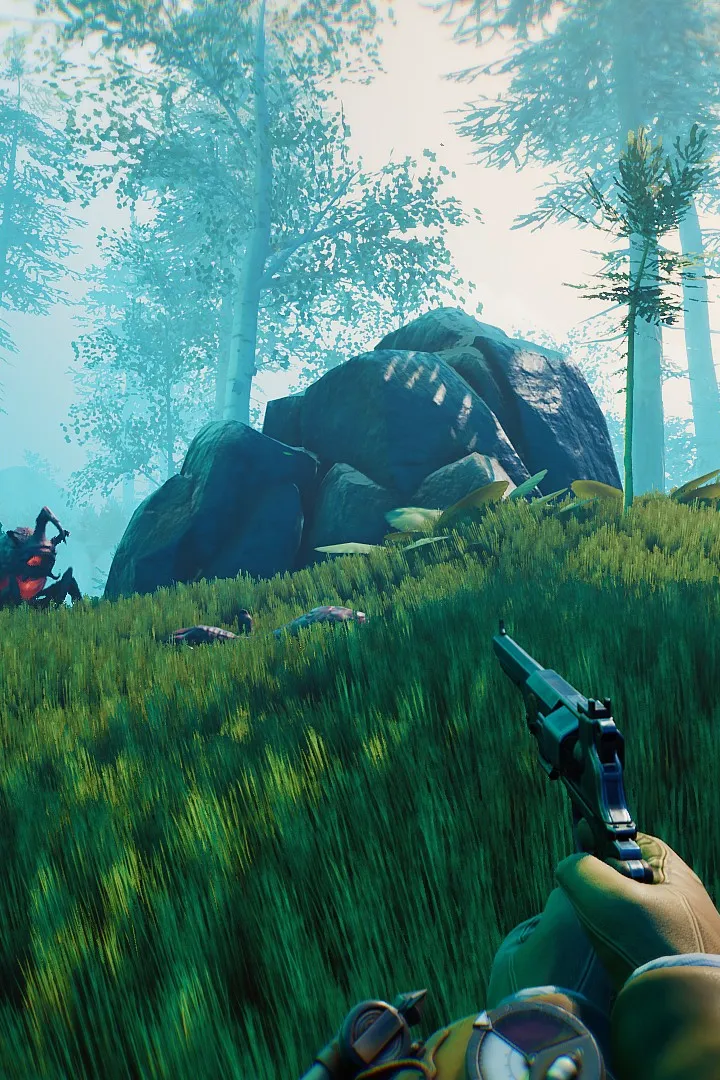
The user interface (UI) in Voidtrain provides vital information at a glance. Key elements include:
- Health Bar: Displays your current health.
- Stamina Bar: Indicates your available stamina for actions like sprinting and jumping.
- Crosshair: Shows your aiming point.
- Ammo Counter: Displays remaining ammunition for your current weapon.
- Resource Indicators: Shows the quantity of key resources you are carrying.
- Train Speedometer: Displays the current speed of your train.
- Quest Log: Lists active quests and their objectives.
- Minimap: Provides a small map of your immediate surroundings.
Mastering these controls and understanding the UI will significantly enhance your Voidtrain experience, allowing for smoother navigation, combat, and resource management.
100% Human-Written. AI Fact-Checked. Community Verified. Learn how AntMag verifies content