
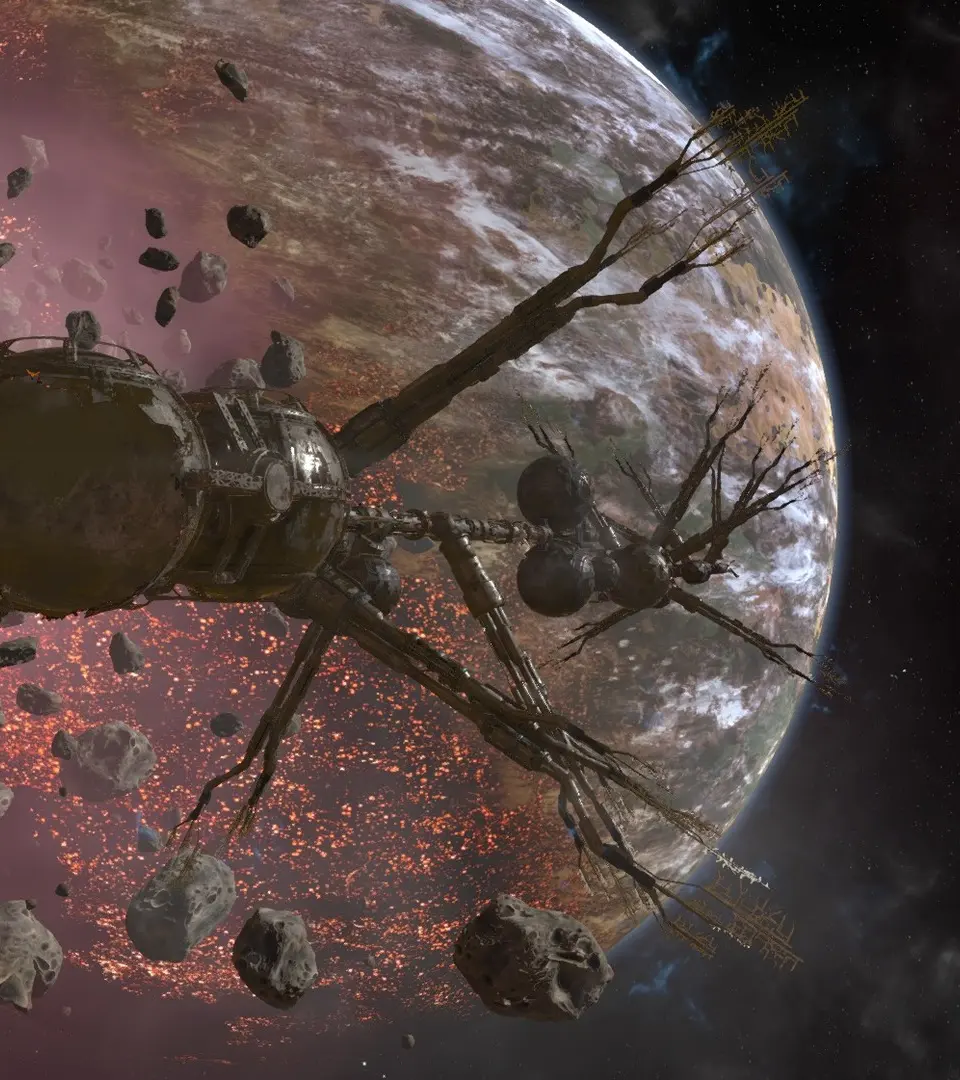
Design optimized production chains for self-sufficient economic hubs in X4: Foundations. Plan, construct, and manage complex station operations effectively.
Moving beyond basic resource collection or simple manufacturing, advanced station design in X4: Foundations focuses on optimizing production chains, maximizing profits, and creating self-sufficient economic hubs. This section will guide you through the intricacies of planning, constructing, and managing complex stations.
Phase 1: Strategic Planning and Location Selection
Before laying down your first module, meticulous planning is crucial. A well-chosen location can significantly impact your station's profitability and efficiency.
- Identify Market Gaps: Use your Property menu (Shift + P) and the Encyclopedia (P) to analyze regional economies. Look for sectors with high demand for specific wares and limited local production. For example, if Argon Prime consistently imports large quantities of Energy Cells, a Solar Power Plant in that sector or a nearby one with good sun exposure would be a strong candidate.
- Resource Availability: Consider the proximity of necessary raw materials. A Silicon Wafer factory, for instance, needs Silicon. Placing it near an asteroid field rich in Silicon (e.g., The Void, Grand Exchange) will reduce transport costs and increase throughput.
- Security Concerns: Evaluate the threat level of the sector. Pirate activity in areas like Nopileos' Fortune or Hatikvah's Faith can disrupt supply lines and damage your station. Consider building defensive modules or establishing a strong fleet presence.
- Sunlight Exposure: For any station incorporating Solar Power Plants, check the sector's sunlight intensity. Sectors closer to stars often have higher exposure, boosting Energy Cell production. This information is available in the sector map view.
- Trade Lane Access: Easy access to trade lanes and highways facilitates efficient transport of goods to and from your station. Avoid overly congested or isolated sectors unless you have a specific, self-contained purpose for the station.
Phase 2: Blueprint Acquisition and Module Selection
Advanced stations require a diverse range of blueprints. Prioritize those that support your chosen production chain.
- Researching Blueprints:
- Faction Representatives: Most production module blueprints can be purchased from faction representatives at their respective Shipyards or Wharves. For example, Argon production modules are found at Argon Shipyards.
- TER/PIO Blueprints: Terran and Pioneer production modules are often more efficient but require higher standing with those factions and can be purchased at their respective orbital facilities (e.g., Terran Mars Shipyard).
- Black Market: Some blueprints, particularly those for illegal wares, can be acquired through less legitimate means, though this carries risks.
- Essential Advanced Modules:
- Habitat Modules: Crucial for staffing large stations. Ensure you have enough housing for your workforce. Different races prefer different habitats (e.g., Argon Habitat, Teladi Habitat).
- Docking Modules (Large/XL): For efficient trade, ensure your station can accommodate large freighters. The Universal Docking Module (XL) is highly versatile. Consider multiple docking areas for high-traffic stations.
- Storage Modules: Beyond basic container storage, consider Liquid and Solid storage for specific raw materials or intermediate products. For example, a Refined Metals factory will need Solid Storage for Ore and Liquid Storage for Methane.
- Shield Generators & Turrets: For defensive purposes, especially in contested sectors. The Large Shield Generator and various Turret Modules (Plasma, Beam, Flak) are essential for protecting your investment.
- Administration Center: Required for any station to function beyond a basic construction plot. The size of the Administration Center dictates the maximum number of modules your station can support.
Phase 3: Optimizing Production Chains
The core of advanced station design is creating efficient, self-sustaining production chains. This involves linking multiple production modules to minimize external dependencies.
- Identify Your End Product: Decide what high-value ware you want to produce (e.g., Advanced Electronics, Hull Parts, Smart Chips).
- Work Backwards: Trace the production chain backwards to identify all necessary intermediate products and raw materials.
- Example: To produce Hull Parts:
- Requires: Refined Metals, Energy Cells
- Refined Metals requires: Ore, Energy Cells
- Energy Cells requires: Sunlight
- Example: To produce Hull Parts:
- Module Ratios: Use online calculators or in-game experimentation to determine the optimal ratio of production modules. For instance, one Ore Refinery might feed two Hull Part factories. Overbuilding one type of module without sufficient input or output capacity will lead to inefficiencies.
- Integrated Production: Whenever possible, integrate the entire chain onto a single station. This eliminates the need for external traders for intermediate products, reducing transport costs and vulnerabilities.
- Example: A single station producing Hull Parts would include: Solar Power Plants, Ore Refineries, and Hull Part Factories, along with sufficient storage and habitats.
- Redundancy: For critical production lines, consider building redundant modules. If one module is damaged or temporarily offline, production can continue, albeit at a reduced rate.
Phase 4: Construction and Management
Once your design is finalized, the construction phase begins, followed by ongoing management.
- Construction Plan:
- Place Construction Plot: Select an empty space in your chosen sector and deploy a Construction Plot via the map (Right-click on empty space -> Build Station).
- Hire a Construction Vessel (Builder): Assign a Builder ship (e.g., an L-class freighter like a Teladi Crane or Argon Mammoth) to your station plot. You can hire one from a faction shipyard or use your own.
- Supply Construction Resources: The Builder will request construction materials (e.g., Hull Parts, Energy Cells, Claytronics, Microchips). Ensure these are supplied to the Builder. You can either manually transport them, assign your own freighters, or set up buy orders on the station for AI traders to fulfill.
- Module Placement: In the station planner, carefully place your modules. Consider logical flow (e.g., raw material storage near refineries, refineries near factories). Leave space for future expansion.
- Connection Modules: Use Connection Modules (e.g., Cross, T-Junction, Straight) to link your production and storage modules. Ensure all modules are connected to the central grid.
- Staffing and Workforce:
- Recruitment: Your habitats will automatically attract workers over time, but you can also manually assign employees from other stations or ships.
- Morale: Ensure your station has sufficient food and medical supplies to maintain high workforce morale, which boosts production efficiency. Set buy orders for these wares.
- Trade Rules and Logistics:
- Manager Assignment: Assign a high-skill manager to your station. Their skill level directly impacts trade efficiency and the number of subordinate ships they can command.
- Trade Rules: Configure trade rules for each ware. Set "Buy" orders for raw materials and "Sell" orders for finished products. Adjust prices to maximize profit (e.g., sell at 90% of average, buy at 110% of average).
- Station Traders: Assign your own freighters to the station (Right-click on ship -> Assign to Station -> Trade for Station). These ships will automatically buy and sell wares according to your trade rules, ensuring your station is supplied and its products are sold.
- Blacklist/Whitelist: Use the Blacklist/Whitelist feature in the station's Logical Overview to control which factions can trade with your station, or which sectors your traders can operate in.
100% Human-Written. AI Fact-Checked. Community Verified. Learn how AntMag verifies content