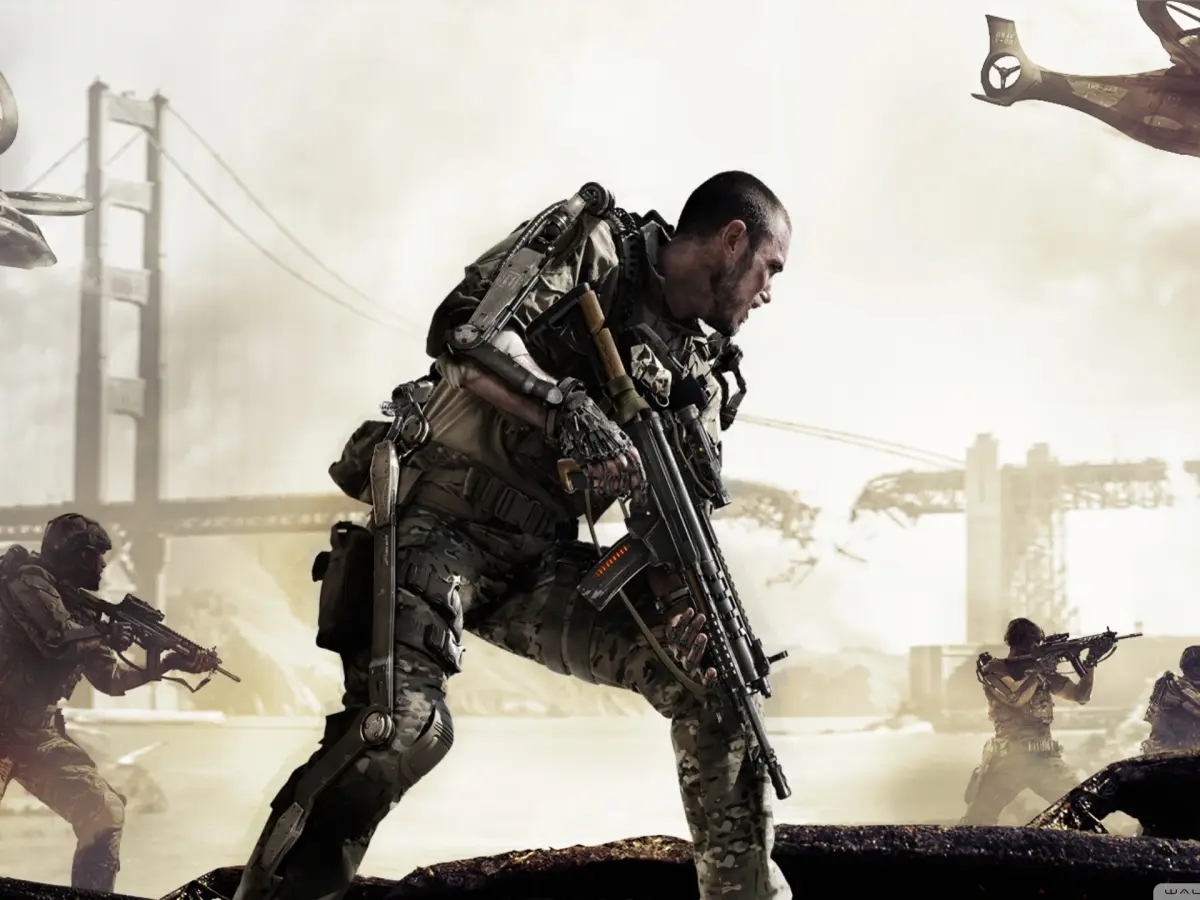
Learn how to join games and multiplayer matches in Call of Duty: Advanced Warfare. This guide covers the basics of matchmaking and server browsing.
This guide is intended to help players understand how to join games in Call of Duty: Advanced Warfare. The game offers various ways to connect with other players for multiplayer matches.
Walkthrough
- 1Launch Call of Duty: Advanced Warfare.
- 2Navigate to the Multiplayer mode from the main menu.
- 3Select the 'Join Game' or 'Matchmaking' option.
- 4Choose your preferred game mode (e.g., Team Deathmatch, Domination, Search & Destroy).
- 5The game will search for available matches based on your selections and connection.
- 6Once a match is found, you will be placed into a lobby or directly into the game.
Tips
- Ensure you have a stable internet connection for a smooth matchmaking experience.
- Experiment with different game modes to find the ones you enjoy most.
- Check your network settings if you encounter persistent issues with joining games.
- Consider playing with friends by inviting them to your party before searching for a match.
100% Human-Written. AI Fact-Checked. Community Verified. Learn how AntMag verifies content