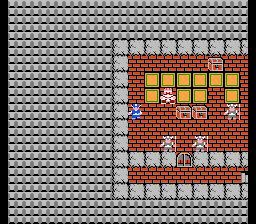
Learn how to start a new adventure in Dragon Quest, including character naming and message speed settings.
If you have already Quick Saved (saved your progress quickly), the option to load it will be available. Otherwise, you can venture forth into a new adventure.
Go ahead and create a new adventure log. Select which log you want, then make a name for yourself. In the NES version of Dragon Quest, your stat growth differs depending on your name, but not so much on the Switch version. So choose any name you want that's eight characters or less.
Next, select your message speed, which also affects battle speed, and select your volume levels. Once these are set, you are all set to go!
Note: Message speed and volume levels can be changed later by selecting the Misc. option in your Main Menu and then selecting Settings.
100% Human-Written. AI Fact-Checked. Community Verified. Learn how AntMag verifies content