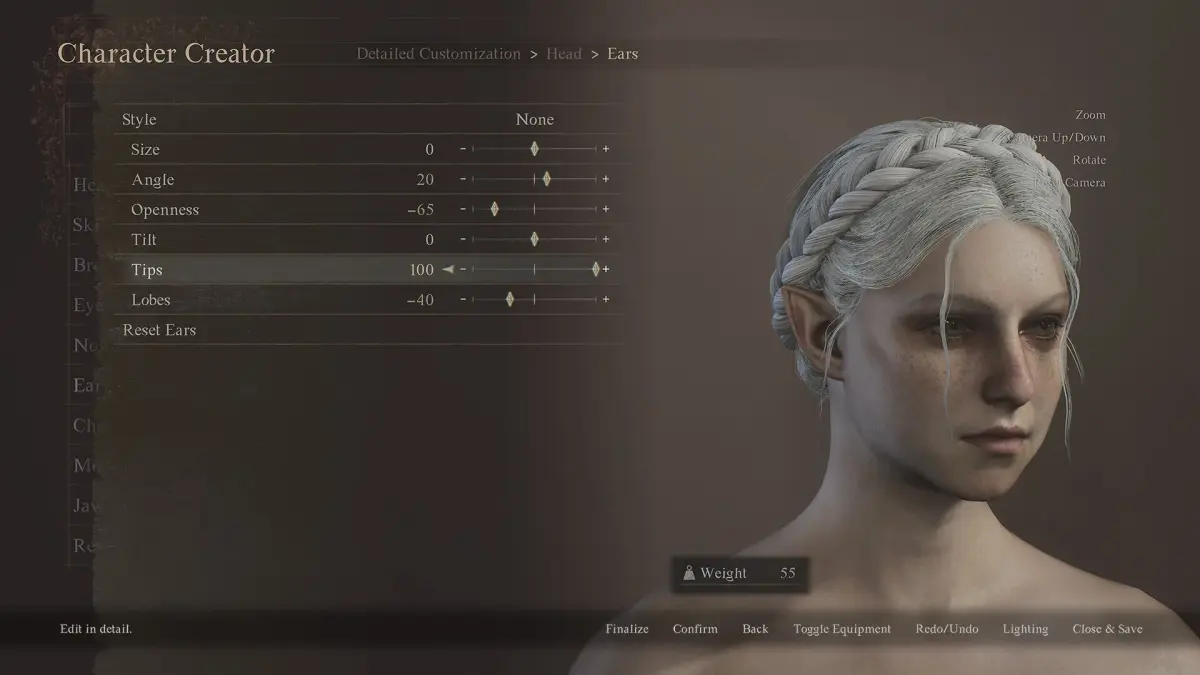
Learn how to customize your character's torso in Dragon's Dogma 2's Character Creator. This guide covers all available options for body shape, size, and details.
The Torso section of the Dragon's Dogma 2 Character Creator allows for detailed customization of your character's upper body. Here you can adjust various aspects of the torso to achieve your desired physique.
- Body Shape: Modify the overall build, from slender to muscular.
- Chest Size: Adjust the size and prominence of the chest area.
- Abdomen Definition: Fine-tune the appearance of the abdominal muscles.
- Back Width: Alter the width of your character's back.
- Shoulder Width: Adjust the breadth of the shoulders.
- Muscle Tone: Select from various muscle definition presets or manually adjust the tone.
- Skin Details: Add or modify details such as scars, moles, or other markings on the torso.
Experiment with these options to create a unique and personalized character.
100% Human-Written. AI Fact-Checked. Community Verified. Learn how AntMag verifies content