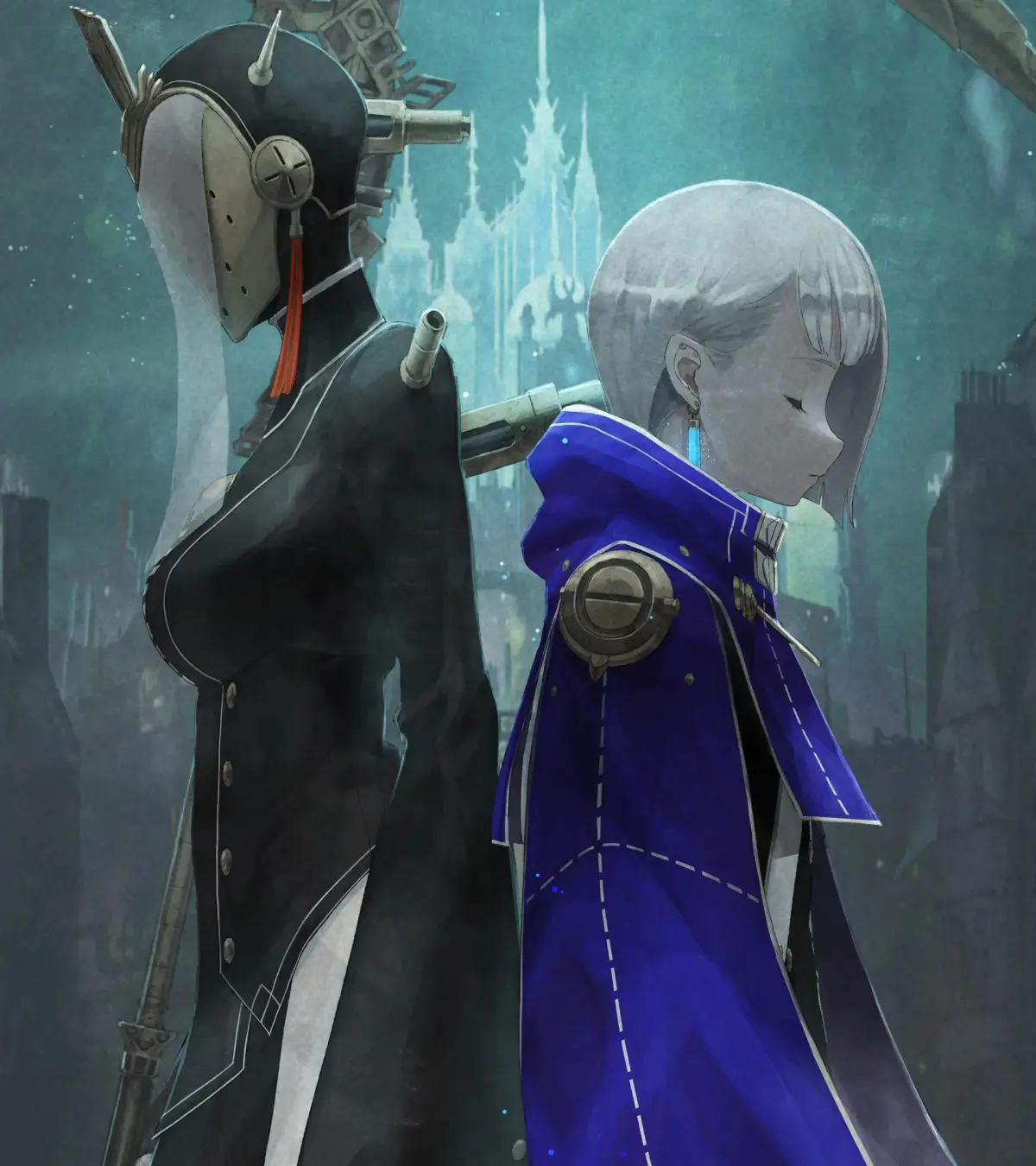
Ender Magnolia: Bloom in the Mist is a challenging 2D action RPG where you play as a female protagonist navigating corrupted lands. You'll be exploring treacherous environments like the Magicite Mine and Frost Estate Ruins, battling nightmarish creatures, and utilizing spectral allies. Moment-to-moment gameplay involves precise combat, exploration, and uncovering the world's lore through items like 'Findings' and 'Relics'.
This guide is your companion through the oppressive world. We'll help you find every collectible, including all Findings, Relics, Charmed Fragments, and Ability Upgrade Materials. Stuck on a tough boss? We've got strategies for every boss and mini-boss, from the red machine in the Magicite Mine to the cannon enemies in Frost Estate Ruins. We'll also guide you through every area, ensuring you don't miss a single secret on your journey.
Getting Started
Your comprehensive guide to the Magicite Mine in Ender Magnolia: Bloom in the Mist. Discover items, secrets, and boss strategies to conquer this challenging area.
Getting Started
Your comprehensive guide to the Magicite Mine in Ender Magnolia: Bloom in the Mist. Discover items, secrets, and boss strategies to conquer this challenging area.
Basic Controls & Movement — Ender Magnolia: Bloom in the Mist Guide
Learn the basic controls and movement for Lily in Ender Magnolia: Bloom in the Mist. Master the protagonist's versatile moveset for exploration and combat.
Understanding the fundamental controls is crucial for survival in Ender Magnolia. Lily, your protagonist, has a versatile moveset that allows for exploration and combat. Here's a breakdown of the default controls:
- Movement: Left Analog Stick / WASD keys. Allows Lily to walk, run, and navigate the environment.
- Jump: A Button (Xbox) / X Button (PlayStation) / Spacebar (PC). Essential for platforming and evading attacks.
- Dodge/Dash: B Button (Xbox) / Circle Button (PlayStation) / Left Shift (PC). A quick burst of movement that grants temporary invincibility, vital for avoiding damage.
- Attack (Spirit): X Button (Xbox) / Square Button (PlayStation) / Left Click (PC). Commands your currently equipped Spirit to perform its primary attack.
- Sub-Spirit Attack: Y Button (Xbox) / Triangle Button (PlayStation) / Right Click (PC). Commands your secondary equipped Spirit to perform its primary attack.
- Interact: A Button (Xbox) / X Button (PlayStation) / E Key (PC). Used to open doors, activate mechanisms, and speak with NPCs.
- Map: View Button (Xbox) / Touchpad (PlayStation) / M Key (PC). Opens the world map, showing your current location, discovered areas, and important markers.
- Inventory/Menu: Menu Button (Xbox) / Options Button (PlayStation) / Esc Key (PC). Accesses your inventory, Spirit management, skill tree, and game settings.
Practice these movements in safe areas to get a feel for Lily's agility and responsiveness. Mastering the dodge is particularly important for later boss encounters.
Controls & UI — Ender Magnolia: Bloom in the Mist Guide
Navigate the intricate controls and user interface of Ender Magnolia: Bloom in the Mist. Learn button mappings, UI elements, and essential gameplay mechanics for a seamless experience.
This section details the controls and user interface for Ender Magnolia: Bloom in the Mist, providing a comprehensive overview to help players navigate the game effectively. Understanding these elements is crucial for mastering gameplay and overcoming challenges.
The Magicite Mine is a more linear area compared to the Crimson Forest, guiding players through its tunnels with fewer branching paths. The walkthrough details the progression through the mine, highlighting key items, NPCs, and environmental interactions.
Players will encounter various collectibles and materials, including Relic - Helix Crystal, Findings - Writing Etched Into the Wall, Materials (x140, x160, x130), Charmed Fragments, and Upgrade - Grimoire. The guide also points out Respite locations for healing and saving.
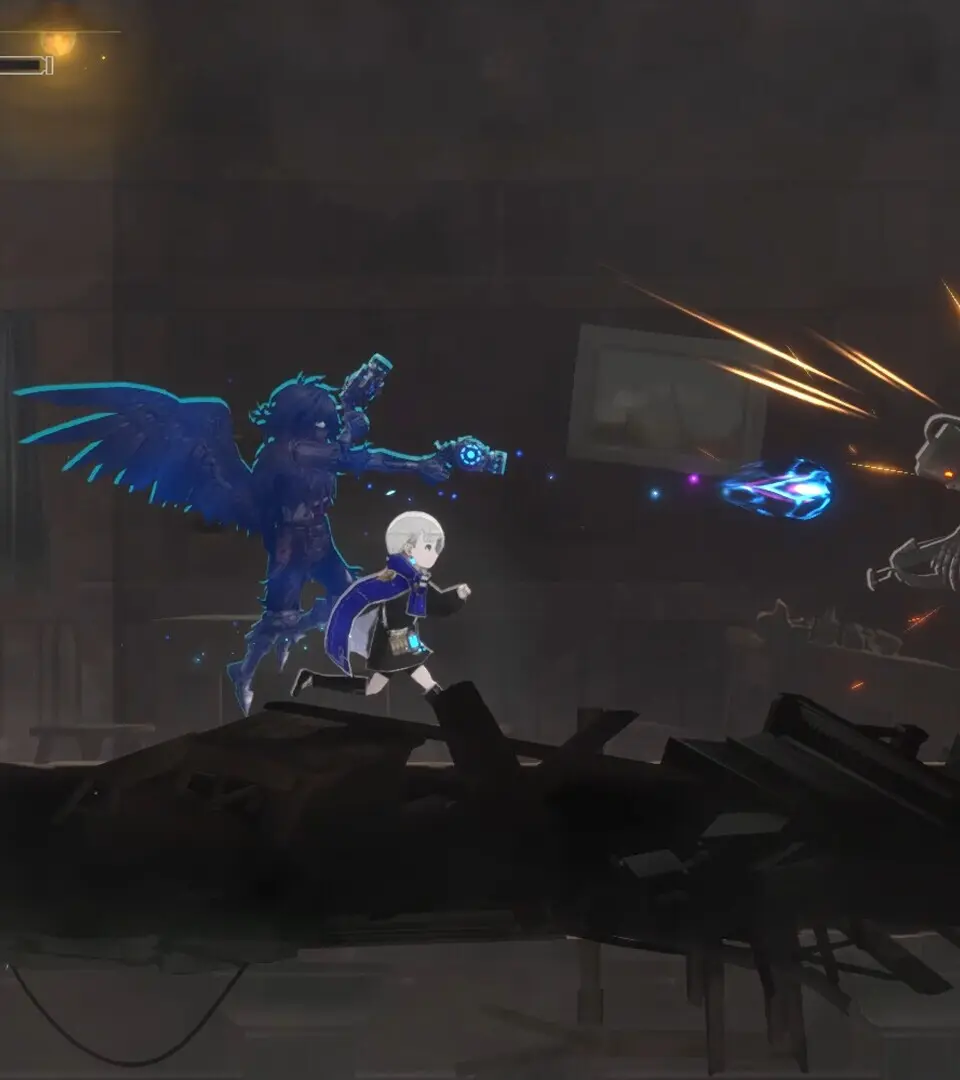
A mini-boss, Squad Leader - Mining Unit 1, is encountered, with a breakdown of its attacks: Blast, Grenades, and Missile. Defeating it rewards players with an Experimental Amplifier.
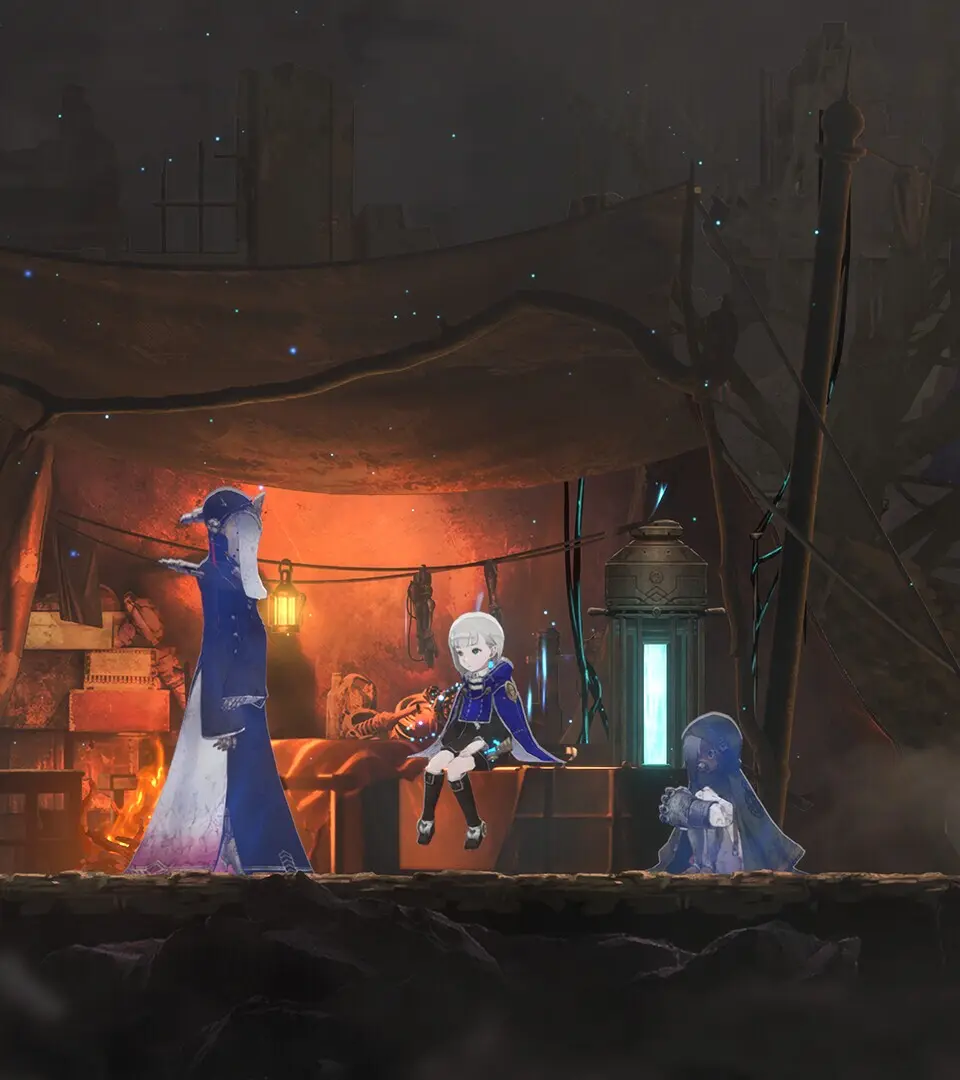
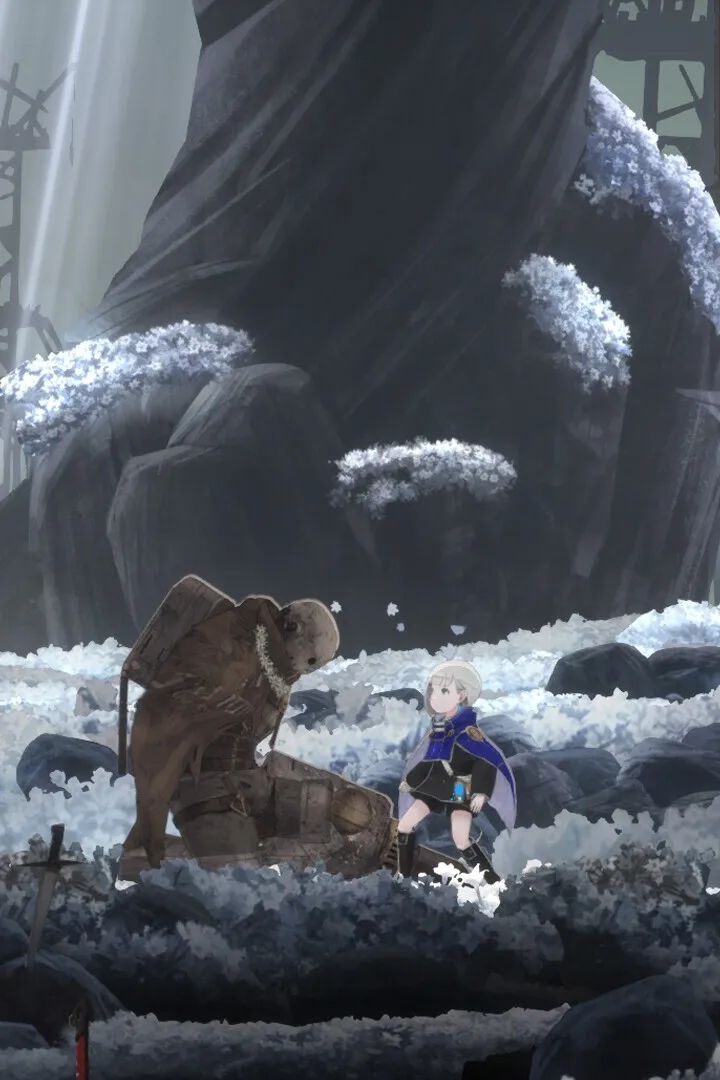
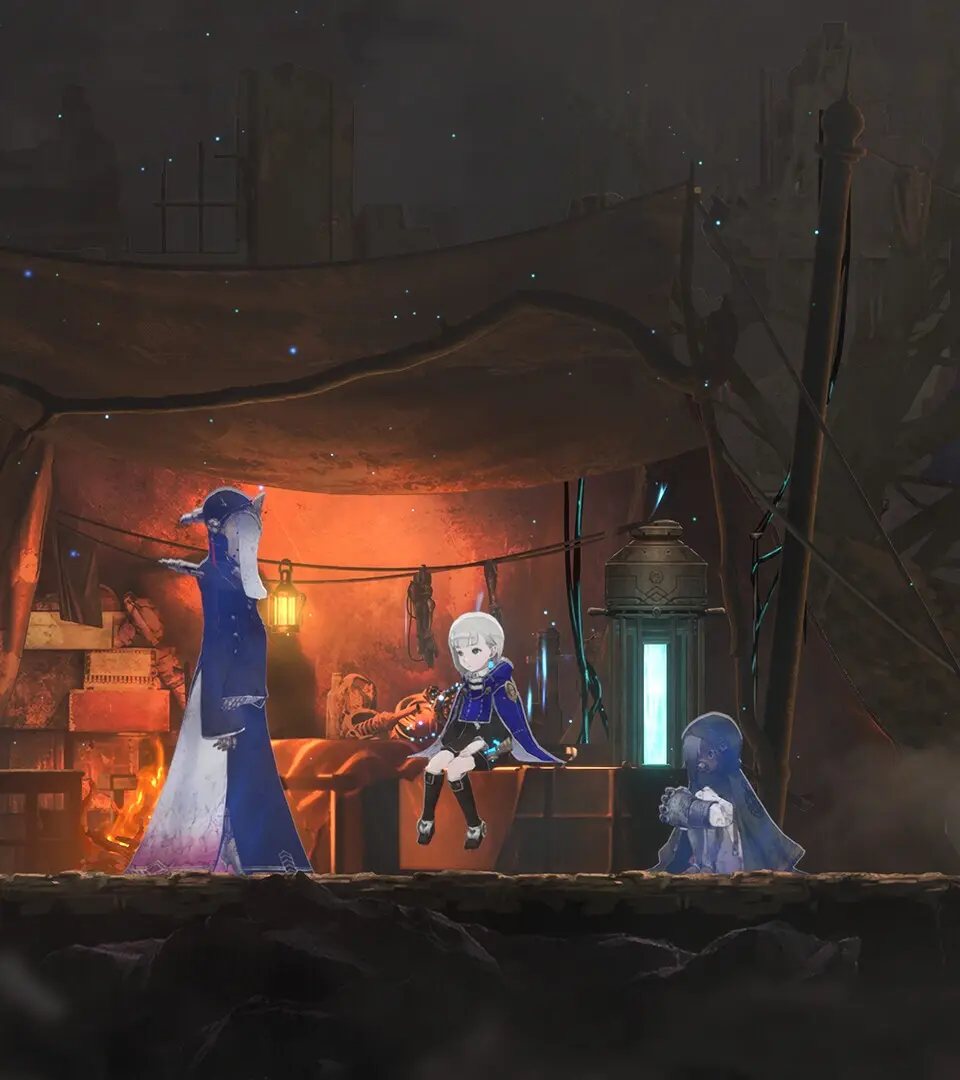
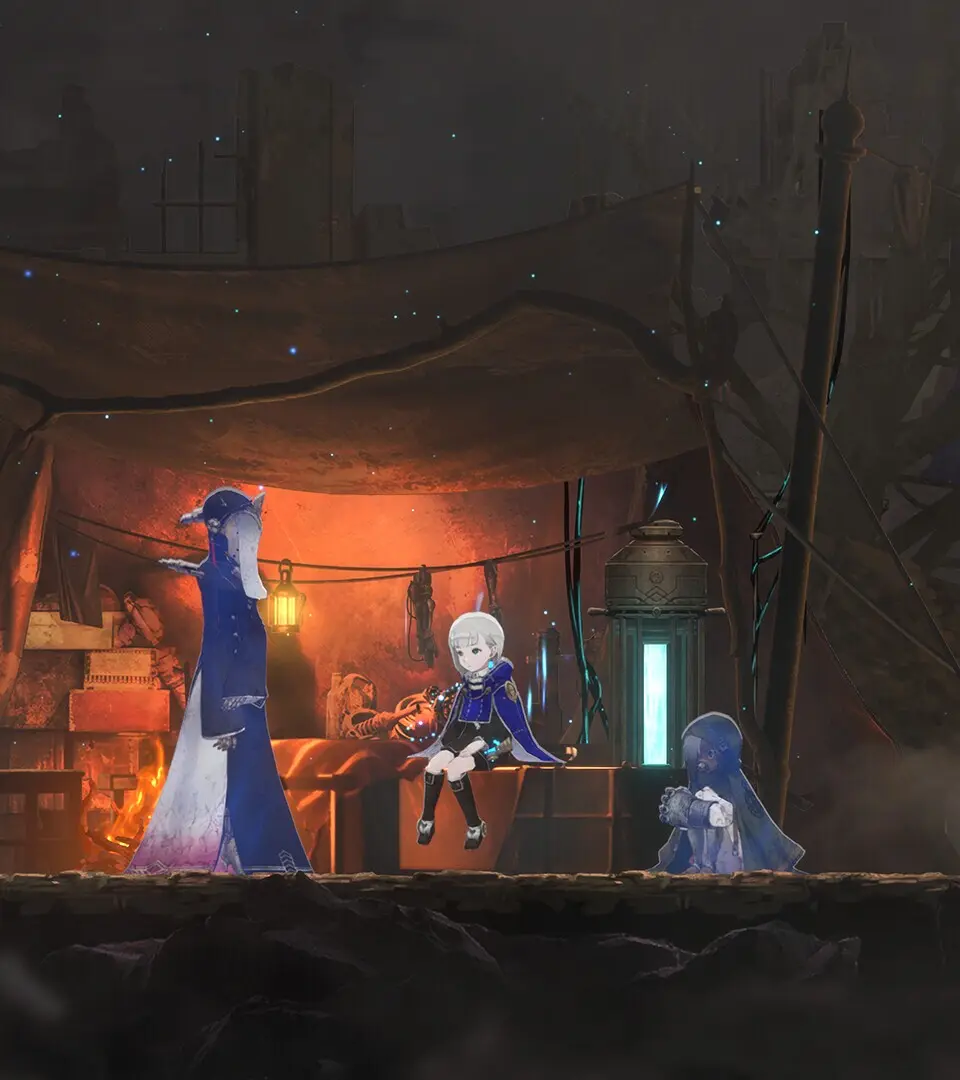
The guide also introduces a new homunculus, Muninn, obtained from an NPC, which attacks automatically. Additionally, players learn about white flowers that replenish healing charges.
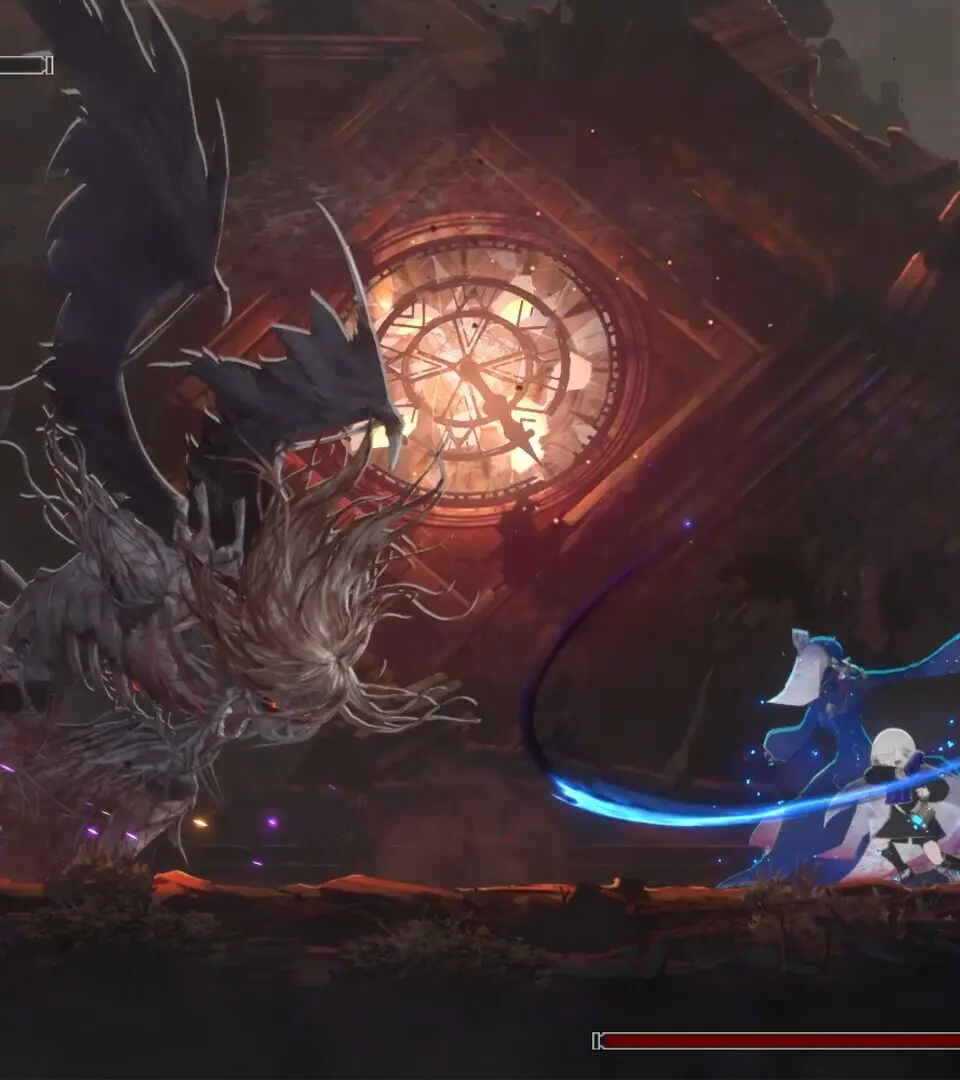
The walkthrough culminates in a boss fight against Garm, The Giant Gravedigger. The guide offers strategies for Garm's attacks, including Slam, Lava Rocks, Kick, and Super Slam, emphasizing patience and the use of the counter homunculus.
Beginner Tips
Navigate the Magicite Mine in Ender Magnolia: Bloom in the Mist with our expert guide. Discover items, secrets, and boss strategies to conquer this challenging area.
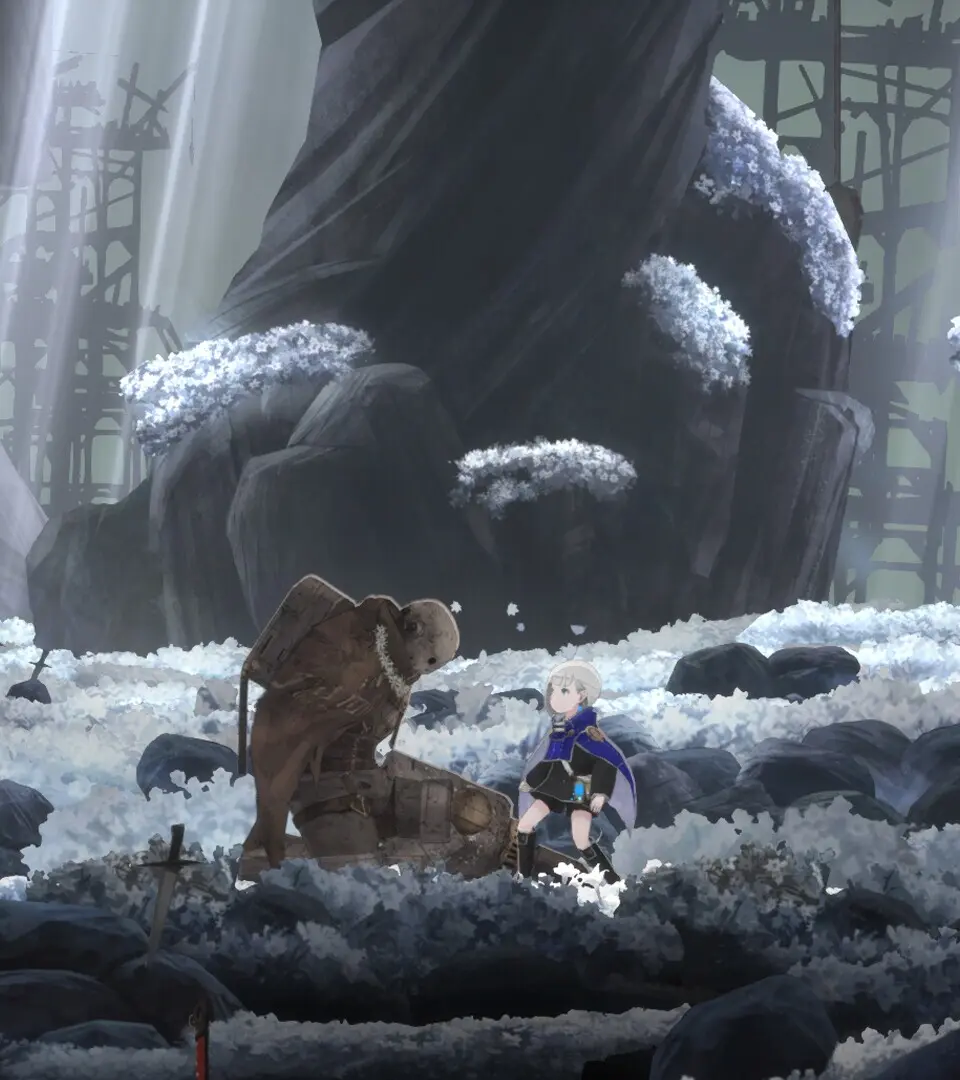
Welcome to the Magicite Mine! This area is more straightforward than the Crimson Forest, with fewer exits. Follow the tunnels, collect items like the Relic - Helix Crystal and Findings - Writing Etched Into the Wall. Be sure to find the Respite points to heal and save.
Explore branching paths to find Materials (x140 and x160), Charmed Fragments, and the Relic - Tarnished Tag. After obtaining the homunculus Muninn from an NPC, proceed upwards, facing new enemies and a mini-boss, the Squad Leader, Mining Unit 1. Defeating it yields an Experimental Amplifier.
Continue upwards to find more hidden areas with Materials (x130) and the Upgrade - Grimoire. After opening shortcuts, head to the final Respite before facing the main boss of the area: Garm, The Giant Gravedigger. Learn Garm's attack patterns, including its Slam, Lava Rocks, Kick, and Super Slam, and utilize the counter homunculus for effective damage.
Similar guides you might like




100% Human-Written. AI Fact-Checked. Community Verified. Learn how AntMag verifies content