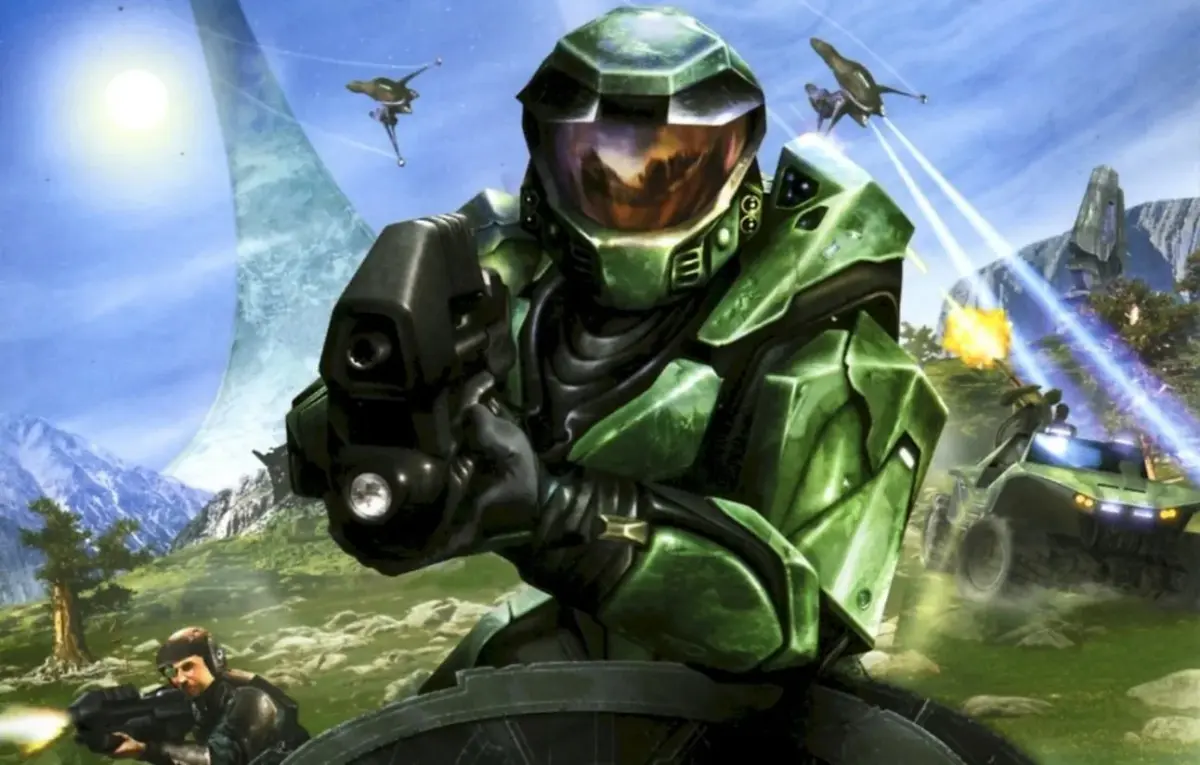
Master the mouse controls for Halo: Combat Evolved. Learn essential actions like aiming, shooting, and interacting with the environment to dominate the battlefield.
This guide covers the mouse controls for Halo: Combat Evolved. Understanding these controls is crucial for effective gameplay, allowing you to aim, shoot, and interact with the game world precisely.
| Action | Mouse Control |
|---|---|
| Look Around / Aim | Move the mouse |
| Fire Weapon | Left Mouse Button |
| Zoom / Alternate Fire | Right Mouse Button |
| Reload Weapon | R Key |
| Melee Attack | Middle Mouse Button / V Key |
| Jump | Spacebar |
| Crouch | Ctrl Key |
| Use / Interact | F Key |
| Switch Weapon (Next/Previous) | Mouse Wheel Scroll / Q Key |
| Throw Grenade | G Key |
| Vehicle Controls (if applicable) | Varies (often WASD for movement, mouse for aiming) |
100% Human-Written. AI Fact-Checked. Community Verified. Learn how AntMag verifies content