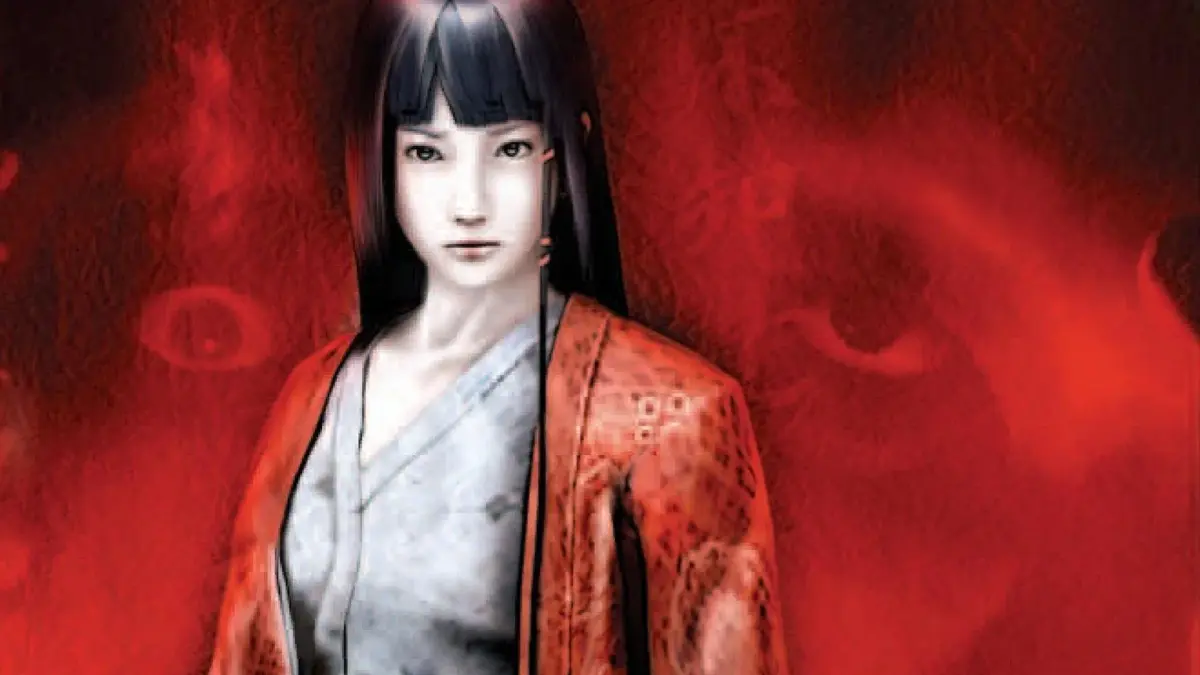
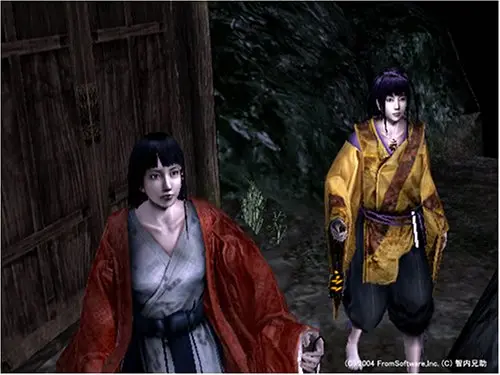
Master Kuon's controls and keybindings for keyboard and mouse. Precise movement and timely actions are crucial for surviving the Fujiwara Mansion's horrors.
Mastering the controls in Kuon is paramount to surviving the horrors within the Fujiwara Mansion. While the game's pace is deliberately slow and methodical, precise movement and timely actions can mean the difference between life and a gruesome demise. This section details the default keybindings for keyboard and mouse, along with essential control strategies for each phase of the game.
Keyboard & Mouse Controls (Default)
Below is a comprehensive table of the default keyboard and mouse controls. We highly recommend familiarizing yourself with these before venturing deep into the mansion.
| Action | Default Key/Button | Description |
|---|---|---|
| Movement (Forward) | W |
Moves your character forward. Essential for navigating corridors and approaching objectives. |
| Movement (Backward) | S |
Moves your character backward. Useful for creating distance from enemies or backing away from traps. |
| Movement (Left) | A |
Strafes your character to the left. Critical for dodging attacks and positioning. |
| Movement (Right) | D |
Strafes your character to the right. Also vital for dodging and tactical positioning. |
| Run/Dash | Left Shift (Hold) |
Increases your movement speed. Consumes a small amount of stamina. Use sparingly, as running can attract unwanted attention from certain Yokai. |
| Interact/Examine | E |
Used to interact with objects (e.g., opening doors, picking up items like the Jade Comb or Old Key), and examining points of interest (e.g., the Bloody Scroll in the East Wing). |
| Attack (Melee) | Left Mouse Button |
Initiates a melee attack with your currently equipped weapon (e.g., Tanto, Naginata). Timing is crucial for effective hits. |
| Attack (Ranged/Magic) | Right Mouse Button |
Fires a ranged projectile or casts a spell, depending on your equipped item (e.g., Ofuda Talismans, Fire Scroll). Consumes charges or spiritual energy. |
| Aim (Ranged) | Right Mouse Button (Hold) |
Allows for more precise aiming with ranged attacks. Your character will stand still while aiming. |
| Inventory/Menu | Tab |
Opens your inventory, allowing you to manage items, equip weapons, and view collected lore. Pauses the game. |
| Map | M |
Displays the current area map. Essential for navigation, especially in the confusing layouts of the West Wing and Underground Labyrinth. |
| Toggle Flashlight/Lantern | F |
Turns your light source on or off. Crucial for visibility in dark areas like the Cellar or the Abandoned Shrine. Be aware that light can also reveal your position. |
| Quick Item Use | 1, 2, 3, 4 |
Uses the item assigned to the corresponding quick slot. Assign healing items (e.g., Herbal Medicine) or protective charms here for immediate access. |
| Camera Control | Mouse Movement |
Rotates the camera to look around. Essential for spotting hidden items, enemies, or environmental clues. |
| Pause Game | Esc |
Pauses the game and brings up the system menu, allowing you to save, load, or adjust settings. |
Control Strategies by Game Phase
Effective control usage changes depending on whether you're exploring, engaging in combat, or attempting to evade.
Exploration & Item Gathering
- Slow and Steady: During exploration, prioritize walking (
W,A,S,DwithoutLeft Shift) to minimize noise. This is especially important in areas like the Servants' Quarters where sound can alert lurking spirits. - Environmental Awareness: Constantly use
Mouse Movementto scan your surroundings. Look for subtle clues, hidden passages, or glints of light indicating an interactive object. For example, the Hidden Passage in the Main Hall is easily missed without careful observation. - Interact with Everything: Press
Eon anything that looks remotely interesting. Many crucial lore documents (e.g., Old Diary Pages) and key items (e.g., Rusty Key) are found by diligent interaction. - Map Usage: Frequently check your
Map, especially when entering new sections like the West Wing Basement. It helps you track your progress and identify unexplored areas.
Combat Encounters
- Melee Timing: For melee combat, observe enemy attack patterns. Use
Left Mouse Buttonto strike immediately after an enemy's attack animation, during their recovery phase. For instance, the Crawling Yokai in the East Wing has a predictable lunge that leaves it vulnerable. - Ranged Precision: When using ranged attacks (e.g., Ofuda Talismans against the Floating Head), hold
Right Mouse Buttonto aim carefully. Headshots or strikes to weak points often deal significantly more damage. - Dodging & Evasion: Utilize
AandD(strafe left/right) to dodge incoming attacks. Combined with backward movement (S), this creates crucial distance. Against the Possessed Monk, constant strafing is key to avoiding its powerful swings. - Quick Item Use: Assign healing items like Herbal Medicine or Purification Salts to quick slots (
1-4). In intense combat, a quick heal can prevent death without needing to open theTabinventory. - Stamina Management: While running (
Left Shift) can help reposition, be mindful of your stamina bar. Depleting it leaves you vulnerable and unable to run or perform certain actions.
Stealth & Evasion
- Walk, Don't Run: When trying to avoid detection, always walk. Running (
Left Shift) generates significant noise and will alert most enemies, especially the sensitive Shadow Figures in the Underground Labyrinth. - Line of Sight: Use environmental cover to break line of sight. Duck behind furniture, walls, or even large scrolls. The Paper Screens in the Main Hall can offer temporary concealment.
- Flashlight Discipline: Toggle your flashlight (
F) off in areas where enemies are known to be sensitive to light. While it makes navigation harder, it can prevent detection by the Blind Yokai in the Cellar. - Listen Carefully: While not a control, sound is a critical part of evasion. Pay attention to enemy footsteps, growls, or whispers. These audio cues often precede visual contact, giving you time to react.
By internalizing these controls and applying these strategies, you will significantly improve your chances of survival and unraveling the dark secrets of Kuon.
100% Human-Written. AI Fact-Checked. Community Verified. Learn how AntMag verifies content