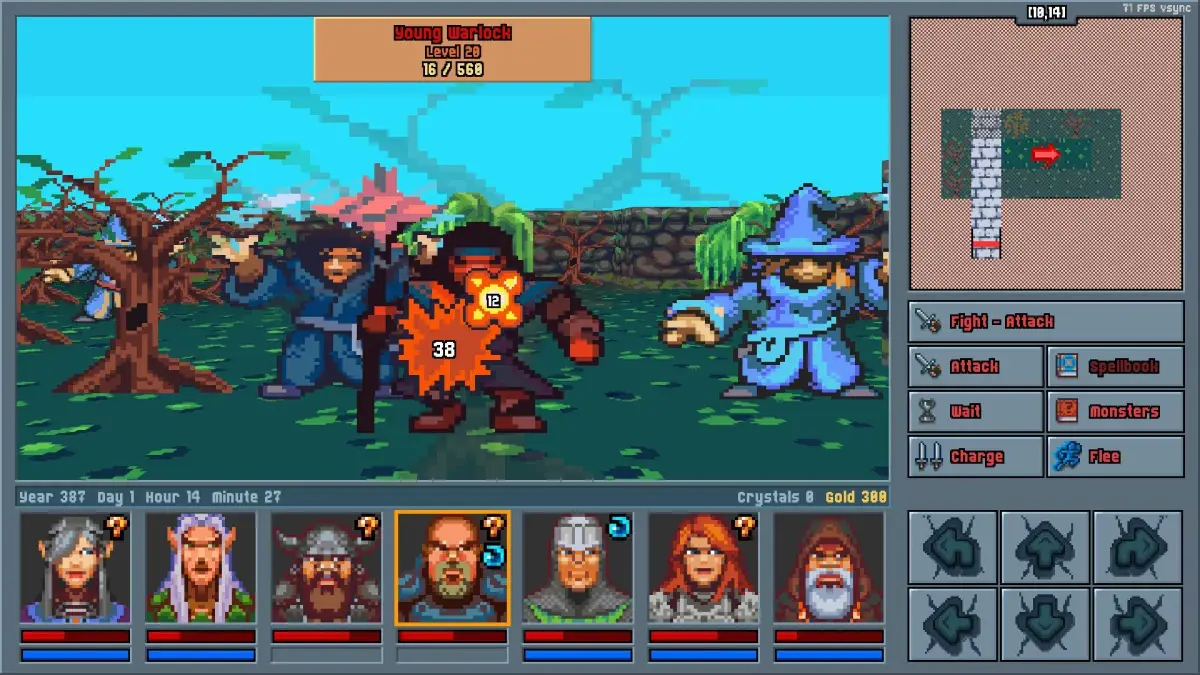
Learn the essential keyboard and mouse controls for Legends of Amberland III: The Crimson Tower. Master movement, combat, and menu navigation for a seamless RPG experience.
This section details the keyboard and mouse controls for Legends of Amberland III: The Crimson Tower. Understanding these inputs is crucial for efficient gameplay, from navigating menus to executing combat actions.
| Action | Key |
|---|---|
| Move Forward | W |
| Move Backward | S |
| Move Left | A |
| Move Right | D |
| Interact / Use Item | Left Mouse Button |
| Attack | Left Mouse Button (Hold) |
| Open Inventory | I |
| Open Spellbook | P |
| Open Map | M |
| Open Character Sheet | C |
| Open Quest Log | Q |
| Open Game Menu | Escape |
| Quick Save | F5 |
| Quick Load | F9 |
| Scroll Camera Up | Up Arrow |
| Scroll Camera Down | Down Arrow |
| Scroll Camera Left | Left Arrow |
| Scroll Camera Right | Right Arrow |
Mastering these controls will significantly enhance your experience in Legends of Amberland III: The Crimson Tower, allowing for quicker reactions and more fluid exploration.
100% Human-Written. AI Fact-Checked. Community Verified. Learn how AntMag verifies content