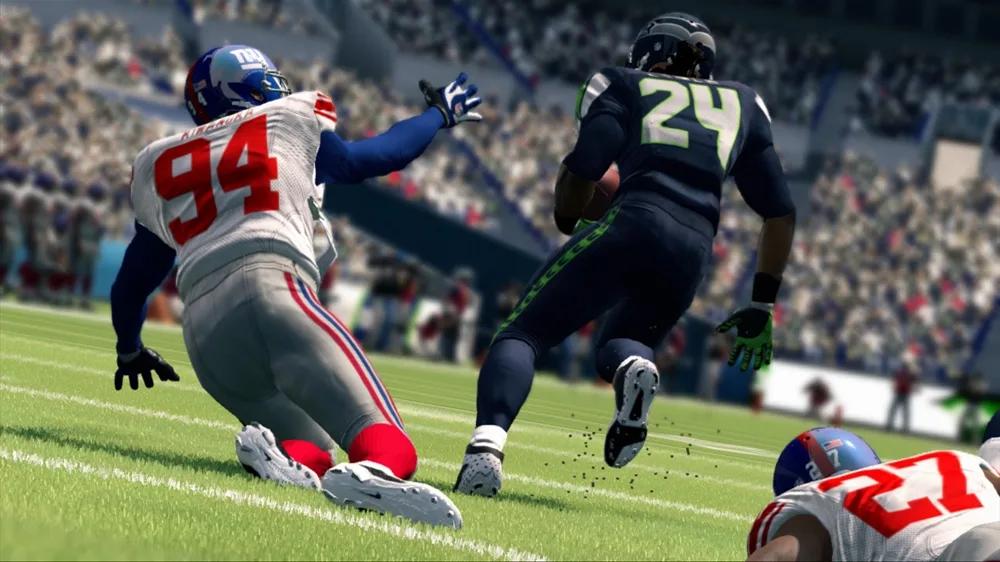
Learn how to increase player overall caps in Madden NFL 25 using various methods, including position changes, rating edits, and the Star Player DLC. Master your Franchise Mode!
This guide details several methods to increase player overall caps in Madden NFL 25, focusing on Franchise Mode. The overall cap for any player is 99.
Method #1: Position Changes (Minor Adjustments)
This method involves moving players to positions where their overall rating might slightly increase or stay within a close range, allowing for gradual progression. This is particularly effective for players close to their overall cap.
Examples:
- Justin Durant to SS: 85-94
- Keith Bulluck to SS: 85-96
- Mannny Lawson to DE: 79-92
- Thomas Howard to SS: 78-90
- David Veikune to DE: 68-80
- Tre Glaspy to SS: 76-90 (C potential, LOLB from the Tysaun Bryant Draft)
Works for:
- LB to DE, DT, or Safety.
- Some DE to DT (especially 3-4 DE's).
- Some DT to DE.
- WR to HB, FB, or TE.
- TE to WR, HB, or FB.
- HB to FB, WR, or TE.
- FB to HB or TE.
- CB to FS or SS.
- FS to SS.
- SS to FS.
- Offensive Linemen to other O-line spots.
Method #2: Position Changes (Progression Boost)
This method involves moving a player to a position that initially drops their overall rating, but allows their underlying ratings to progress, ultimately improving their true position's potential. Play through the season up to and including the Super Bowl, then save and advance to the offseason for progression.
Works for:
- DE to LB
- DT to LB
- LB to CB
- CB to FS or SS
- FS to CB, LB or SS
- SS to CB, LB or FS
- HB to FB, WR or TE
- FB to HB, WR, TE or OL
- WR to HB, FB or TE
- TE to WR, HB, FB or OL
- OL to other OL positions.
- K to P
- P to K
After progression in the offseason, change players back to their original positions. This often results in significant overall jumps.
Method #3: Pre-Franchise Rating Edits
This method involves manually editing player ratings before starting a franchise to set a specific overall cap. It's recommended to record original ratings before making changes.
- From the Main Menu, go to My Madden > NFL Rosters > Player Management.
- Find and select the player, then choose Edit Player.
- Go to Player Rating and adjust ratings to achieve the desired overall cap.
- Press Start, select Keep Player Without Saving, then press A.
- Re-edit the player's ratings back to their original values.
Note: Adjusting the speed rating is recommended as it doesn't always progress consistently.
Method #4: Star Player DLC
The Star Player DLC from EA can increase a player's overall cap to 99. It can be used twice per season (Preseason and Regular Season) within Franchise Mode.
- In Franchise Mode, go to Player Management and select a player.
- Press Y, select Star Player, and press A.
- Confirm using the Star Player Accelerator.
This method, along with Method #3, is one of the few ways to significantly increase the overall caps of QBs, Ks, and Ps.
100% Human-Written. AI Fact-Checked. Community Verified. Learn how AntMag verifies content