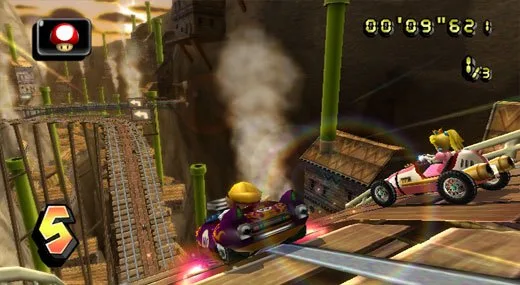
Learn how to use the GameCube controller in Mario Kart Wii, including button functions like Accelerate (A) and Drift (R).
The GameCube controller offers a familiar and responsive way to play Mario Kart Wii. Its analog stick provides more precise steering and item throwing control compared to the Wii Wheel or Nunchuk. The button layout is as follows:
- Analog Stick: Steer / Throw Items Backward or Forward
- A Button: Accelerate
- B Button: Brake / Reverse
- X / Z Button: Reverse Look
- L Button: Use Item
- R Button: Drift (Manual), Item (Auto)
- D-Pad Up: Trick / Wheelie (Bike Only)
- START/PAUSE Button: Pause
Tips
- If you have a GameCube controller, it is recommended to use it for the most responsive experience.
- The analog control and steering feel more precise than other options.
- While it feels like a proper controller because it is, the Z Button's functionality for reversing look is noted as somewhat lacking.
Note on Drifting and Snaking: Changes have been made to how drifting and snaking are executed in Mario Kart Wii, making it worth understanding these updated mechanics.
100% Human-Written. AI Fact-Checked. Community Verified. Learn how AntMag verifies content