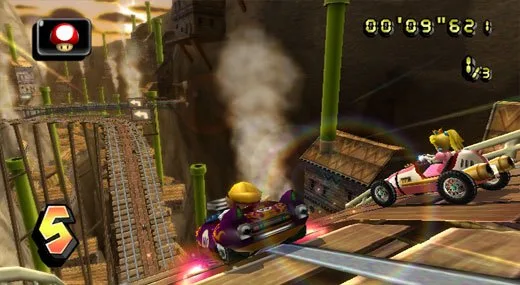
Learn how to use the Thunderbolt item in Mario Kart Wii, received in 6th-12th place, to shrink opponents.
Position Received: 6th-12th
How to use: Press L to make all other karts shrink in size, causing them to slow down. Unlike other Mario Kart games, you can't run over the shrunk karts and make them flat, so just drive past them instead. Shrunk karts won't make big jumps, even boost ones, so if you can time it around them, that's an advantage to you.
Defending Against: If you get shrunk, then avoid jumps, even boost ones, as you won't make it. Instead, just wait around before them until you regain your size. Remember that you can still perform mini-boosts when you're small, which is a great advantage in the GP (Grand Prix) modes, as CPU (computer-controlled) players won't do this when shrunk. You can prevent being shrunk by using a Star or if you happen to fall off the track at that time.
- When shrunk, avoid jumps as you will not clear them.
- Wait until you return to normal size before attempting jumps.
- You can still perform mini-boosts while shrunk, which CPUs do not do.
- A Star item will prevent you from being shrunk.
- Falling off the track also prevents you from being shrunk.
100% Human-Written. AI Fact-Checked. Community Verified. Learn how AntMag verifies content