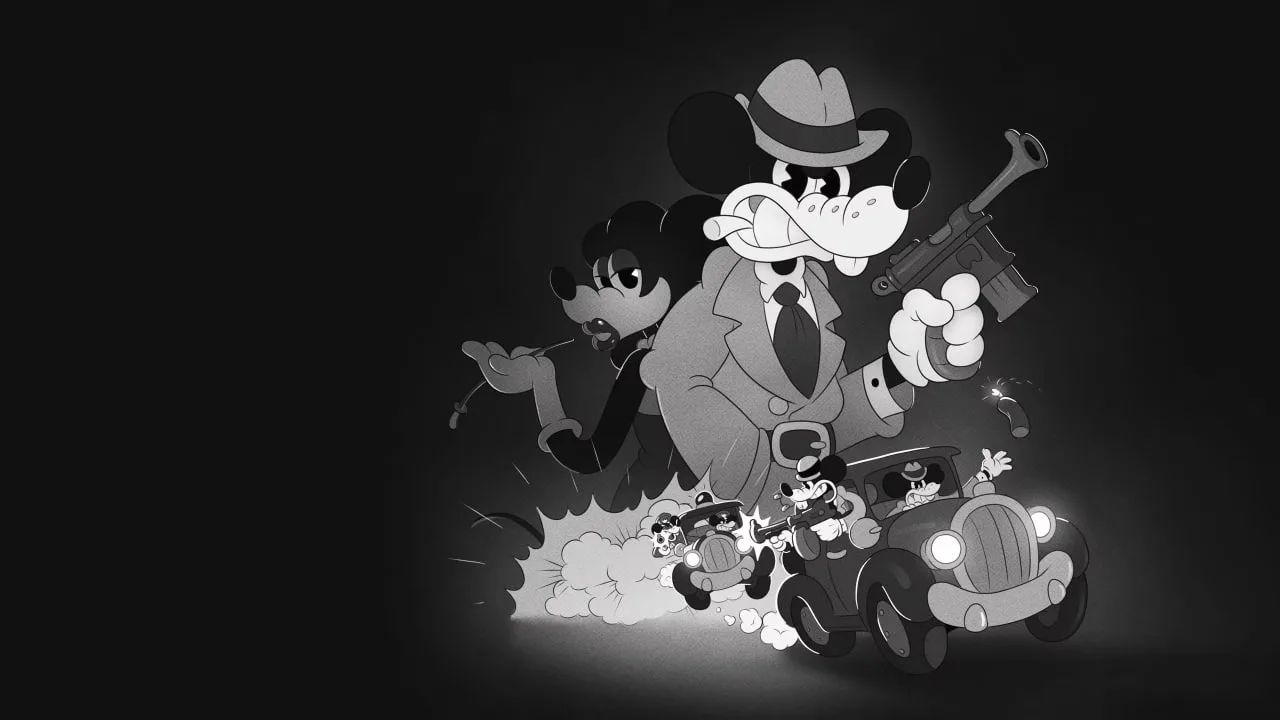
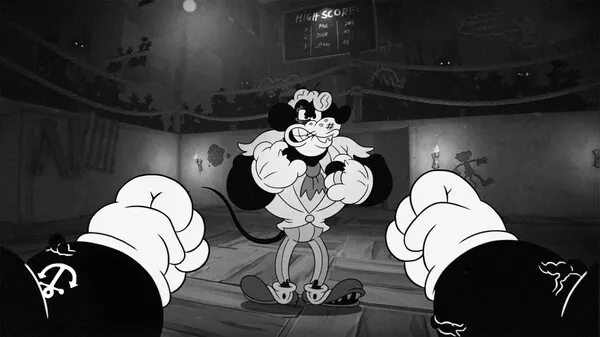
Master MOUSE: P.I. For Hire with our guide to PS5, Xbox, and Switch controller layouts. Learn the button mappings to become the best detective in Mouseburg!
This guide details the controller layouts for MOUSE: P.I. For Hire across PlayStation 5, Xbox, and Nintendo Switch. Understanding these layouts will help you navigate the gritty, noir-fueled world of Mouseburg and effectively utilize Jack Pepper's arsenal.
| Action | PS5 Controller | Xbox Controller | Switch Controller |
|---|---|---|---|
| Movement | Left Analog Stick | Left Analog Stick | Left Joy-Con/Pro Controller Analog Stick |
| Look/Aim | Right Analog Stick | Right Analog Stick | Right Joy-Con/Pro Controller Analog Stick |
| Jump | X Button | A Button | B Button |
| Crouch/Slide | Circle Button | B Button | A Button |
| Interact/Reload | Square Button | X Button | Y Button |
| Primary Attack | Right Trigger (R2) | Right Trigger (RT) | ZR Button |
| Secondary Attack/Melee | Left Trigger (L2) | Left Trigger (LT) | ZL Button |
| Weapon Swap | D-Pad Left/Right | D-Pad Left/Right | D-Pad Left/Right |
| Use Gadget/Item | L1 Button | LB Button | L Button |
| Special Ability | R1 Button | RB Button | R Button |
| Map | Touchpad Button | View Button | - Button |
| Inventory | Triangle Button | Y Button | X Button |
| Pause/Menu | Options Button | Menu Button | + Button |
Note: Specific button prompts and actions may vary slightly based on in-game context and customizable settings.
100% Human-Written. AI Fact-Checked. Community Verified. Learn how AntMag verifies content