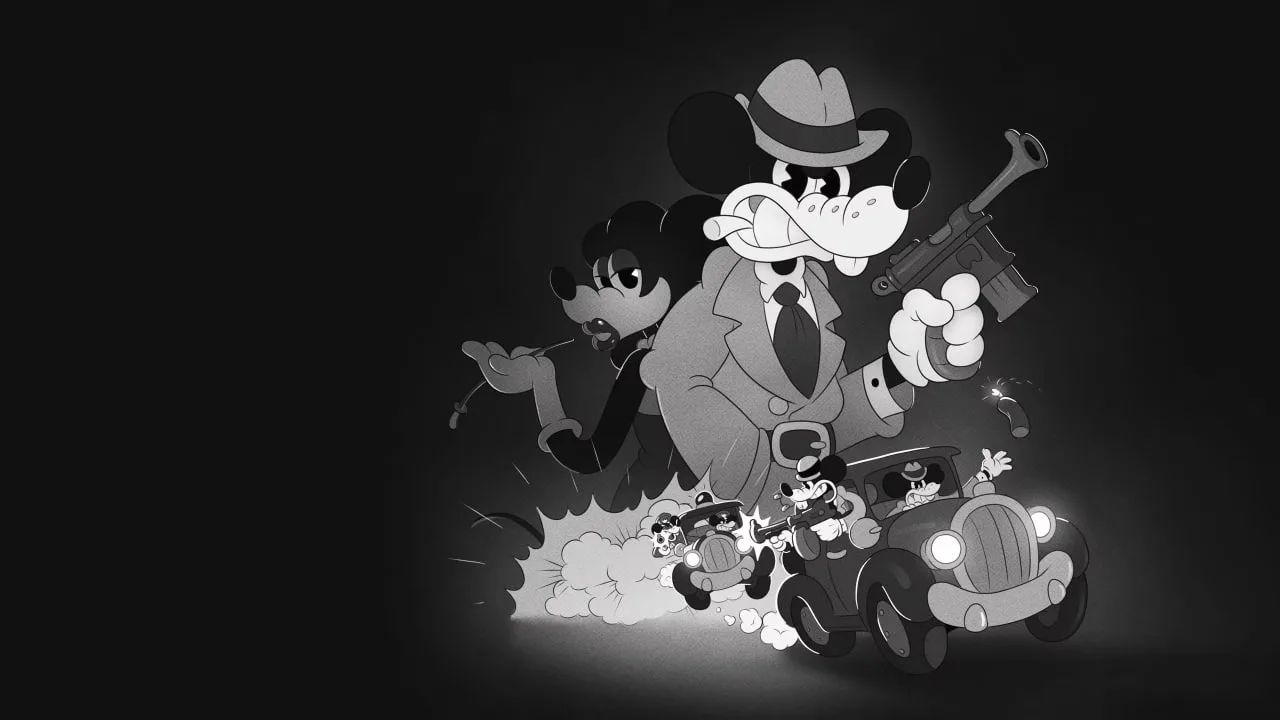
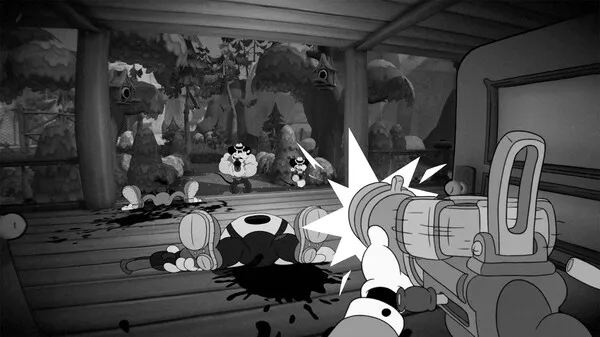
Learn all about the Heads-Up Display (HUD) in MOUSE: P.I. For Hire. Understand every element to better navigate the noir world and its challenges.
MOUSE: P.I. For Hire features a distinct Heads-Up Display (HUD) that provides players with crucial information during gameplay. Understanding each element is key to navigating the gritty, noir-inspired world of Mouseburg and managing your investigations effectively.
HUD Elements:
- Health Display: A playful yet distinctive health bar shows Jack Pepper's current condition. Keep an eye on this to know when to seek cover or use restorative items.
- Weapon Information: Details about your currently equipped weapon, including ammunition count and any special properties, are typically displayed.
- Objective Markers: Clues and markers guiding you towards your current objective or important locations within the environment.
- Collectible/Clue Indicators: Visual cues may appear when you are near collectibles or important clues related to your investigation.
- Upgrade Prompts: Information regarding available weapon upgrades or consumable items like Spike-D Spinach might be presented contextually.
Mastering the HUD will allow you to stay on top of combat, exploration, and the unfolding narrative of MOUSE: P.I. For Hire.
100% Human-Written. AI Fact-Checked. Community Verified. Learn how AntMag verifies content