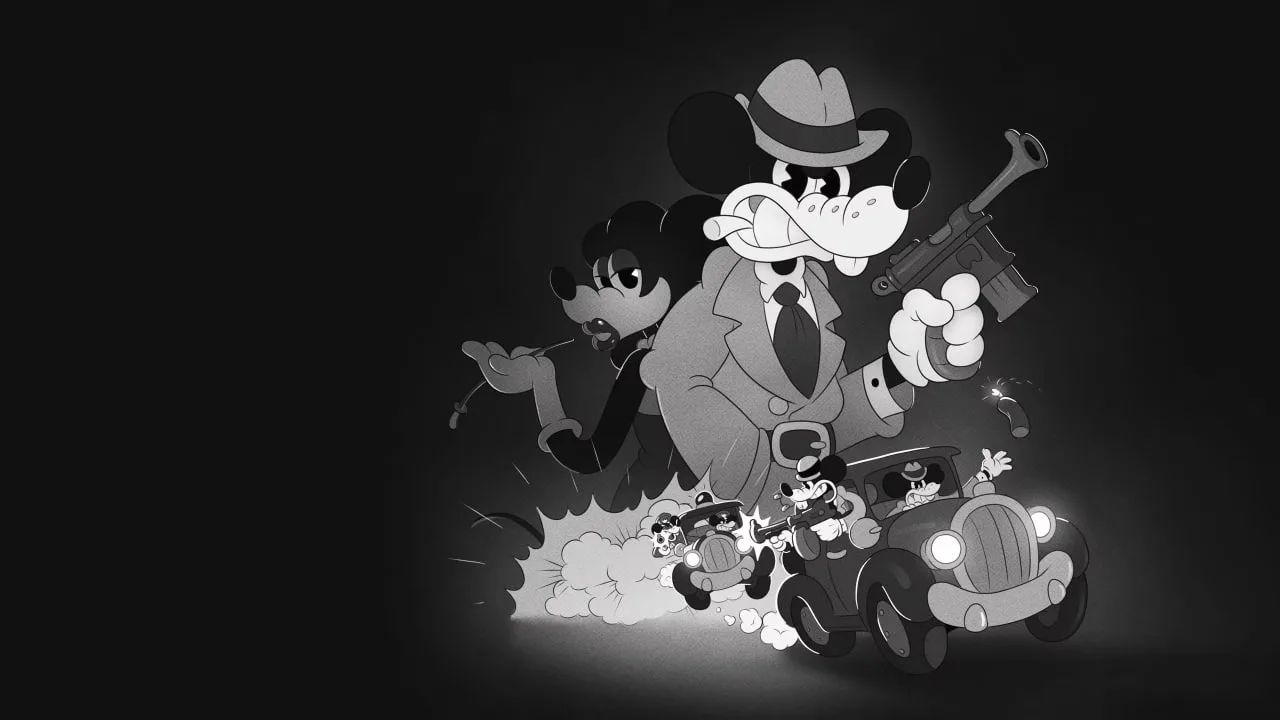
Master the controls and interface of MOUSE: P.I. For Hire. Learn how to navigate the noir world and utilize all your detective tools effectively in this comprehensive guide.
Welcome to the Controls & Interface guide for MOUSE: P.I. For Hire. This section will detail the various actions and their corresponding inputs to help you navigate the gritty, noir-fueled world of Mouseburg as Private Investigator Jack Pepper.
| Action | Button |
|---|---|
| Movement | Left Stick (PC/Console) / WASD (PC) |
| Aim | Right Stick (Console) / Mouse (PC) |
| Fire Weapon | Right Trigger (Console) / Left Mouse Button (PC) |
| Melee Attack | Left Trigger (Console) / Right Mouse Button (PC) |
| Jump/Dodge | A Button (Xbox) / X Button (PlayStation) / Spacebar (PC) |
| Interact/Contextual Action | X Button (Xbox) / Square Button (PlayStation) / E Key (PC) |
| Crouch/Stealth | B Button (Xbox) / Circle Button (PlayStation) / Ctrl Key (PC) |
| Use Item/Gadget | Y Button (Xbox) / Triangle Button (PlayStation) / Q Key (PC) |
| Weapon Swap | D-Pad Left/Right (Console) / Number Keys 1-4 (PC) |
| Reload | B Button (Xbox) / Circle Button (PlayStation) / R Key (PC) |
| Special Ability (e.g., Spike-D Spinach) | Left Bumper (Console) / Shift Key (PC) |
| Grappling Hook | Right Bumper (Console) / F Key (PC) |
| Pause Menu | Start Button (Console) / Escape Key (PC) |
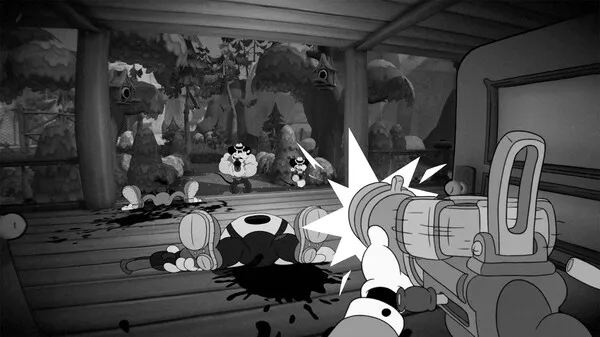
The interface in MOUSE: P.I. For Hire provides essential information at a glance. Your health is displayed in a distinctive, cartoonish manner. Ammo counts and equipped items are readily visible. As you explore Mouseburg, keep an eye out for clues and collectibles indicated by subtle visual cues.
100% Human-Written. AI Fact-Checked. Community Verified. Learn how AntMag verifies content