
Welcome to Rhythm Doctor, the indie rhythm game where you play as a medical professional tasked with healing patients by syncing with their heartbeats. Using a unique 'defibrillator' mechanic, you’ll need to hit the correct buttons in time with the music to stabilize their conditions. It’s a charming, pixel-art experience perfect for anyone who enjoys music games with a twist, whether you're playing solo or with friends in local co-op.
This guide is here to help you navigate the game's challenges, from understanding the core mechanics to mastering the more demanding levels. We’ll cover strategies for achieving Gold Medals on tricky stages and offer tips for overcoming difficult boss encounters, ensuring you can play flawlessly on PC and macOS.
Getting Started
Welcome to Rhythm Doctor! Learn the basics of this unique rhythm game, from its one-key controls to defibrillating patients on the 7th beat. Perfect for beginners!
Getting Started
Welcome to Rhythm Doctor! Learn the basics of this unique rhythm game, from its one-key controls to defibrillating patients on the 7th beat. Perfect for beginners!
Basic Controls — Rhythm Doctor Guide
Learn Rhythm Doctor's core mechanic. Press the button precisely on the 7th beat of each 8-beat measure to heal patients and master the rhythm.
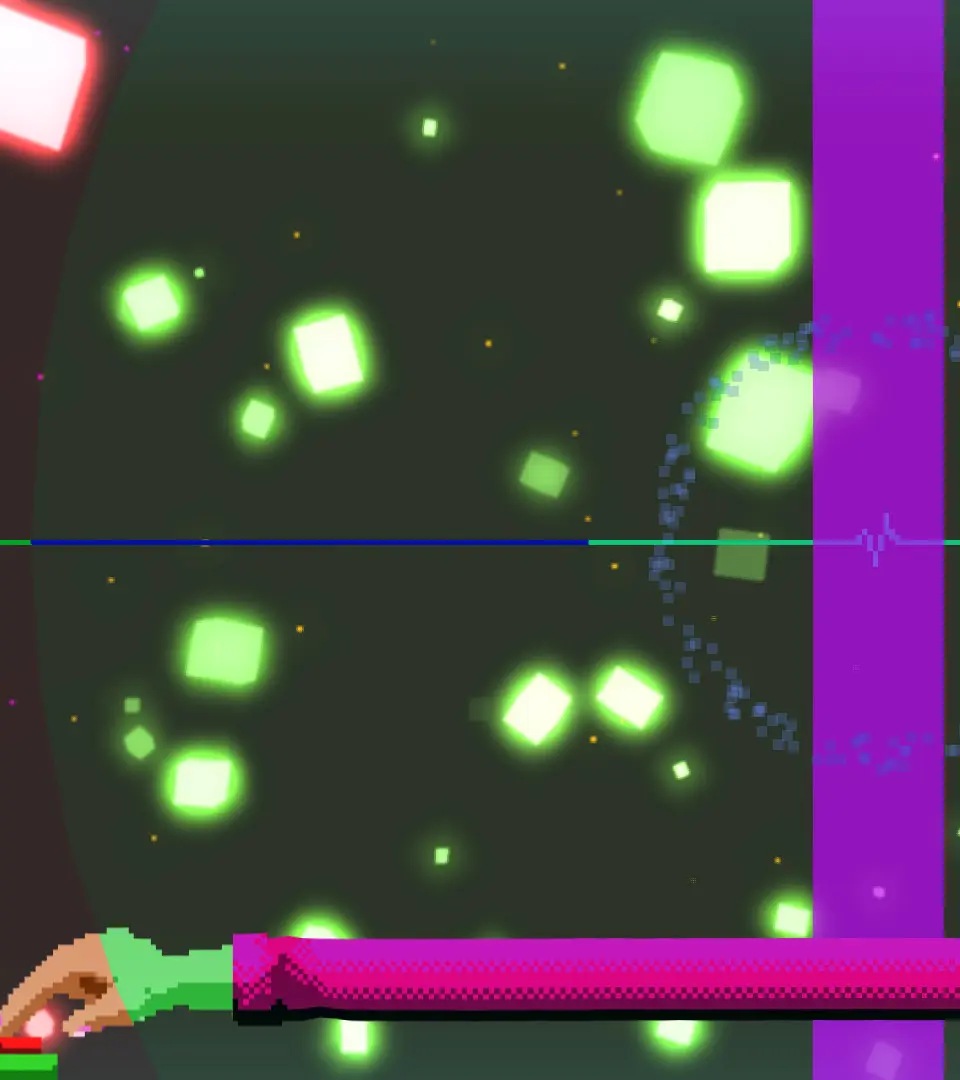
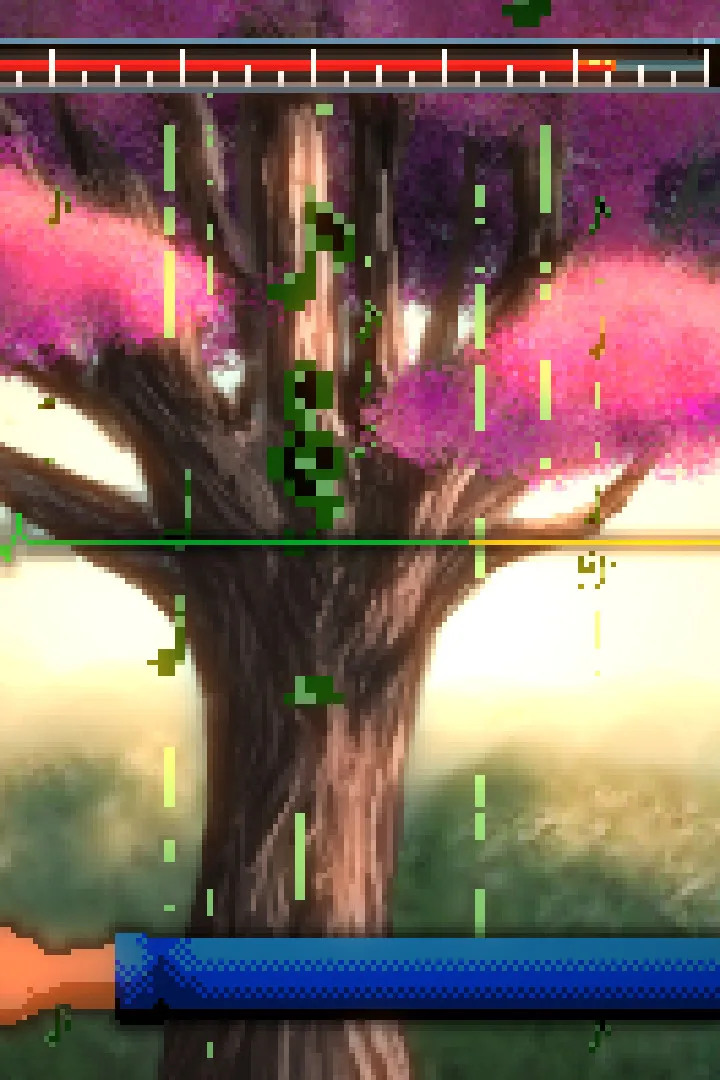
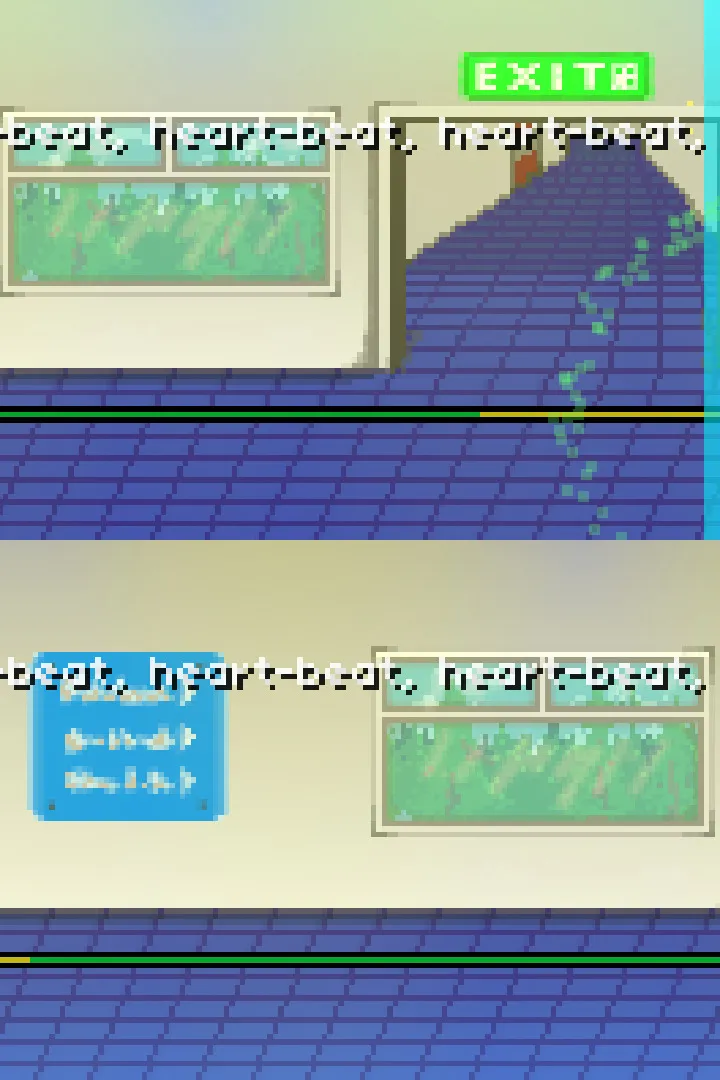
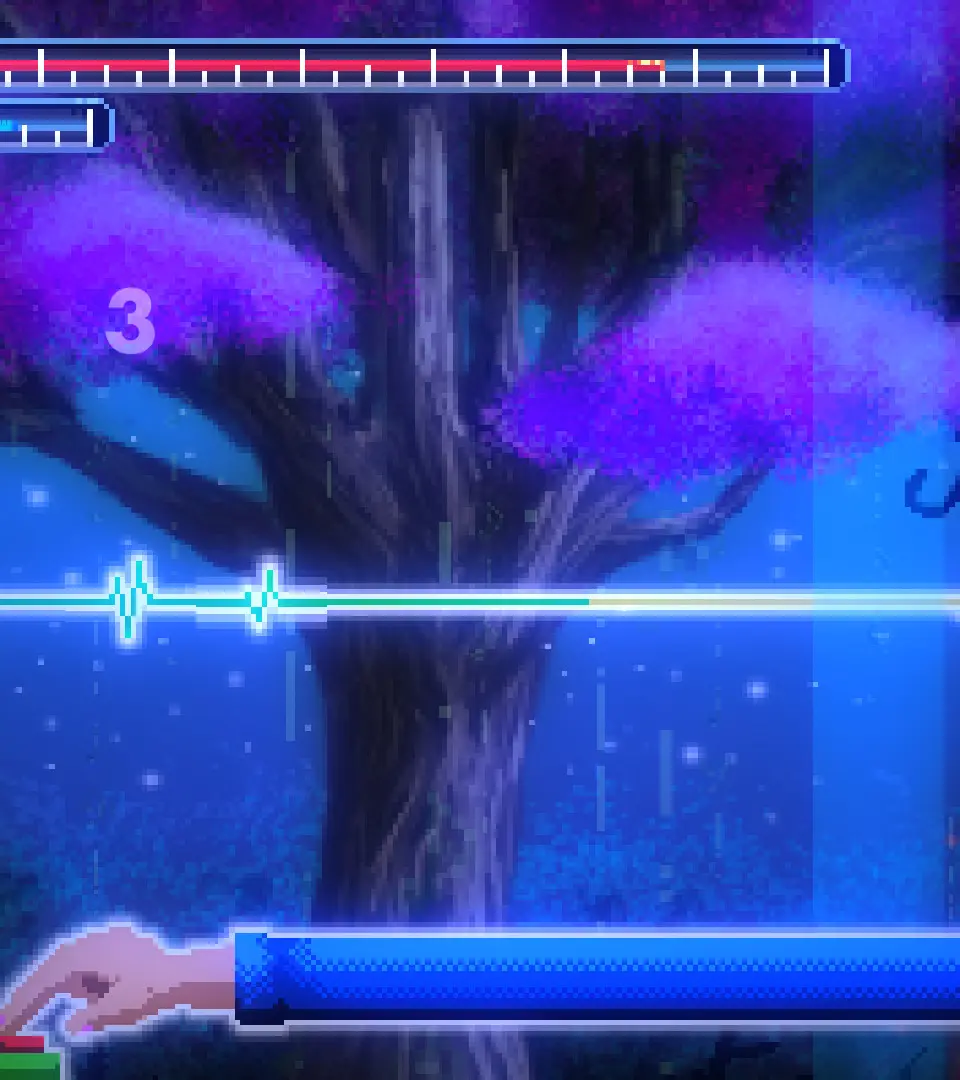
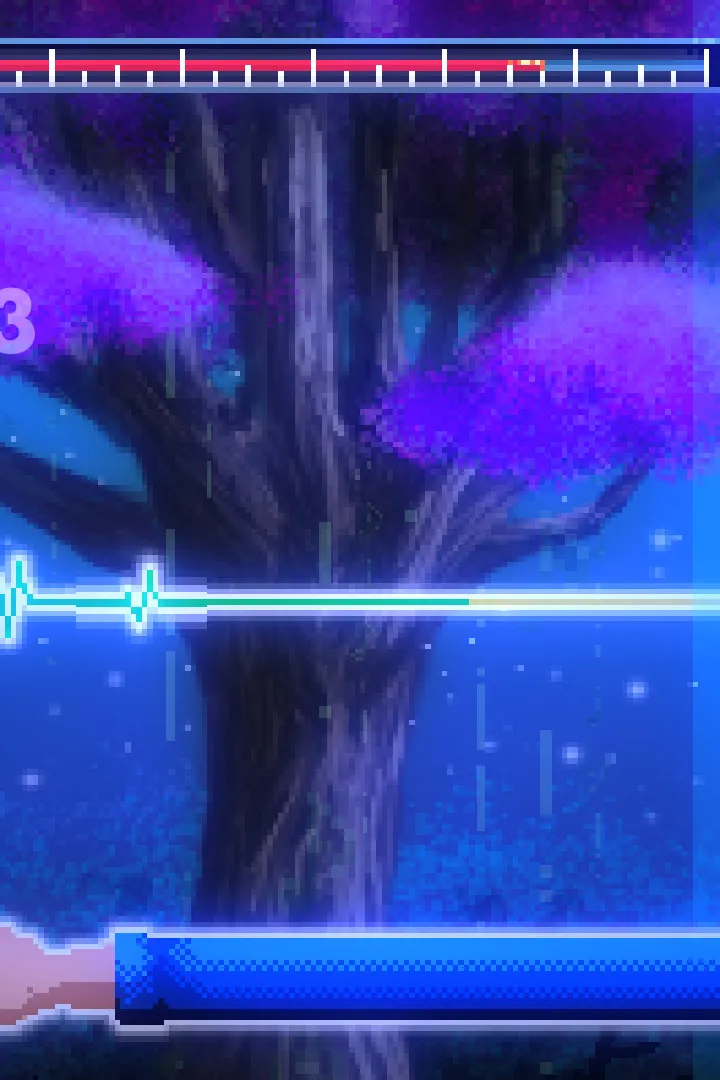
Rhythm Doctor's controls are deceptively simple, yet require precise timing. The core mechanic revolves around a single button press, typically the Spacebar or F key (configurable in settings). You'll need to press this button exactly on the 7th beat of every 8-beat measure. The game provides visual cues, such as the patient's heartbeat monitor and the scrolling rhythm line, to help you anticipate the beat. Some levels introduce variations like holding the button, releasing it, or pressing multiple times. Pay close attention to the on-screen prompts and the rhythm itself. Practice is key to developing muscle memory and an intuitive understanding of the timing.
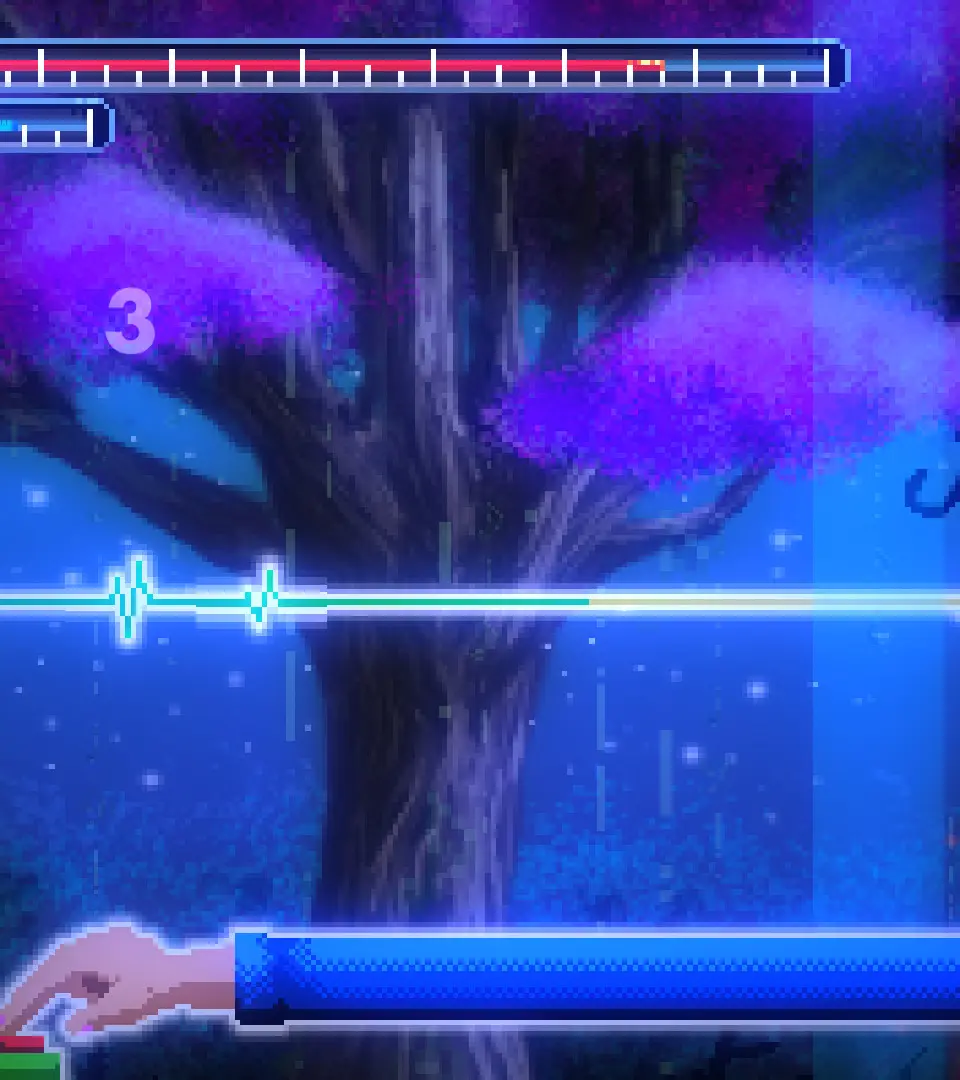
Beyond the core rhythm input, you'll also use the Escape key to pause the game and access menus, and the Arrow keys or Mouse for menu navigation. Familiarize yourself with these basic interactions before tackling your first patient.
Controls & UI — Rhythm Doctor Guide
Learn the essential controls and understand the user interface of Rhythm Doctor. Master every button press and navigate the game with ease to achieve perfect scores.
Rhythm Doctor is a unique rhythm game where players must hit specific notes in time with the music. Unlike other rhythm games, Rhythm Doctor focuses on a single button mechanic, making it accessible yet challenging.
| Action | Button |
|---|---|
| Hit Note | Spacebar |
| Hold Note | Hold Spacebar |
| Special Action (if applicable) | Varies by level/character |
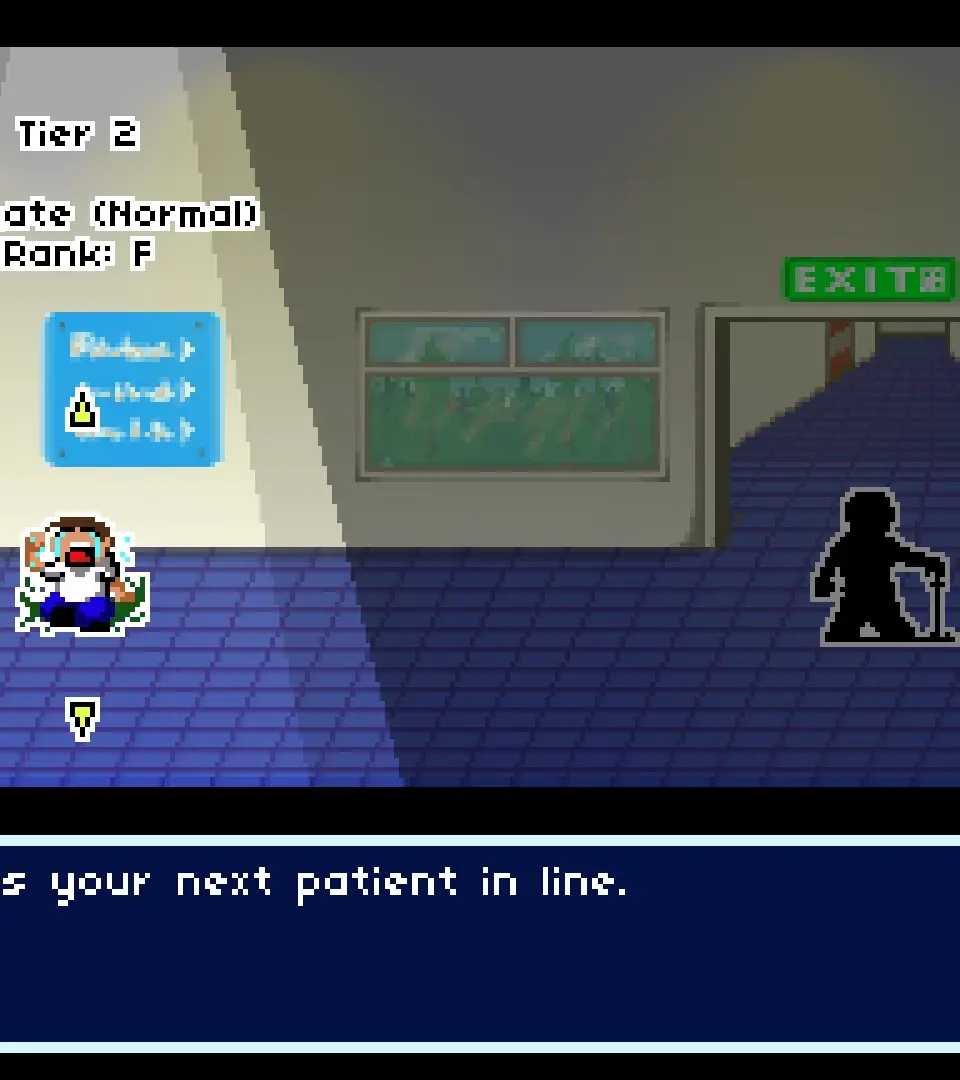
The user interface in Rhythm Doctor is designed to be clean and informative, providing players with the necessary feedback to succeed. Key elements include:
- Health Bar: Displays the player's remaining health. Missing notes or failing actions will deplete it.
- Score: Tracks the player's performance, with higher scores awarded for more accurate timing.
- Combo Counter: Shows the number of consecutive successful hits. Breaking the combo resets it.
- Note Highway: The visual representation of incoming notes, showing their timing and type.
- Character/Doctor Status: Information about the character you are playing as, including their current condition or abilities.
Mastering these controls and understanding the UI are crucial for progressing through the game's challenging levels and achieving high scores.
Beginner Tips
New to Rhythm Doctor? Our beginner tips guide covers essential gameplay mechanics, controls, and strategies to help you master the game and hit those perfect notes.
Welcome to Rhythm Doctor! This guide is designed to help new players get started with the game. Here, you'll find essential tips and information to help you navigate the game's mechanics and improve your rhythm game skills.
Beginner Tips:
- Understand the Core Mechanic: Rhythm Doctor revolves around pressing the spacebar in time with the on-screen prompts. The goal is to hit the notes as accurately as possible.
- Listen to the Music: The music is your primary guide. Pay close attention to the rhythm and cues provided by the soundtrack.
- Watch the Visual Cues: Visual indicators on the screen will help you anticipate when to press the spacebar. Learn to read these cues effectively.
- Practice Makes Perfect: Don't get discouraged if you miss notes. The game is designed for practice. Replaying levels will help you improve your timing and accuracy.
- Master Different Note Types: As you progress, you'll encounter various note types and patterns. Learn how to handle each one.
- Utilize the Tutorial: If available, play through the game's tutorial mode. It's designed to introduce you to the fundamental gameplay elements.
- Experiment with Settings: Some rhythm games offer options to adjust visual or audio settings. Explore these to find what works best for your playstyle.
Similar guides you might like




100% Human-Written. AI Fact-Checked. Community Verified. Learn how AntMag verifies content