
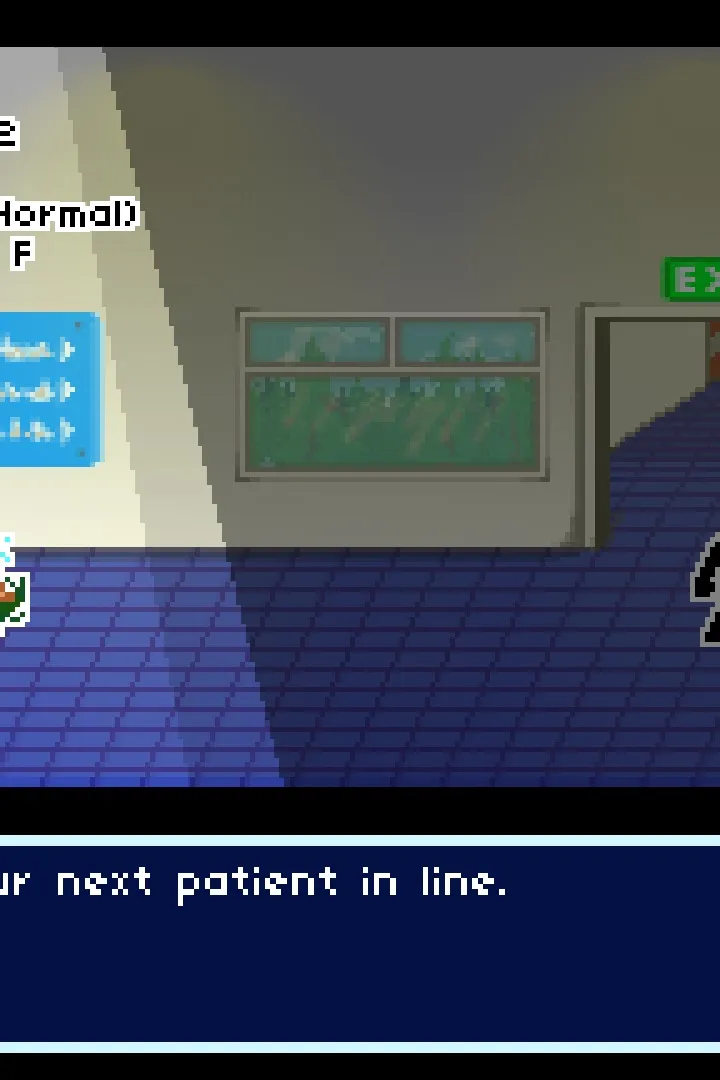
Master synchronized timing with friends in Rhythm Doctor's local co-op. This guide details how to start split-screen sessions and tackle patient rhythms togeth.
Rhythm Doctor offers a unique and engaging local co-op experience, allowing you to team up with a friend to tackle the challenging rhythms of patient care. This mode is perfect for those who enjoy cooperative gameplay and want to test their synchronized timing skills.
How to Play in Local Co-Op:
- To initiate a local co-op session, ensure you have two controllers connected to your PC or macOS device.
- From the main menu, navigate to the "Multiplayer" or "Co-Op" option.
- Select "Local Co-Op" and then choose the desired level or patient you wish to heal together.
- Each player will control their own defibrillator, needing to hit the correct beats in sync.
Key Co-Op Mechanics:
In local co-op, both players are responsible for hitting the correct beats to maintain the patient's stability. While the core gameplay remains the same – pressing the designated key on the 7th beat of every 8-beat measure – the added layer of coordination can be both fun and challenging.
- Synchronized Defibrillation: The primary goal is for both players to press their defibrillator button at the exact same moment on the crucial beat. Missing a beat individually will impact the patient's health, but both players missing it will have a more significant negative effect.
- Shared Health Bar: The patient's health bar is shared between both players. This means that one player's mistakes can directly affect the success of the other. Communication and mutual awareness are key.
- Visual Cues: Pay close attention to the visual cues on screen. The scrolling rhythm line and the beat indicators are crucial for both players to stay on track. In co-op, it's beneficial to verbally call out upcoming beats or complex patterns to your partner.
- Tutorial Integration: Many levels feature dedicated tutorials that teach new concepts. In co-op, these tutorials can be a great way to learn together and ensure both players understand the mechanics before diving into a more difficult section.
Tips for Successful Co-Op Play:
- Communication is Key: Talk to your partner! Call out beats, warn about upcoming complex patterns, and celebrate successful syncs.
- Find Your Rhythm Buddy: Playing with someone who has a similar rhythm sense or is willing to learn and adapt can make the experience much smoother.
- Practice Makes Perfect: Don't be discouraged by initial failures. The more you play together, the better you'll become at anticipating each other's actions and synchronizing your inputs.
- Focus on the Core Mechanic: Remember the fundamental rule: press on the 7th beat. Even with two players, this core rhythm remains the anchor of the gameplay.
Local co-op in Rhythm Doctor transforms the solo experience into a shared challenge, fostering teamwork and providing a unique way to enjoy the game's infectious rhythms.
100% Human-Written. AI Fact-Checked. Community Verified. Learn how AntMag verifies content