
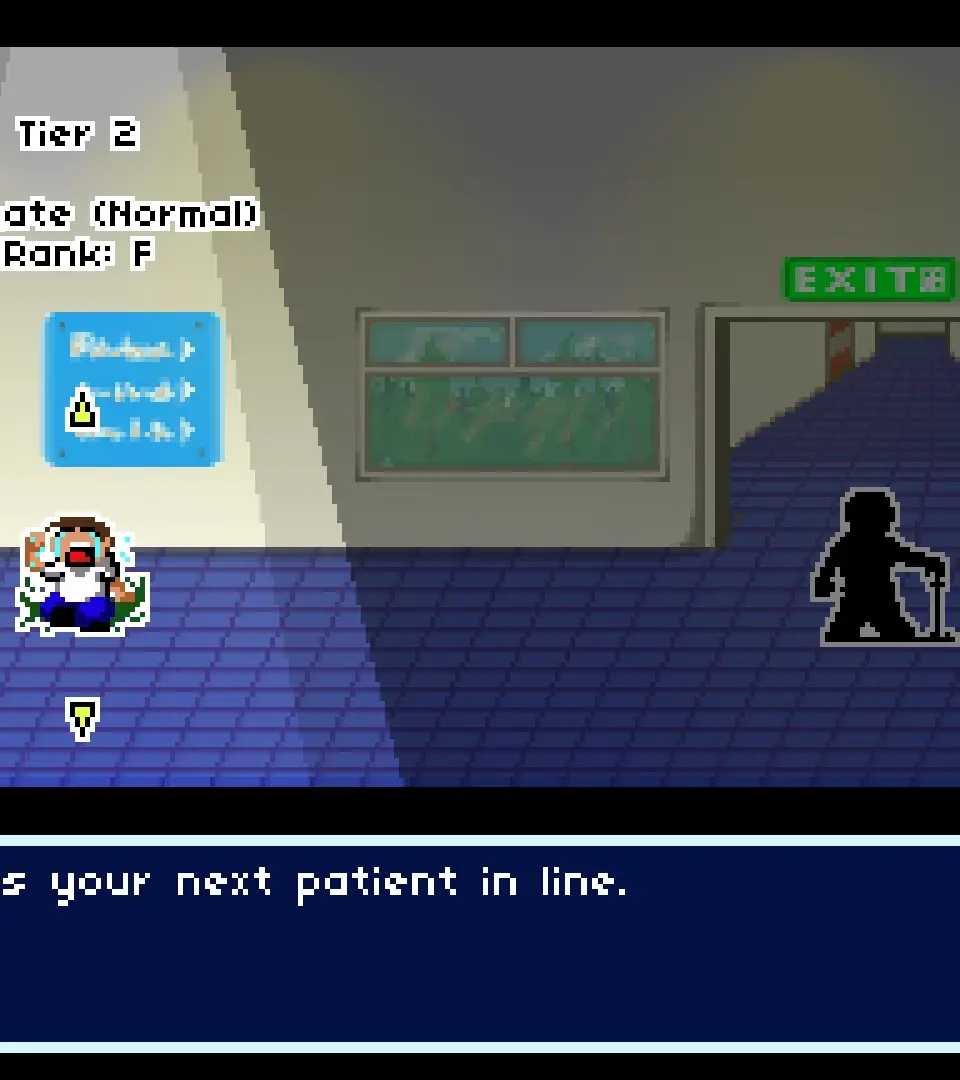
A guide to the Rhythm Doctor's user interface, explaining the rhythm line, heartbeat monitor, score, and health bar.
The user interface in Rhythm Doctor is clean and functional, providing all the necessary information without clutter. During a patient's treatment, the most prominent elements are the rhythm line, which scrolls from right to left, indicating upcoming beats, and the patient's heartbeat monitor, which visually represents their current health and rhythm. A successful beat press will show a 'Perfect' or 'Good' indicator, while a missed beat will display 'Miss' and negatively impact the patient's health.
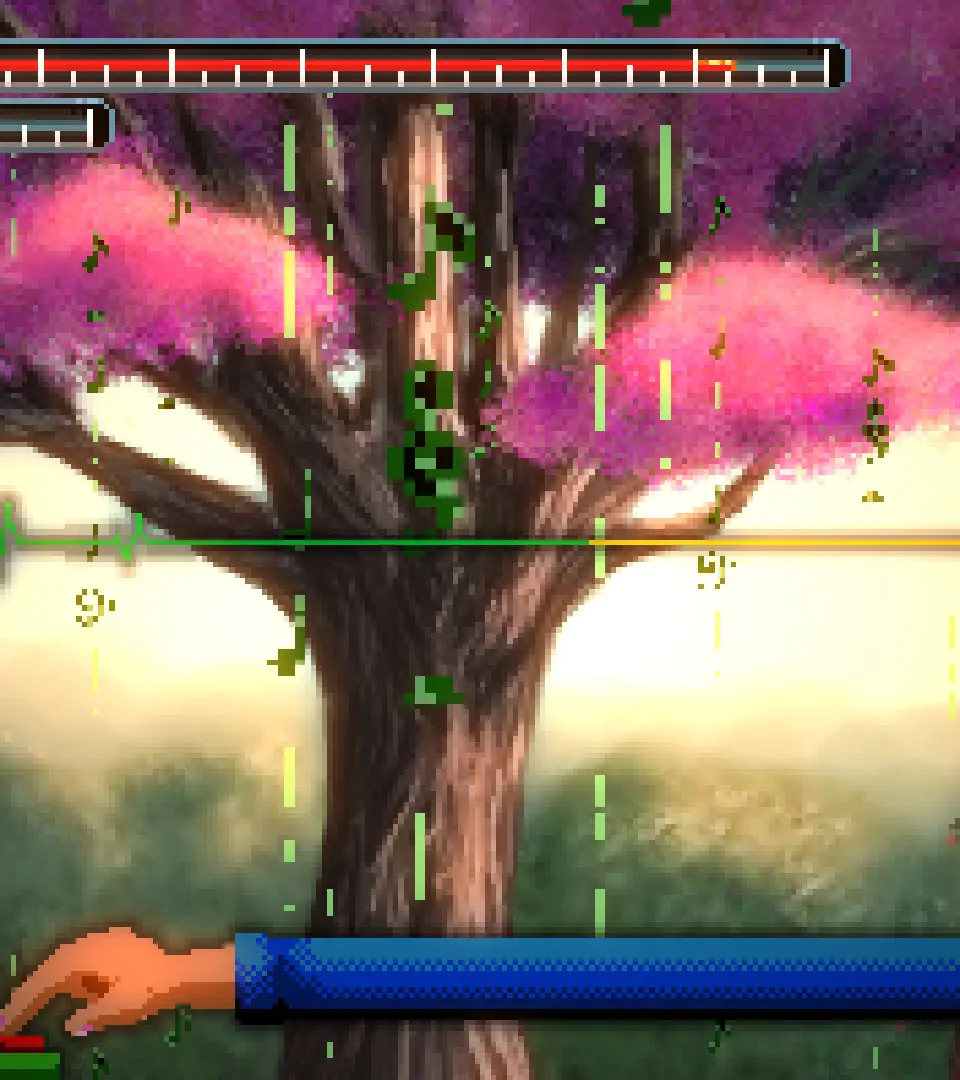
At the top of the screen, you'll see your score, which accumulates based on your accuracy, and a combo counter, which increases with consecutive perfect presses. The patient's health bar is usually located at the bottom or side, indicating how close they are to recovery or critical condition. Pay attention to any on-screen text prompts or visual effects, as these often signal upcoming rhythm changes or special mechanics unique to a particular patient's ailment.
100% Human-Written. AI Fact-Checked. Community Verified. Learn how AntMag verifies content