
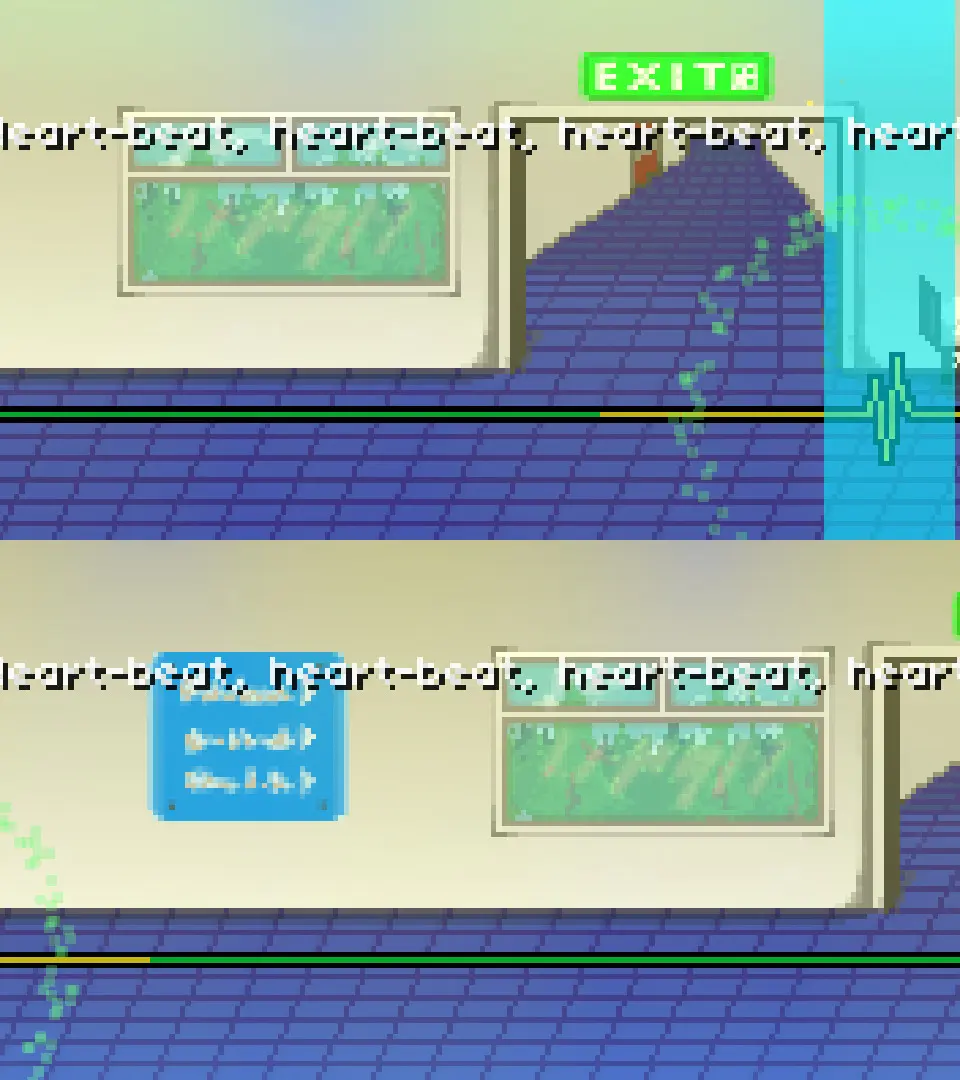
Advanced calibration techniques for Rhythm Doctor to achieve perfect audio-visual synchronization and reduce latency.
While the in-game calibration is good, some players might benefit from advanced techniques. If you're still experiencing latency, try using an external audio-visual sync test. Many online tools can help you determine your exact audio and video delay. Once you have these numbers, you can manually adjust the offset in Rhythm Doctor's settings (if available, or use the in-game calibration with this knowledge). For optimal performance, consider using wired headphones and a monitor with low input lag. Disabling V-Sync in some cases can also reduce latency, though it might introduce screen tearing. Experiment with different settings until the game feels perfectly responsive to your inputs.
Another tip is to calibrate in a quiet environment with minimal distractions. Your perception of latency can be affected by external factors. A perfectly calibrated setup is the foundation for achieving consistent 'Perfect' presses, especially in the more challenging levels.
100% Human-Written. AI Fact-Checked. Community Verified. Learn how AntMag verifies content