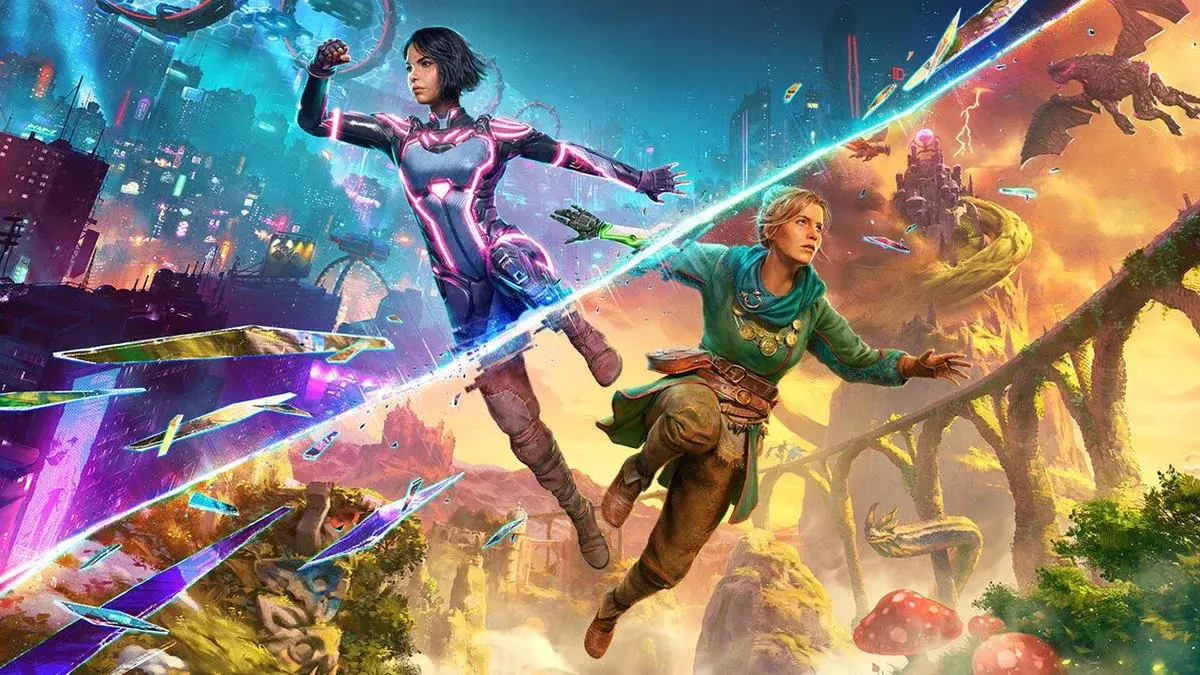
Master the Split Fiction user interface with our comprehensive guide. Learn about controls, HUD elements, and navigation to enhance your gameplay experience.
This guide provides an overview of the user interface (UI) elements within the game Split Fiction. Understanding the UI is crucial for navigating the game world, managing inventory, and executing actions effectively. We will cover the main components of the HUD, interaction prompts, and menu systems.
| Action | Description |
|---|---|
| Health Bar | Displays the player character's current health. |
| Stamina Bar | Indicates the player's available stamina for actions like sprinting and attacking. |
| Minimap | Shows the surrounding environment, objectives, and points of interest. |
| Interaction Prompts | Icons or text that appear when the player can interact with objects or characters. |
| Objective Tracker | Lists current mission objectives and their status. |
| Inventory Menu | Allows players to manage items, weapons, and equipment. |
| Skill Tree | Displays available skills and allows players to upgrade their character. |
| Dialogue Box | Shows conversations with NPCs and player dialogue options. |
100% Human-Written. AI Fact-Checked. Community Verified. Learn how AntMag verifies content