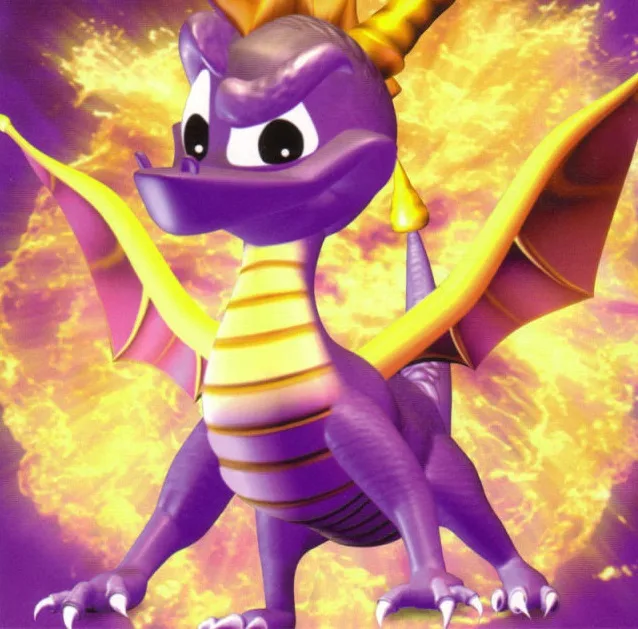
Learn about Spyro the Dragon's moves like charging, superjumping, and gliding, and navigate the game's saving system, start menu options, and world map.
This section covers essential gameplay mechanics and menu navigation for Spyro the Dragon. It details Spyro's moves, the saving and loading system, the start menu options, and an overview of the game's worlds.
Spyro's Moves:
- Charging: Defeat enemies by charging through them.
- Superjump: Jump off edges to perform a superjump that travels a great distance. This can be combined with gliding mid-air.
- Glide: Break into a glide mid-superjump.
- Supercharge Speed: The speed of supercharging depends on the steam color: normal steam provides normal speed, yellow steam provides normal supercharging speed, and red steam (achieved by charging off a second ramp) provides immense speed.
- Rolling: Hold R1 to roll right or L1 to roll left. This move is primarily for dodging but is considered minor and potentially detrimental.
Saving & Loading:
- The game features 80 dragons to free across all worlds.
- Freeing a dragon marks a checkpoint on their platform. Dying in a level will respawn Spyro at the last freed dragon's platform.
- Interacting with a dragon platform and staying on it allows access to a menu with options to 'Save', 'Replay Dragon', or 'Continue'.
- Saving records overall progress. Quitting and reloading will restore saved progress.
- When rebooting the game, select the desired file and choose 'Load' to continue.
Start Menu:
- Pressing the START button pauses the game and brings up a menu with four options:
- Continue: Resumes the game from where it was paused.
- Options: Opens a sub-menu to adjust:
- Sound Effects volume
- Music Volume
- Speaker Setup (Stereo/Mono)
- Vibration (On/Off)
- Camera (Active/Passive)
- Screen Adjust (Horizontal, Vertical, Done)
- Inventory: Displays collected items. It shows a HUD with total gems, dragons, and percentage. Below this is a checklist of dragon eggs and a list of levels with collected gems, dragon eggs, and dragons per world. This screen can also be accessed by pressing SELECT.
- Exit Level/Quit Game: In Regular, Flight, Boss, or Bonus worlds, this option is 'Exit Level' to return to the homeworld. In a homeworld, it is 'Quit Game' to return to the Title Screen.
The Six Worlds:
- There are five Dragon Worlds and one Gnorc World.
- Each Dragon World has six levels, and the Gnorc World has five.
- Travel between worlds is possible via balloonists found in home levels, provided requirements are met.
- Artisans World: Known for culture and beauty, with lush hills and valleys. Home: Artisans Home. Regular levels: Stone Hill, Dark Hollow, Town Square. Flight level: Sunny Flight. Boss: Toasty. Contains 1000 Gems, 16 Dragons, 2 Dragon Eggs.
- Peace Keepers World: Home to large, powerful dragons who enforce order. They live in desert sand dunes, tar pits, and ice-caves.
100% Human-Written. AI Fact-Checked. Community Verified. Learn how AntMag verifies content