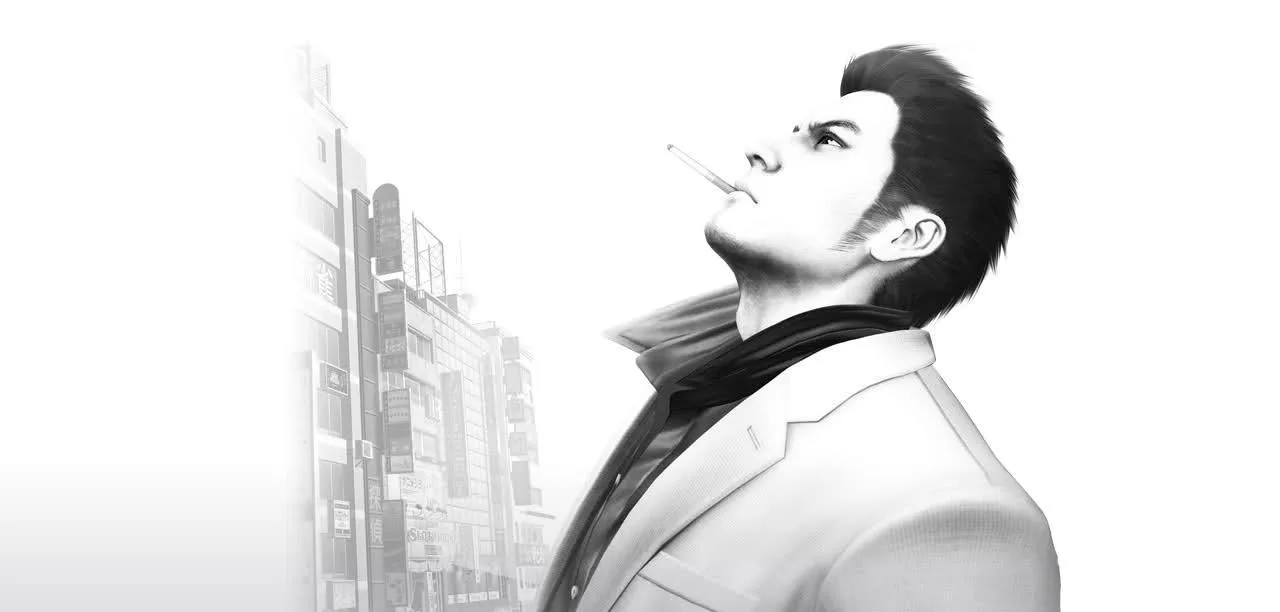
Learn all the essential controls for Yakuza 3 Remastered, including exploration, menu navigation, and combat actions for both PlayStation and Xbox controllers.
This guide details the basic controls for Yakuza 3 Remastered, covering exploration, menu navigation, and combat. Button mappings are provided for both PlayStation and Xbox controllers.
| Exploration Controls | PlayStation | Xbox | Control |
|---|---|---|---|
| Move your character | Left Stick | ||
| Move the camera | Right Stick | ||
| Interact | X | ||
| Hold to walk | L2 | ||
| Center camera behind you | R1 | ||
| Enter first-person mode | R3 | ||
| Enter Pause Menu | Options |
| Menu Controls | PlayStation | Xbox | Control |
|---|---|---|---|
| Move cursor | Left Stick | ||
| Confirm (Equip or Use on Items screen) | X | ||
| Cancel/Exit | Circle | ||
| Sorting Items on Items screen | Square | ||
| Discard on Items screen | Triangle | ||
| Used in some menus to toggle screens | L1/R1 | ||
| Exit Menu | Options |
| Combat Controls (typical) | PlayStation | Xbox | Control |
|---|---|---|---|
| Move your character | Left Stick | ||
| Move the camera | Right Stick | ||
| Rush Combo | Square | ||
| Heavy Attack Finishing Blow Heat Action | Triangle | ||
| Evade | X | ||
| Grab Throw enemy/weapon | Circle | ||
| Guard | L1 | ||
| Fighting Stance | L2 | ||
| Taunt | R1 | ||
| Center Camera | R1 | ||
| Pause the game | Options | ||
| Pull out weapon assigned to that button | D-Pad | ||
| Smoke Break | R2 |
More specific info about combat is available in the Combat and Abilities section.
100% Human-Written. AI Fact-Checked. Community Verified. Learn how AntMag verifies content