
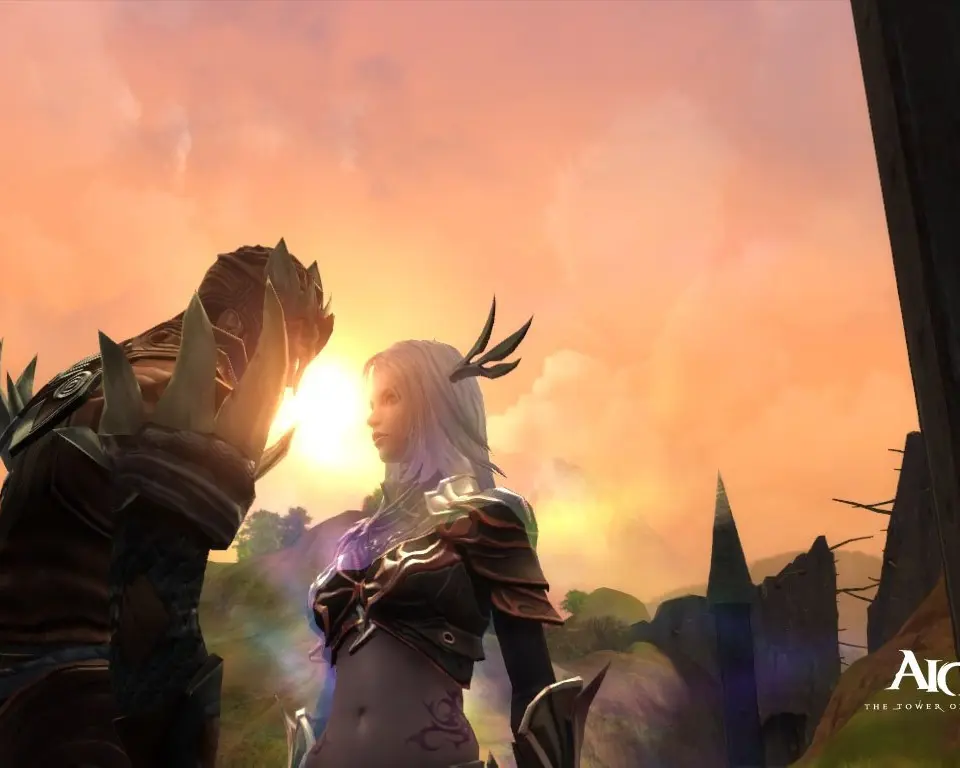
Ensure a smooth Aion experience by meeting system requirements. Avoid lag and crashes during critical PvP and PvE raids with this setup guide.
Ensuring your system meets or exceeds Aion's requirements is crucial for a smooth and enjoyable experience in Atreia. Lag, stuttering, and crashes can severely impact your gameplay, especially during critical PvP encounters or challenging PvE raids. This guide will walk you through understanding and optimizing your setup.
Minimum Specifications for Entry to Atreia
While Aion is an older title, its graphical fidelity and the sheer number of players in certain zones can still strain less powerful systems. Meeting these minimums will allow you to launch and play, but expect to adjust graphical settings for optimal performance.
- Operating System: Windows 7 (64-bit) or newer. While older versions might technically run, official support and stability are guaranteed on Windows 7 and above.
- Processor (CPU): Intel Core 2 Duo E6600 2.4 GHz or AMD Athlon 64 X2 6000+ 3.0 GHz. These are dual-core processors. For a more fluid experience, especially in crowded areas like the Sanctum or Pandaemonium, a quad-core CPU is highly recommended.
- Memory (RAM): 4 GB RAM. This is the bare minimum. Expect frequent loading screens and potential slowdowns when transitioning between regions or during large-scale battles.
- Graphics Card (GPU): NVIDIA GeForce 8600 GT or AMD Radeon HD 4650. These are entry-level cards. You will likely need to play on the lowest graphical settings, disabling effects like dynamic shadows and anti-aliasing.
- Storage: 40 GB available hard drive space. A Solid State Drive (SSD) is not mandatory but will significantly reduce loading times.
- DirectX: Version 9.0c. Ensure your drivers are up to date for the best compatibility.
- Network: Broadband Internet connection. A stable connection is paramount for an MMORPG; frequent disconnections can lead to lost progress or death in dangerous zones.
Recommended Specifications for a Seamless Journey
To truly appreciate the beauty of the Abyss, the intricate details of your character's armor, and the fluidity of combat, aiming for the recommended specifications is advised. This will allow for higher graphical settings and a more consistent frame rate.
- Operating System: Windows 10 (64-bit). Modern operating systems often have better resource management.
- Processor (CPU): Intel Core i5-2500K 3.3 GHz or AMD FX-8150 3.6 GHz. These quad-core processors provide ample power for Aion's demands. Newer generations will offer even better performance.
- Memory (RAM): 8 GB RAM or more. This allows for smoother multitasking and prevents memory-related bottlenecks during intense gameplay.
- Graphics Card (GPU): NVIDIA GeForce GTX 660 or AMD Radeon HD 7870. These mid-range cards will enable you to play on high settings with good performance.
- Storage: 40 GB available SSD space. Installing Aion on an SSD is one of the most impactful upgrades for reducing load times and improving overall responsiveness.
- DirectX: Version 11 or 12. Modern graphics cards will support these versions, offering better performance and visual fidelity.
- Network: Broadband Internet connection with low latency. A wired Ethernet connection is always preferred over Wi-Fi for stability.
Optimization Strategies for All Daevas
Regardless of your system's power, a few optimization steps can enhance your Aion experience:
- Update Graphics Drivers: This is perhaps the most critical step. Visit NVIDIA or AMD's official websites to download the latest drivers for your GPU. Outdated drivers are a common cause of performance issues.
- Adjust In-Game Settings:
- Graphics Quality: Start with "Medium" and gradually increase settings like "Texture Quality," "Shader Quality," and "Effect Quality" until you find a balance between visuals and performance.
- Shadows: Shadows are very resource-intensive. Reducing "Shadow Quality" or disabling them entirely can provide a significant FPS boost.
- Anti-Aliasing: While it smooths jagged edges, anti-aliasing can be demanding. Experiment with lower settings or turn it off if needed.
- View Distance: In crowded zones, reducing "View Distance" can help, though it may impact your ability to spot distant enemies or quest objectives.
- Player Count Display: In the game options, you can often limit the number of other players displayed on screen, which is invaluable during sieges or large gatherings.
- Close Background Applications: Before launching Aion, close any unnecessary programs, especially web browsers with many tabs, streaming services, or other games. These consume RAM and CPU resources.
- Disk Defragmentation (HDD users): If Aion is installed on a traditional Hard Disk Drive (HDD), regularly defragmenting your drive can improve loading times. SSDs do not require defragmentation.
- Monitor Temperatures: Overheating components can lead to throttling and performance drops. Use monitoring software (e.g., HWMonitor) to check your CPU and GPU temperatures during gameplay. Ensure your system has adequate cooling.
- Verify Game Files: If you experience persistent issues, use the game launcher's "Repair" or "Verify Files" option to check for corrupted game data.
By following these guidelines, you'll be well-equipped to embark on your epic journey through Aion, whether you're a fresh Daeva or a seasoned veteran.
100% Human-Written. AI Fact-Checked. Community Verified. Learn how AntMag verifies content