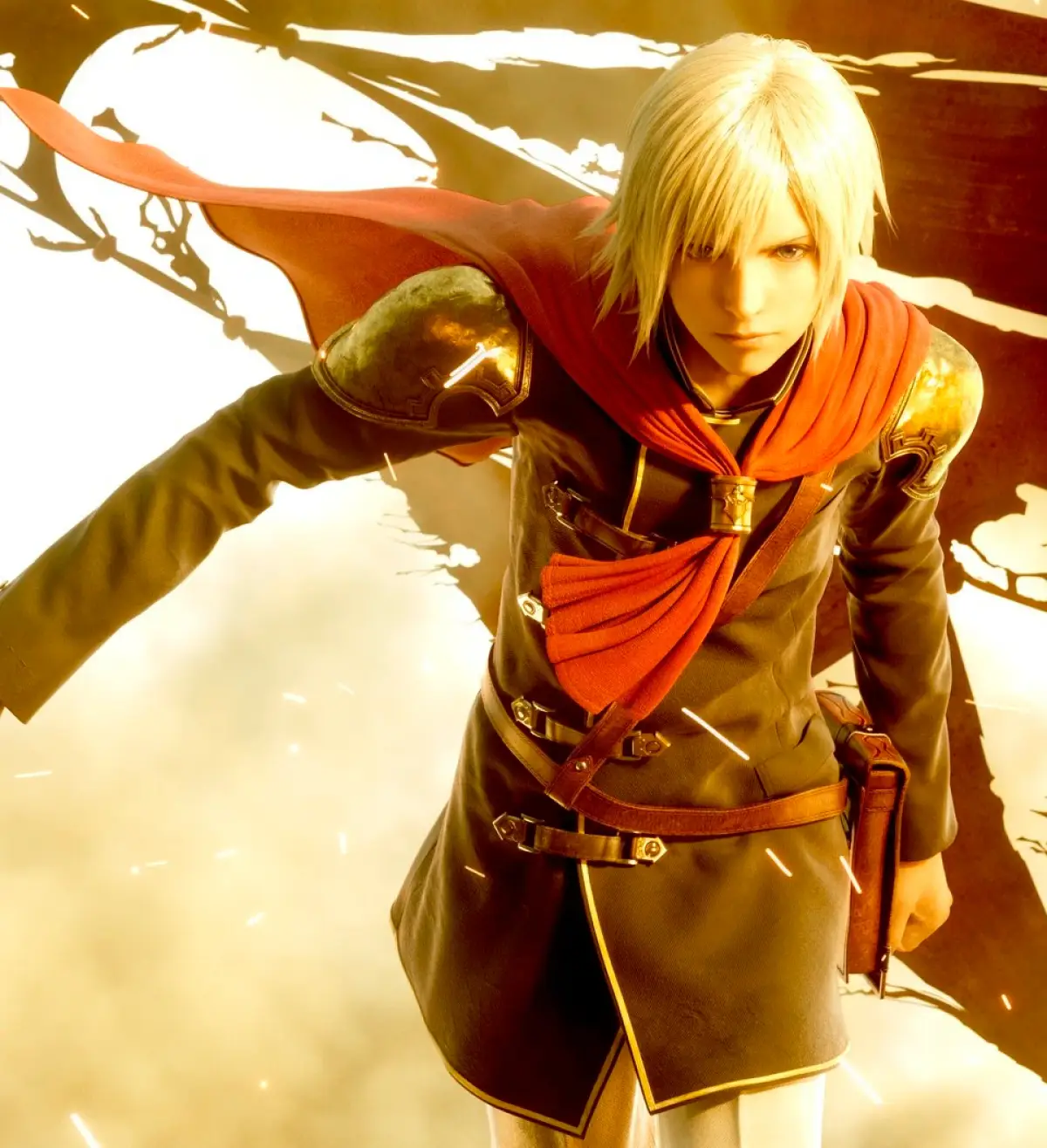
Learn the essential controls for Final Fantasy Type-0 HD, including field, combat, menu navigation, and recommended lock-on adjustments for optimal gameplay.
This guide covers the controls for Final Fantasy Type-0 HD. It details button mappings for both field and combat actions, as well as menu navigation. It also provides a recommended adjustment for the lock-on system to enhance gameplay.
Field and Combat Controls:
| Button | Field and Combat Control |
|---|---|
| L | Cancels Charged Attack |
| R | Resets Camera View |
| D-pad | Moves Camera |
| Circle | Command 1, Talks / Inspects |
| Triangle | Normal Attack |
| Square | Command 2 |
| X | Defense Command |
| Select | Uses Equipped Item |
| Analog | Moves Character |
| Analog + X | Dodge Roll |
| L + R | Sheathe / Unsheathe |
| Hold L | Shows Sub command |
| Hold L + Up D-pad | Calls Back Up |
| Hold L + Left / Right D-pad | Switches Character |
| Hold L + Down D-pad | Views S.O. (Special Order) |
| Hold R | Lock-On |
| Hold R + D-pad | Changes Lock-On Target |
| Hold R + Circle/Triangle/Square | Absorbs Phantoma |
| Circle + Triangle | (Unlocks in Chapter 3) |
| Square + X | (Unlocks in Chapter 2) |
| Start | Opens Menu |
Menu Controls:
| Button | Menu Control |
|---|---|
| L | Tabs Left |
| R | Tabs Right |
| D-pad | Highlights Sub Menu |
| Circle | Selects |
| Triangle | Shows Extra Info |
| X | Returns to the previous menu |
| Start | Closes Menu |
Necessary Control Adjustment:
It's recommended to change the Lock-On setup from "Hold R" to "Press R". This allows you to lock-on without continuously holding the R button.
Hold R Settings:
| Activates Lock-On | Hold the R button |
| Switches between targets | Hold the R button and press the left or right d-pad |
| Switches to the closest enemy | Hold the R button and press the up d-pad |
| Switches to the closest item / dead enemy | Hold the R button and press the down d-pad |
| Deactivates Lock-On | Release the R button |
Press R Settings:
| Activates Lock-On | Hold the R button for about 1 second |
| Switches between targets | While activating Lock-On press the left or right d-pad |
| Switches to the closest enemy | While activating Lock-On press the up d-pad |
| Switches to the closest item / dead enemy | While activating Lock-On press the down d-pad |
| Deactivates Lock-On | While activating Lock-On press the R button |
Note: The HD version has slightly different button controls, so adapt to those instead of the ones listed here.
100% Human-Written. AI Fact-Checked. Community Verified. Learn how AntMag verifies content