
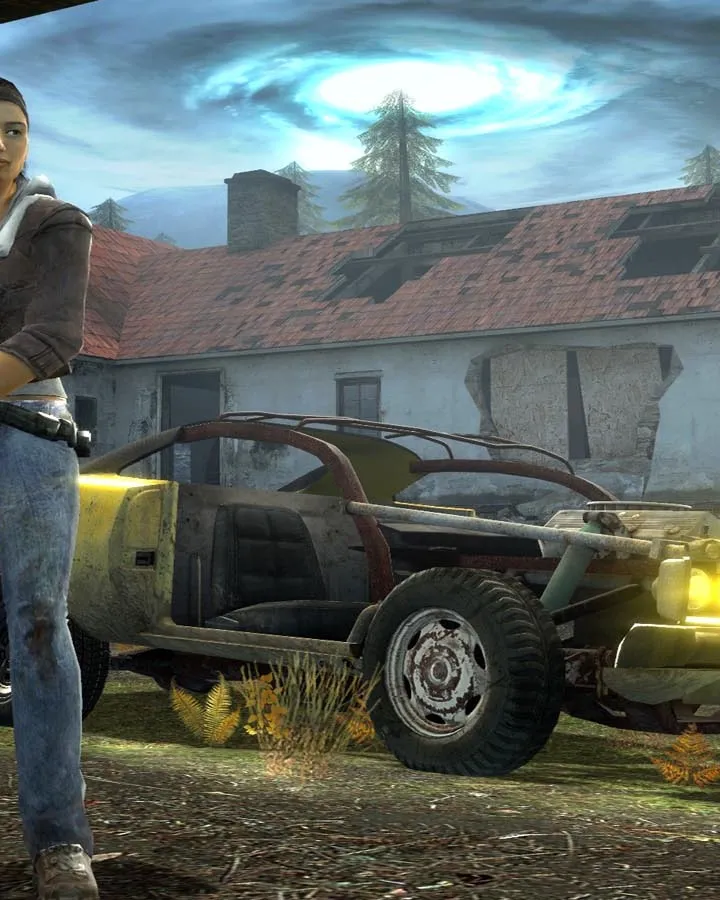
Navigate Half-Life 2: Episode Two like a pro! Get essential tips and tricks for controls, weapons, enemies, and more to conquer the challenges ahead.
Hey there! So, you're diving into Half-Life 2: Episode Two? Awesome choice! This guide is here to give you a hand, kind of like a seasoned player whispering advice in your ear. We'll cover the essentials to make sure you're not just surviving, but thriving.
First off, let's talk about how you'll be moving and interacting with the world. The basic movement keys – W, S, A, D – are your bread and butter for getting around. Don't forget about Sprint (Shift), Jump (Space), and Duck (Ctrl) for those crucial maneuvers. You'll be using these constantly, so get comfortable!
When it comes to combat and interaction, your mouse buttons are key: Left Click (Mouse 1) for your primary attack, Right Click (Mouse 2) for secondary fire. Reloading is done with 'R', and 'E' is your go-to for using items or interacting with the environment. The iconic Gravity Gun is mapped to 'G', and your Flashlight is on 'F'. 'Z' activates your Suit Zoom, which can be handy, though honestly, the other controls are what you'll rely on most.
Switching weapons is straightforward: '1' for the Crowbar, '2' for the Handgun/.357 Magnum, '3' for the SMG/Pulse Rifle, '4' for the Shotgun/Crossbow, and '5' for Grenades/RPG. The 'Q' key is a lifesaver for quickly switching back to your last used weapon, especially handy when you need to go from the Gravity Gun to your SMG in a pinch. Pro-tip: to draw your second weapon of a type (like the .357 Magnum after the Handgun), just hit the corresponding number key twice.
There's also the 'Alt' key for walking, which can be useful for stealth or precise movement, though you might not use it as much. The most important tip for controls? If you're ever unsure, especially in a safe spot, just mess around! Run, jump, strafe, duck – get a feel for everything. The game's controls are pretty standard for FPS games, so if you've played others, you'll pick them up fast.
Now, for a little trick that can save you on tricky jumps: try ducking mid-air! Seriously, it can help you clear gaps or reach higher ledges you might otherwise miss. It's a small thing, but it can make a big difference when you're trying to navigate some of the trickier areas.
We'll get into the nitty-gritty of the walkthrough soon, but just remember to keep your wits about you. The world of Half-Life 2: Episode Two is full of surprises, and knowing your controls inside and out is the first step to overcoming them. Stick with me, and we'll get through this together!
100% Human-Written. AI Fact-Checked. Community Verified. Learn how AntMag verifies content