
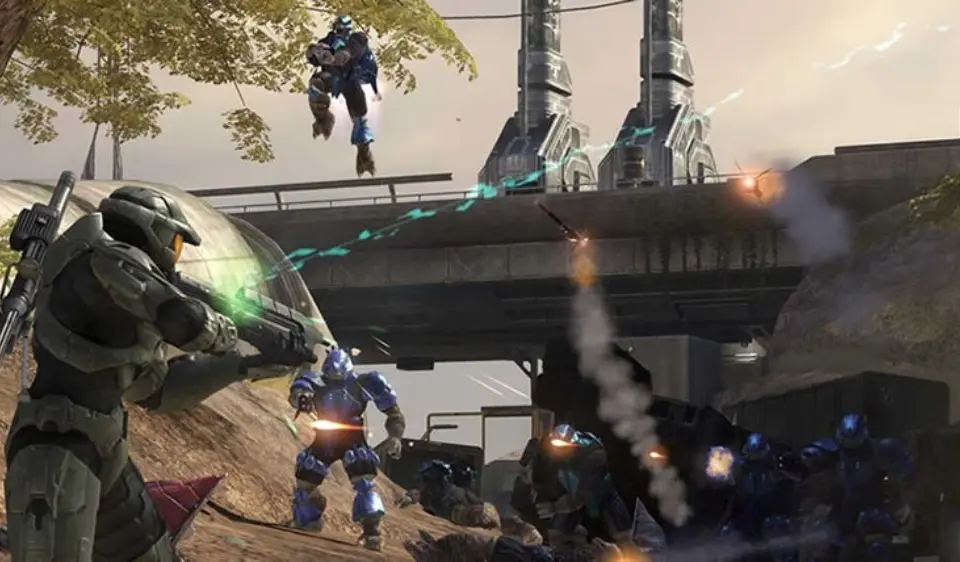
Tips for mastering Halo 3's Forge mode: controls, object manipulation, map design, and sharing creations.
Forge mode allows players to customize and create their own multiplayer maps. To get started, familiarize yourself with the controls for spawning, moving, and manipulating objects. Experiment with different object types, from structural pieces to vehicles and weapons. Use the 'magnet' feature to snap objects together precisely. Don't be afraid to save multiple versions of your map as you build. Consider the flow of gameplay and weapon placement when designing. Sharing your creations with the community can lead to new and exciting game experiences.

- Learn Controls: Master spawning, moving, rotating, and deleting objects.
- Experiment with Objects: use all available pieces, including structures, vehicles, and weapons.
- Use Magnets: Snap objects together for precise alignment.
- Save Frequently: Create multiple save points for your map.
- Consider Gameplay Flow: Design maps with balanced weapon spawns and strategic pathways.
- Test Thoroughly: Playtest your map with friends to identify issues and improvements.
- Share Creations: Upload your maps to the file share for others to enjoy.
100% Human-Written. AI Fact-Checked. Community Verified. Learn how AntMag verifies content