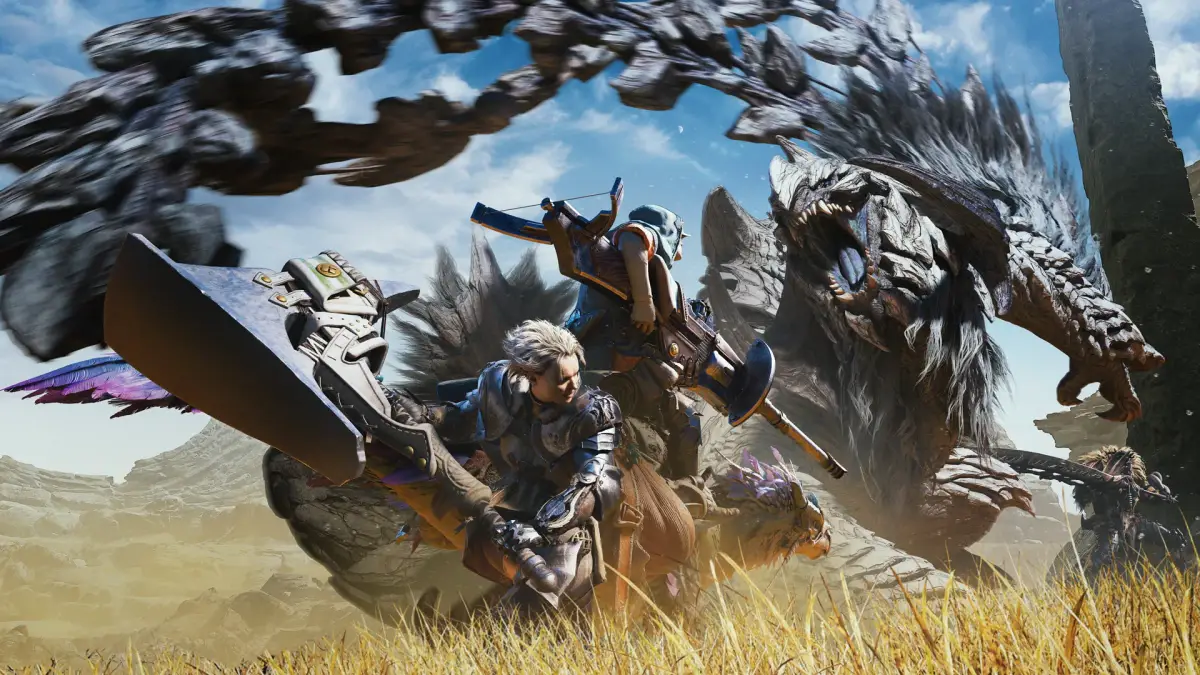
Learn how to change your Hunter and Palico's look in Monster Hunter Wilds! We cover appearance edits, armor transmogs, hiding gear, and cosmetic options.
Alright, so you've been playing Monster Hunter Wilds for a bit, and you're probably wondering how to make your hunter and their trusty Palico look *exactly* how you want them. It's not just about stats, right? You want to look good while you're out there slaying monsters! Luckily, your tent is your best friend for this. As soon as you get to base camp, you'll find your tent, and inside, you can manage all sorts of things, including your appearance.
To get started, just head into your tent and select the “Change Appearance” option. This will take you back to a simplified version of the character creation screen. From here, you can choose to tweak your hunter or your Palico. Think of it like a barber shop – you can change up your hairstyle and color, eye color, teeth color, facial hair and its color, makeup, face paint (even some cool-looking scars!), voice pitch, and even your character's general bearing and clothing. However, keep in mind there are some limits. You can't change your gender, alter your voice type, mess with your facial features, or change your skin tone. For your Palico, their base fur pattern is fixed, but pretty much everything else is fair game for customization!
Now, let's talk about your armor. This is where the real fashion show happens! Inside your tent, you'll find the “Equipment Appearance” option. This lets you dive into several categories. The first thing you can do is select the name of a piece of gear, and then you can swap its default look for a transmog. Right now, there's a limited selection, including the cool “Guild Knight” set and the “Feudal Soldier” set, plus some fun extras like eye patches, oni horns, and “Wyverian Ears.” These aren't actual armors, just visual changes. The second option is a simple toggle switch – it lets you hide or show your armor. This is super handy, especially for hiding helmets if you think they clash with your hunter's amazing face (or just don't like the look). Finally, there are two pigment options. These usually don't work on regular in-game armor, but they're there if you want to change the colors of your transmog appearances or any future DLC armor. You can also mess with the visibility and color of your underclothes and equip cosmetic pendants here if you're feeling fancy.
Just like your hunter, you can also customize your Palico's gear. You can give them a choice between transmogs and hide any armor pieces you'd rather not see on them. Remember, Monster Hunter is all about looking cool, but sometimes you might have to make a tough call between stats and style!
100% Human-Written. AI Fact-Checked. Community Verified. Learn how AntMag verifies content