Learn essential movement techniques like quick-jumping and understand combat basics to conquer Painkiller's levels. Master the HUD and video settings for optimal gameplay.
This section covers the fundamental movement and combat mechanics in Painkiller, designed to help new players navigate levels and defeat enemies effectively.
Movement:
Effective movement is crucial for both progressing through levels and succeeding in combat. Players will encounter various obstacles, some requiring simple jumps, others needing more complex maneuvers. Mastering jumps, understanding how to land on sloped surfaces to avoid damage, and dealing with environmental elements like buggy ladders or moving conveyances are key. Narrow paths can also be challenging, requiring precise movement to avoid falling and restarting.
Quick-Jump (Bunnyhop):
The quick-jump, also known as a bunnyhop, significantly enhances speed and distance. By continuously running and jumping, pressing the jump button each time you land, players can achieve long, rapid skips. This technique is vital for outmaneuvering melee-attacking enemies, traversing slopes, and reaching elevated areas or secret locations inaccessible with normal jumps. Experimenting with quick-jumps is recommended, as many secret areas are only reachable this way. Standing quick-jumps, performed without a running start, allow for forward jumps that cover more distance than standard ones.
Directional Arrow:
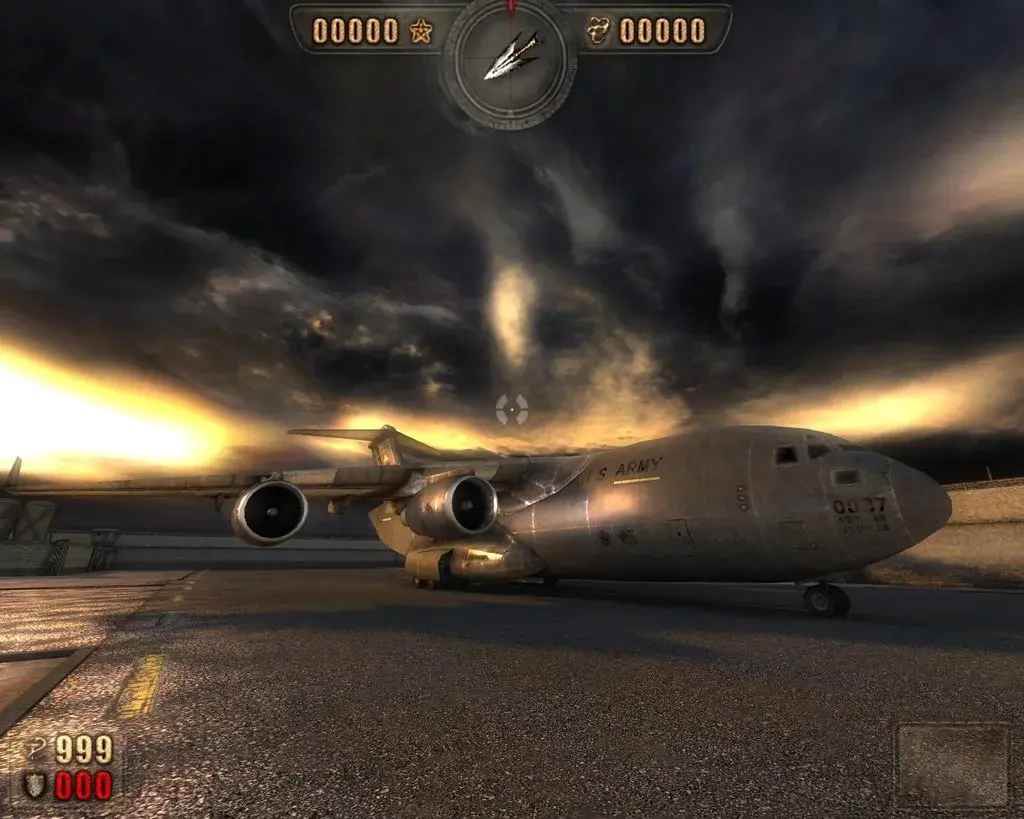
The directional arrow on the HUD indicates the nearest enemy. When no enemies are present, it turns red and points to the next checkpoint. If enemies are present but distant, the arrow may point north, indicating a need to search the area thoroughly.
HUD and Settings:
For optimal aiming, it's advised to set headbob to 0. A bright green, high-contrast crosshair is recommended for visibility against various backgrounds. Turning off battle music can enhance the experience of ambient sounds and music, but leaving it on provides early warnings of enemy attacks. Video settings can impact game speed; lower settings result in faster gameplay, but it's advisable to maintain visual quality where possible. Areas with extensive rubble, numerous monsters, weather effects, or many buildings are prone to slowdown. Boss arenas can also be performance-intensive due to the number of effects and large boss models. Finding a balance between visual fidelity and performance is system-dependent.
Note on Graphics: Bosses in Painkiller use 3D models, not 2D sprites. Sprites are flat and rotate with the player's view, while models are fully three-dimensional.
100% Human-Written. AI Fact-Checked. Community Verified. Learn how AntMag verifies content