
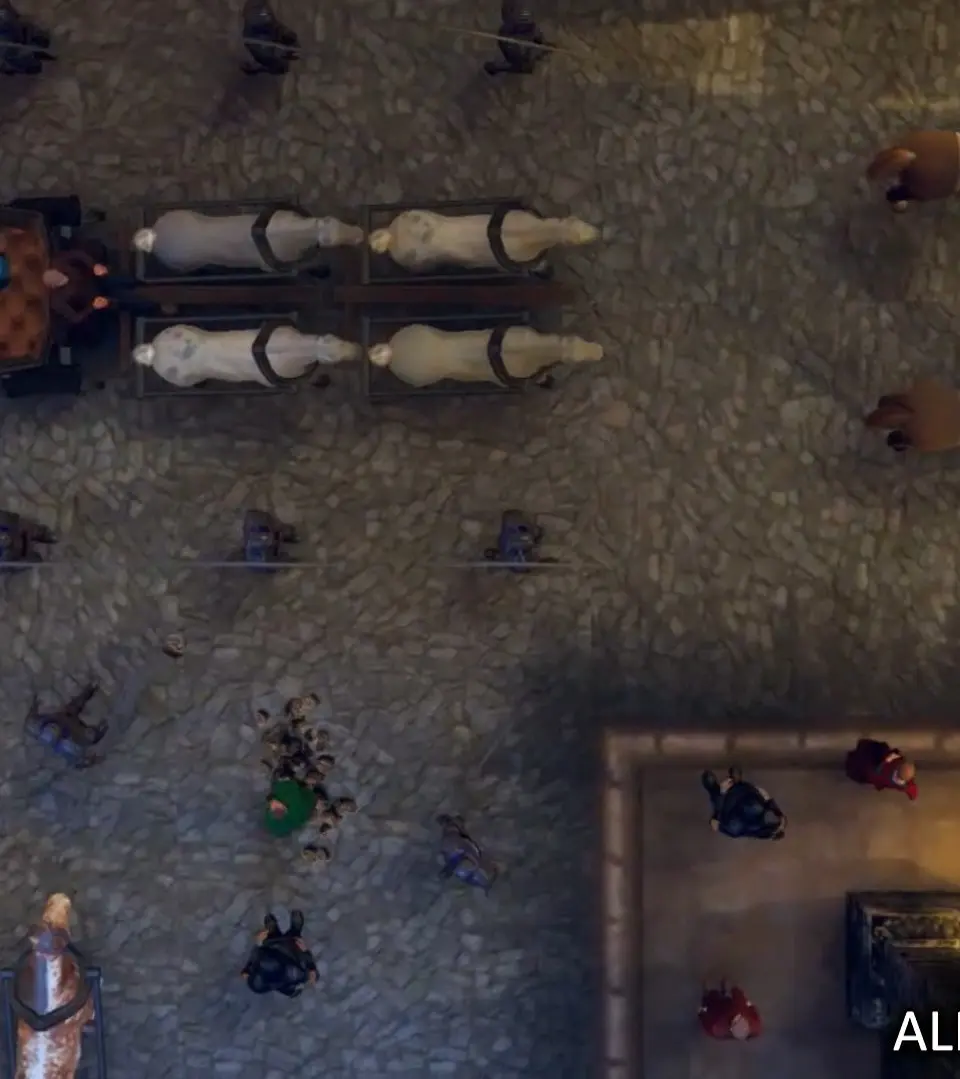
Master saving and loading in Rustler. This guide explains the in-world save system to prevent losing progress after heists or escapes from the Guard.
In the chaotic world of Rustler, preserving your progress is paramount. Unlike some modern titles, Rustler employs a classic, in-world save system that requires a bit of legwork. There's no "save anywhere" option here, so understanding the mechanics is crucial to avoid losing valuable progress, especially after a particularly successful heist or a narrow escape from the Guard.
How to Save Your Game
Saving your game in Rustler is tied directly to your safe houses. These are your personal havens scattered across the map, offering a moment of respite and a place to stash your ill-gotten gains. To save your game:
- Locate a Safe House: Safe houses are marked on your minimap and the main map with a distinctive "house" icon. Early in the game, your primary safe house will be in the starting village, just west of the main market square. As you progress and complete certain missions, you'll unlock additional safe houses in other regions, such as the one near the southern docks or the secluded shack in the northern forest.
- Enter the Safe House: Simply walk into the designated area of your safe house. You'll typically find a bed or a specific interaction point within.
- Initiate the Save: Once inside, look for the prompt to "Save Game" or "Sleep to Save." This prompt usually appears when you approach the bed. Press the indicated action button (e.g., 'E' on PC, 'A' on Xbox, 'X' on PlayStation) to confirm.
- Confirm Your Save Slot: The game will present you with a list of available save slots. It's highly recommended to use multiple save slots, especially before major missions or risky endeavors. This allows you to revert to an earlier point if things go sideways. Select an empty slot or overwrite an existing one (be careful!).
- Wait for Confirmation: A message will appear on screen confirming that your game has been saved. Do not exit the game until you see this confirmation.
Important Considerations for Saving:
- No Auto-Save: Rustler does NOT feature an automatic save system. If you quit the game without manually saving, all progress since your last save will be lost.
- Mission Progress: While saving at a safe house preserves your general game state (inventory, money, completed side activities), it will NOT save your progress in the middle of an active mission. If you save during a mission and then load that save, you will restart the mission from its beginning. Always complete a mission before saving if you want to lock in that mission's progress.
- Respawn Point: Your last save location also dictates your respawn point if you happen to get "busted" by the Guard or meet an untimely end.
Loading Your Game
To load a previously saved game:
- From the Main Menu: When you first launch Rustler, select "Load Game" from the main menu.
- Select Your Save Slot: You'll be presented with a list of your saved games, each showing the date, time, and a brief description of your progress (e.g., "Last saved near the Blacksmith," "Mission: Steal the Horse").
- Confirm Selection: Choose the save file you wish to load and confirm your selection.
Quick Loading (After Death/Bust):
If you die or get busted by the Guard, you'll be given the option to "Continue" or "Load Game."
- Continue: This option will load your most recent save file. This is generally the quickest way to get back into the action after an unfortunate incident.
- Load Game: This takes you to the full save file selection screen, allowing you to choose any of your saved games. Useful if you want to revert to an older save for strategic reasons.
Strategic Saving Tips
- Before Risky Business: Always save before attempting a particularly dangerous mission, a large-scale brawl, or venturing into heavily guarded areas.
- After Big Scores: Just successfully robbed a carriage full of gold? Found a rare weapon? Head straight to your nearest safe house and save! Don't risk losing that hard-earned loot.
- Multiple Slots are Your Friends: Don't rely on just one save slot. Use 2-3 rotating slots, especially if you're experimenting with different approaches to missions or exploring new areas. This provides a safety net if a save becomes corrupted or you make a decision you regret.
- Know Your Safe Houses: Familiarize yourself with the locations of all unlocked safe houses. Knowing the quickest route to a save point can be a lifesaver when the Guard is hot on your tail.
By mastering the saving and loading mechanics in Rustler, you'll ensure your journey as a medieval scoundrel is as smooth (and save-protected) as possible!
100% Human-Written. AI Fact-Checked. Community Verified. Learn how AntMag verifies content