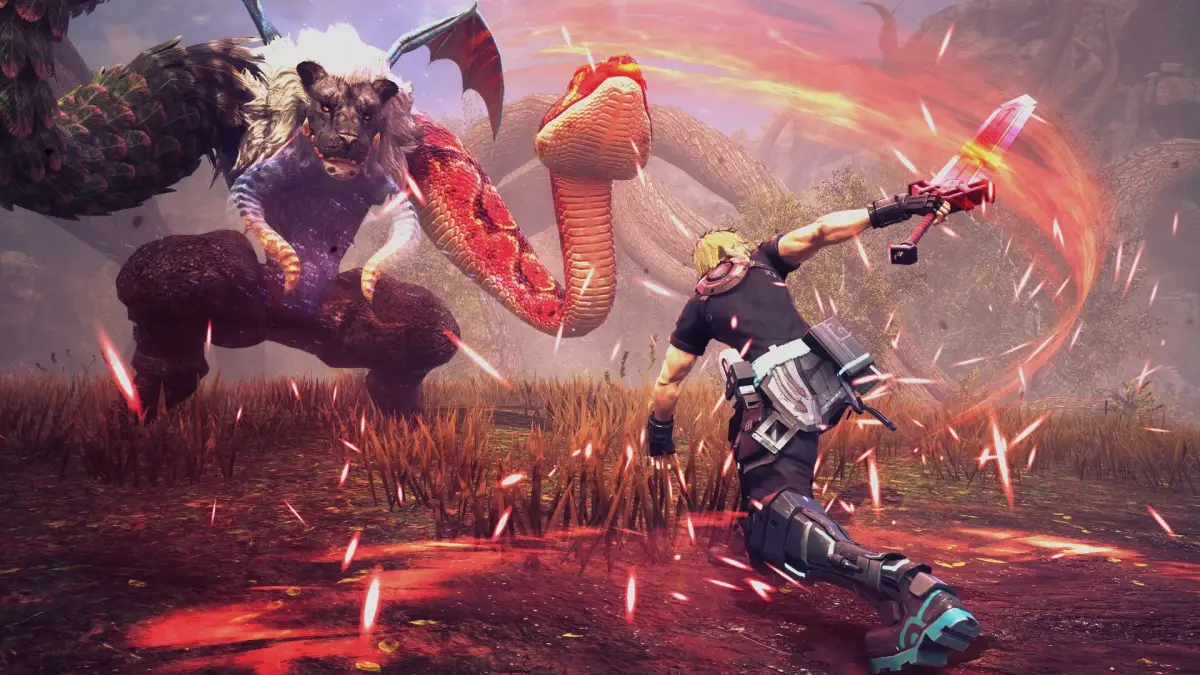
Learn the essential controls, starting options, character choices, difficulty settings, saving methods, and menu navigation for Star Ocean: The Divine Force. Your ultimate guide to getting started.
This guide covers the fundamental aspects of Star Ocean: The Divine Force, including controls, game start options, character selection, difficulty levels, saving, and menu navigation.
Controls
The following table outlines the button mappings for various actions in different game modes:
| Menu | Field | Battle | Stop Mode |
|---|---|---|---|
| Confirm | Jump | Jump | Use Item |
| Options | Field Skill | Perform Skill 1 | Quick HP Recovery |
| Sort | Investigate | Perform Skill 2 | - |
| Cancel | - | Perform Skill 3 | Exit Stop Mode |
| Select | - | - | - |
| - | Switch Character | Switch Character | Switch Character |
| - | - | Switch Target | Switch Target |
| Switch Sub-Category | D.U.M.A. Float | D.U.M.A. Float | Change Strategy |
| Switch Category | Map Screen | - | - |
| - | Move Camera | Move Camera | Move Camera |
| - | Reset Camera | Lock On/Release Target | Reset Camera |
| Switch Sub-Category | Dodge | Dodge | Change Strategy |
| Switch Category | D.U.M.A. Scan | - | - |
| Select | Move | Move | - |
| - | Sprint | - | - |
| Stop Mode | Stop Mode | Stop Mode | Exit Stop Mode |
| Close Menu | Camp Menu | Camp Menu | Camp Menu |
You can skip an event by holding the designated button until a circle is completed around the icon in the lower right of the screen.
Starting a Game
From the title screen, you can choose to:
- New Game: Begin the story from the start.
- Continue: Load your most recent save file.
- Load Game: Choose a specific manual or auto save file to load.
- System: Adjust game options such as camera, sound, and language.
- License: View the game's software license details.
Choose Your Main Character
When starting a new game, you must select either Raymond or Laeticia as your main character. Your entire playthrough will be with this character. To experience all story scenes and endings, you must play through the game twice, once with each character.
Difficulty Level
Select your desired difficulty level:
- Earth: Easy, suitable for beginners or those who struggle with action games.
- Galaxy: Standard, offering a balanced challenge.
- Universe: Brutal, for players seeking a significant challenge.
- Chaos: Ultimate, intended for the most skilled players.
Enemy attributes are adjusted based on difficulty:
| Enemy Attribute | Earth | Galaxy | Universe | Chaos |
|---|---|---|---|---|
| HP | 0.7x | 1.0x | 1.5x | 3.0x |
| ATK | 0.9x | 1.0x | 1.25x | 1.6x |
| INT | 0.9x | 1.0x | 1.25x | 1.5x |
| DEF | 1.0x | 1.0x | 1.0x | 1.0x |
| GUTS | 0.7x | 1.0x | 1.25x | 1.5x |
For example, an enemy with 1,000 HP on Galaxy would have 700 HP on Earth and 3,000 HP on Chaos. Difficulty can be changed via [System→Game→Select Difficulty] from the Camp Menu. Chaos difficulty is unlocked after completing the game on Universe difficulty.
Choose your Voice Language, and the opening scene will commence.
Saving a Game
Manual Save
Save your game manually by selecting "Save" from the System tab of the Camp Menu, provided you are not in battle or an event. There are 14 slots available for manual saves.
Auto Save
The game features an Auto Save function that records your progress when you rest at an Inn or Camp, or when you enter a new location. This function can be disabled in the System menu.
Loading a Saved Game
Select "Continue" from the Title Screen to load the most recent manual or auto save. You can also load any manual or auto save file from the System tab of the Camp Menu during gameplay.
Menus
Press / to open the Camp Menu. The default view is the Party Screen, with sub-menu options accessible via icons at the top.
Party Screen
The Party Screen shows the status of your current battle party. Press to view reserve members. Use / to edit the party formation by selecting a member and then selecting another to swap their positions. This allows you to change the active lineup or integrate reserve members.
Character Status
The right side of the Party Screen displays the status of the highlighted character:
- HP (Hit Points): Your life force. Reaching 0 HP incapacitates your character.
- ATK (Attack): Physical attack power.
- INT (Intelligence): Magical attack power.
- DEF (Defense): Physical defense.
- GUTS: Influences status effect resistance and application, critical hit rate, and healing spell effectiveness.
- Resistance: Elemental resistances reduce magic damage, while status resistances decrease the chance of ailments.
- EXP (Experience Points): Current experience and points needed to level up.
Character Edit Screen
From the Party Screen, highlight a character and press / to access their details.
Equipment
Here you can view and change equipped items. Characters can equip one weapon, one armor, and two accessories. Press / to toggle item details. Select an equipped item to exchange it with an item from your inventory.
Chain Combos
Create or edit a character's Chain Combos using Skill Points (SP).
100% Human-Written. AI Fact-Checked. Community Verified. Learn how AntMag verifies content