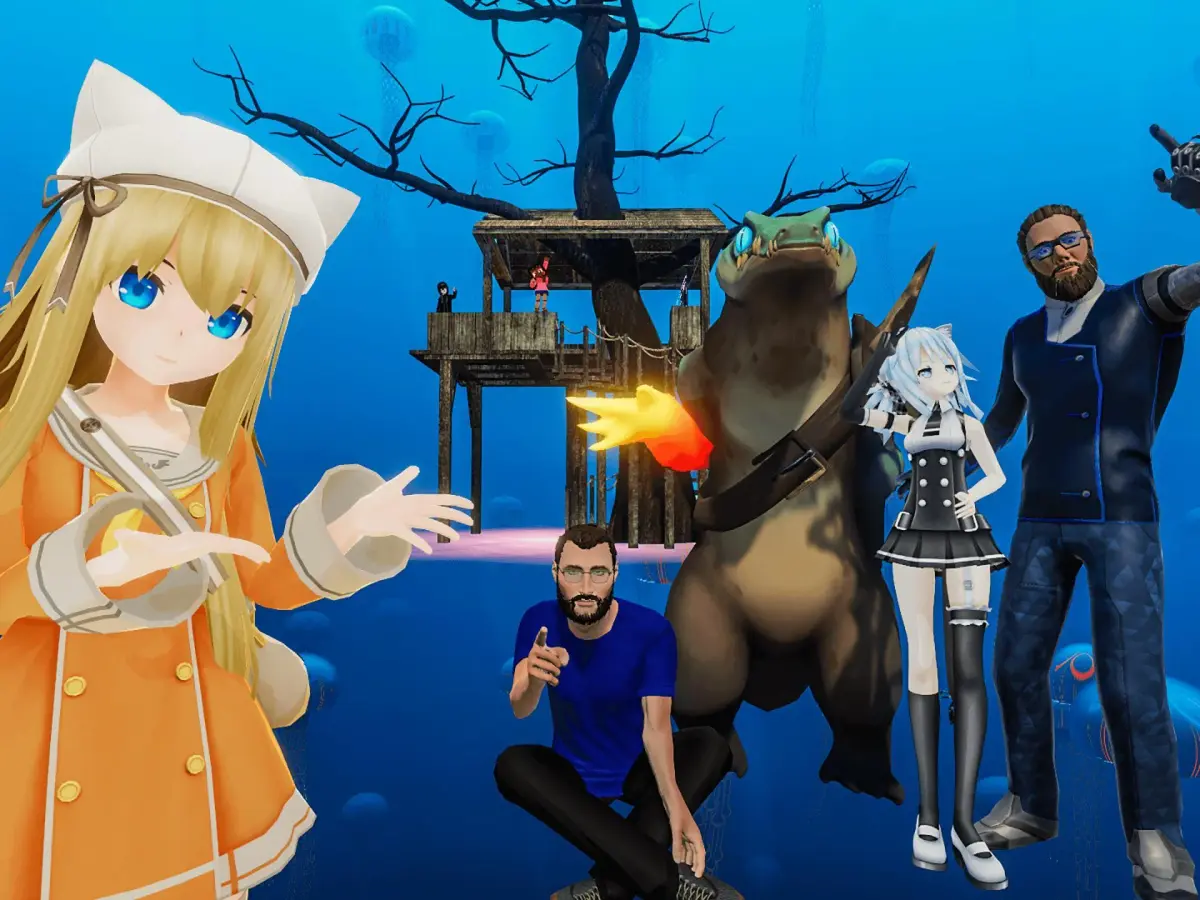
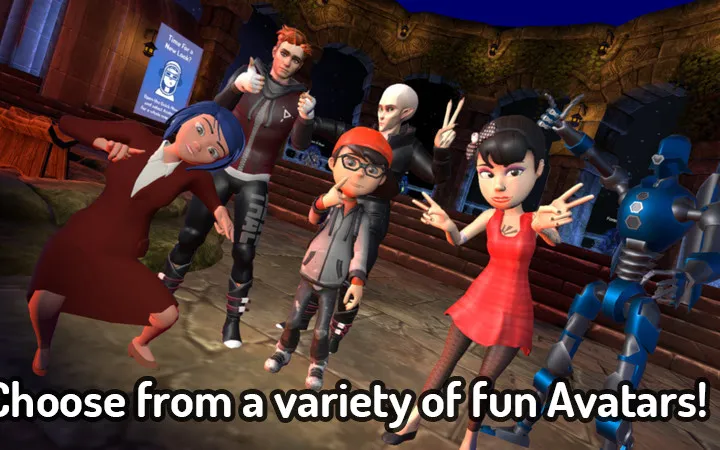
Hey there! Let's talk VRChat avatars. This guide breaks down how avatars work, platform differences (PC vs. Quest), and why performance matters for everyone in VRChat.
Hey there! So, you're diving into VRChat and want to make sure your avatar is looking good and running smoothly? Awesome! Let's chat about avatars – they're basically your digital you in VRChat, and they can be super diverse. You can switch them up anytime, too, depending on the world you're in or what platform you're using. Think of avatars like this: there are public ones everyone can use, private ones just for you, and custom ones you make yourself. But here's a key thing: not all avatars play nice on every platform. PC vs. Quest: * PC avatars: These can get pretty fancy with more polygons, cool shaders, and all sorts of dynamic bits. They have more freedom. * Quest avatars: These are the ones that need to be super optimized. They have stricter limits, so sometimes they might look a little less detailed than their PC counterparts. If you want your avatar to show up for Quest users, it *has* to be Quest-optimized. Performance Ranks: VRChat actually gives avatars a 'performance rank' based on how much power they use. The better the rank, the easier it is for other people to see and interact with your avatar without lag. It's all about making sure everyone has a good time! Safety and Visibility: Sometimes, you might not see certain avatars. This can be because of safety settings, your 'trust rank' in VRChat, or what other users have chosen to see. It's all part of keeping the VRChat experience comfortable for everyone. Quick Q&A: * How do I change my avatar? Easy! Just open your avatar menu in most worlds. * Why can't I see some avatars? Usually, it's those safety settings or platform differences we just talked about. * Can I use the same avatar on PC and Quest? Only if it's been specifically optimized for Quest. Otherwise, Quest users just won't see it.100% Human-Written. AI Fact-Checked. Community Verified. Learn how AntMag verifies content