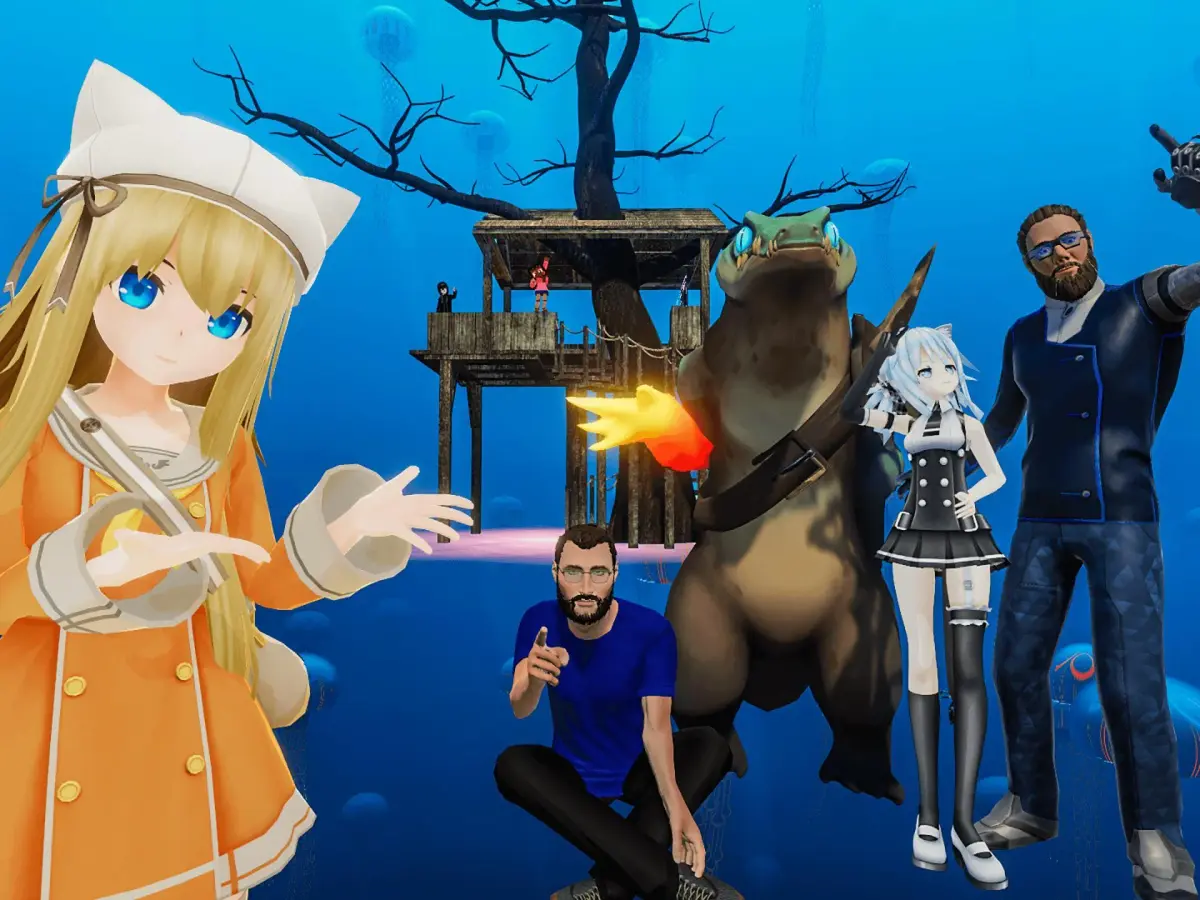
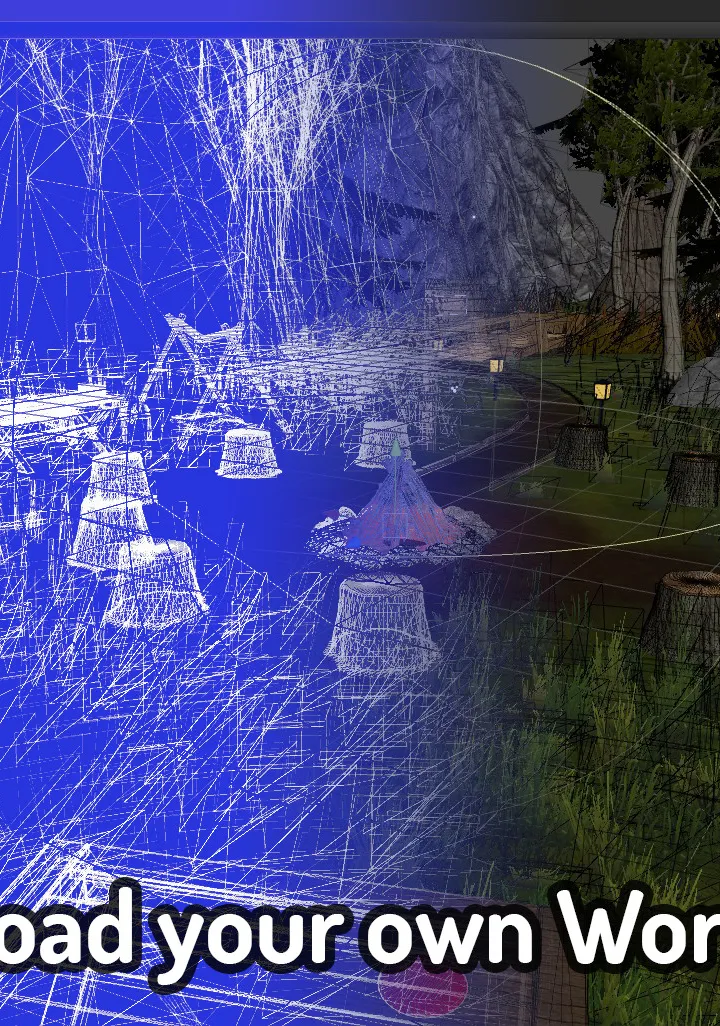
Build custom VRChat worlds using the VRChat SDK in Unity. Learn to transform your creative concepts into immersive social spaces and interactive environments.
Building your own worlds in VRChat is where the platform truly shines, offering an infinite canvas for your creativity. Similar to avatar creation, the process relies heavily on Unity and the VRChat SDK. The first step is to establish a clear concept for your world. What kind of experience do you want to create? Is it a social hangout, an adventure map, a puzzle challenge, or something entirely unique? Having a solid concept will guide your des decisions.
Once your concept is defined, you'll set up a Unity project and import the VRChat SDK. This SDK provides essential tools for building and uploading worlds, including prefabs for VRChat-specific components like spawn points, portals, and interactive elements. You'll then begin constructing your world using Unity's scene editor. This can involve importing 3D models for environments, props, and characters, or even creating them from scratch within Unity or external modeling software.
Lighting, sound des, and atmosphere are crucial for immersing users in your world. Experiment with different lighting setups to evoke the desired mood. Consider adding ambient sounds, music, and interactive audio elements to enhance the experience. VRChat also supports various post-processing effects that can further refine the visual style of your world.
Key elements to focus on during world creation:
- Environment Des: Create visually appealing and navigable spaces. Consider the flow of movement and points of interest.
- Interactivity: Implement interactive objects, buttons, levers, or even simple game mechanics to make your world engaging.
- Performance Optimization: Just like avatars, worlds need to be optimized. Use techniques like occlusion culling, light baking, and LOD (Level of Detail) to ensure smooth performance across different hardware, especially for Quest users.
- Spawn Points and Portals: Strategically place spawn points for users and portals to link to other worlds or areas within your own.
- VRChat SDK Components: Utilize prefabs and components provided by the SDK for functionalities like world saving, user management, and networking.
After meticulously building and testing your world in Unity, you'll use the VRChat SDK's upload tools. This process involves setting world parameters, such as name, description, and tags, and then uploading it to VRChat's servers. Once published, your world becomes accessible to anyone in VRChat, allowing you to share your creation with the global community.
100% Human-Written. AI Fact-Checked. Community Verified. Learn how AntMag verifies content