Dive into VRChat's avatar features! Learn about customization, interaction, and how to make your avatar truly yours in this comprehensive guide.
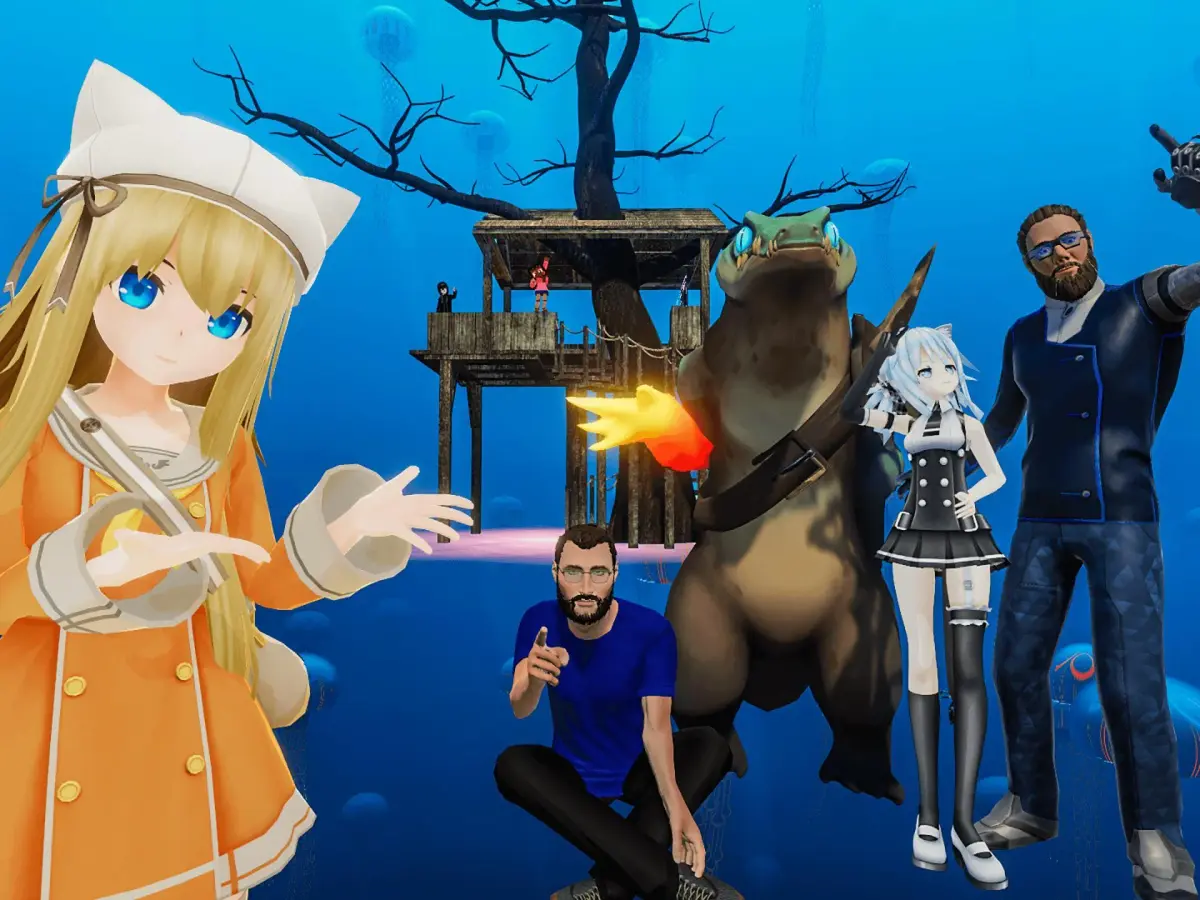
Hey there! So you're diving into VRChat and want to get a handle on how avatars work? Awesome! It's one of the coolest parts of the whole experience. Think of your avatar as your digital self – how you look, how you move, and how you interact with everyone else. Let's break down what makes them tick and how you can really make yours shine.
First off, VRChat is all about expressing yourself, and your avatar is the main way you do that. You can find tons of avatars created by other users, ranging from super realistic to completely wild and fantastical. The key is finding one that feels right for you, whether it's for chilling with friends or exploring new worlds.
Beyond just looking cool, avatars have a bunch of interactive features. Many avatars come with built-in animations and emotes that you can trigger. Want to wave hello, do a little dance, or strike a pose? Most avatars have a menu where you can select these actions. It's a super fun way to communicate and add personality to your interactions.
Some avatars even have special features! You might find ones that can change their appearance, activate particle effects, or even have unique movement capabilities. These are often controlled through an avatar's specific control panel, which you can usually access by holding down the 'R' key (or your designated menu button) and selecting the avatar's options. Don't be afraid to experiment with these!
Interacting with other avatars is where the magic really happens. You can see their movements, hear their voices (if they're using a mic), and use your own avatar's animations to respond. It's all about creating a sense of presence and connection, even when you're worlds apart. Mastering your avatar's features is key to feeling truly immersed and expressive in VRChat.
100% Human-Written. AI Fact-Checked. Community Verified. Learn how AntMag verifies content