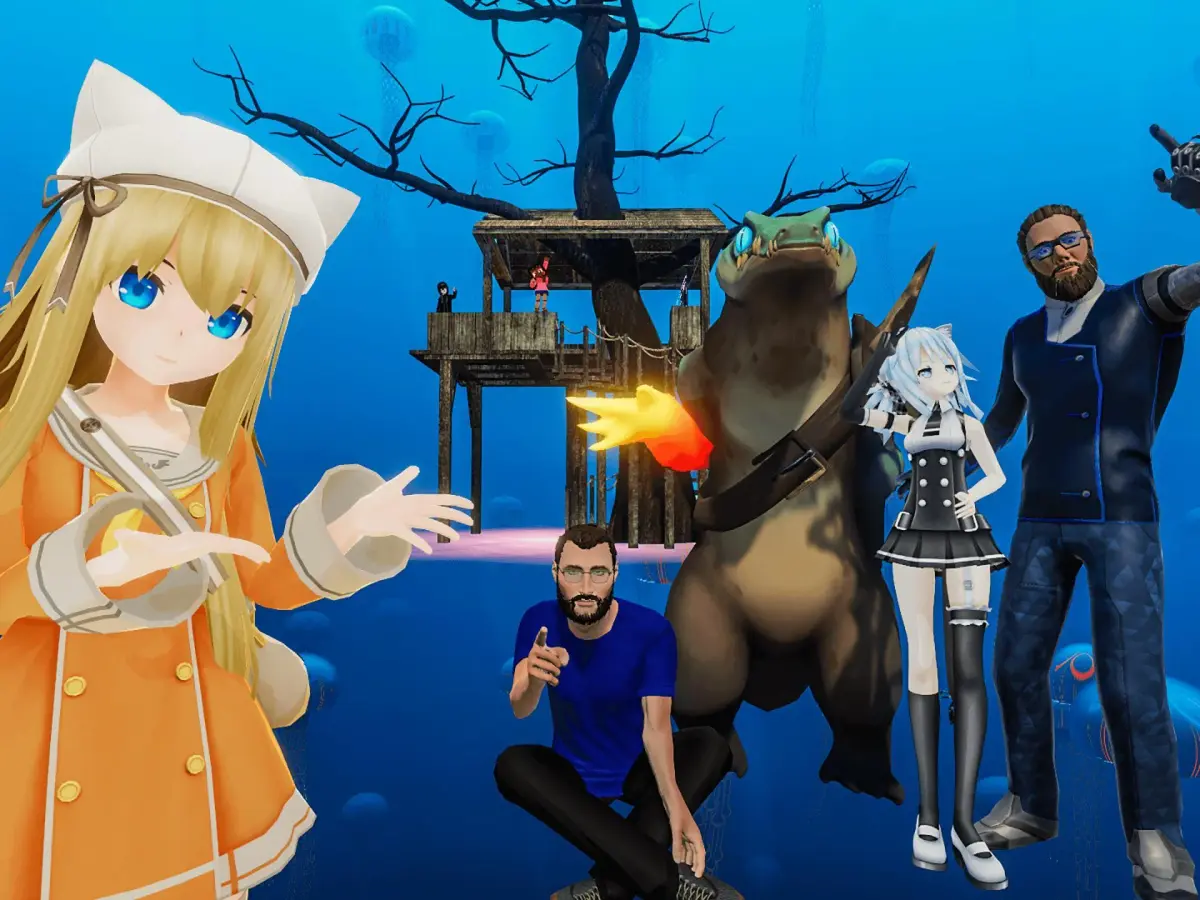
Ready to dive into VRChat? This guide walks you through installing the game and creating your account step-by-step, so you can start exploring virtual worlds in no time!
Hey there! So you're looking to jump into VRChat, huh? Awesome! It's a super cool place to hang out and meet people. Getting set up is pretty straightforward, but let's walk through it together so you don't miss anything.
First things first, you'll need to get VRChat installed. The easiest way to do this is through Steam. If you don't have Steam already, you'll need to download and install that first from their official website. Once Steam is up and running, just search for 'VRChat' in the store and hit that install button. It's a free download, which is great!
After VRChat is installed, you'll need to create an account. When you first launch the game, it'll prompt you to log in or create a new account. You can use your existing VRChat account if you already have one, or you can create a new one right there. Just follow the on-screen instructions – it's pretty standard stuff like picking a username and password.
Pro Tip: When picking a username, think about something you'll be happy with for a while, as changing it later can be a bit of a hassle. Also, make sure to use a strong password to keep your account safe!
Once your account is created and you're logged in, you'll be taken to the main menu. From here, you can start customizing your avatar and exploring the different worlds. Don't worry if it seems a little overwhelming at first; we'll cover more of that in the next sections. For now, just getting the game installed and your account set up is the main goal!
100% Human-Written. AI Fact-Checked. Community Verified. Learn how AntMag verifies content